Smart Koala
A sleepy koala that lives in a key.
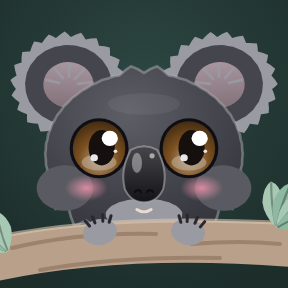
Smart Koala is a cartoon koala that lives in a Stream Deck key. It is the laziest and friendliest of the Smart Pets: not shy for a second, a friend from the first minute, a born hugger and koala-clingy. It dozes there behind a big dark nose and a pair of fluffy ears, and is in no hurry about anything at all. Tap it, and it ambles out onto your screen to walk the Dock, hang on the side of a window like on a gum tree and munch a sprig of gum leaves. Tap again, and it goes home.
For macOS and Windows. No account, no network: everything it learns stays on your computer.
The button turns into a link the moment Elgato publishes the listing.
Out on your screen
Every frame of this film is drawn by the plugin itself.
Sleepy, gentle, hungry
Big nose, big ears, heavy eyelids. It munches a leaf, rolls a gumnut, takes the rare sip of water, and sleeps. Mostly it sleeps. It is a born hugger, and grumpy-cute only when you wake it.
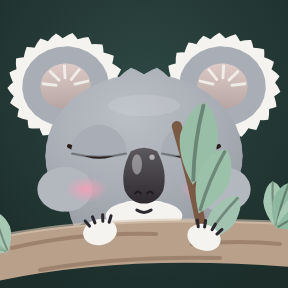
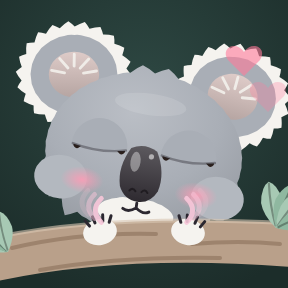
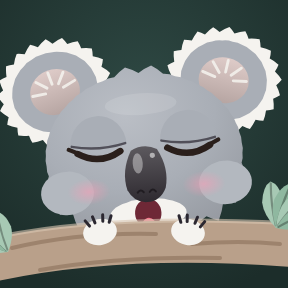
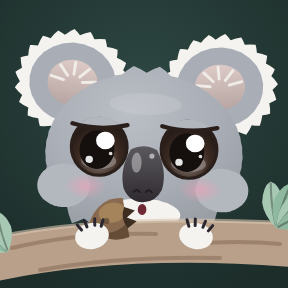

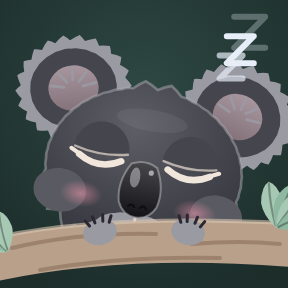
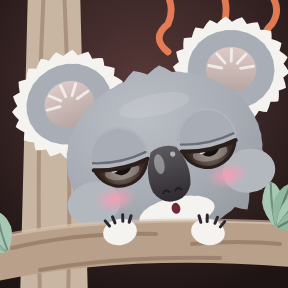
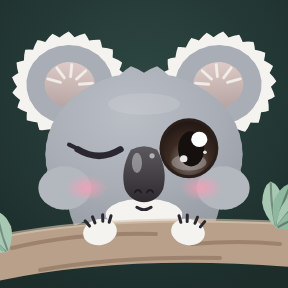
A friend from the first minute.
The hours you spend at your computer together never make it less shy. It never was. They only make it cuddlier.

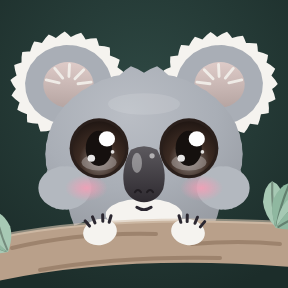
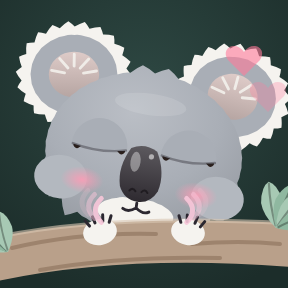
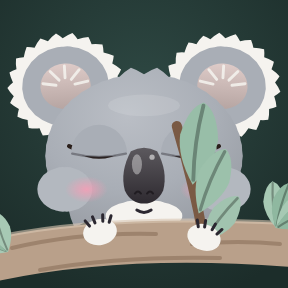
Tap the key. Out it ambles. Slowly.
It ambles slowly along the Dock or taskbar and the tops of your windows, and, koala-clingy as it is, it goes and hangs on the side of a window like on a tree trunk, for a good while: looking at you when your pointer comes near, dozing otherwise, little z's rising. Then it climbs back down, tail first. Clicks go straight through it, it goes home after a set time, when you leave the computer or when something goes full screen, and it never comes out on its own.
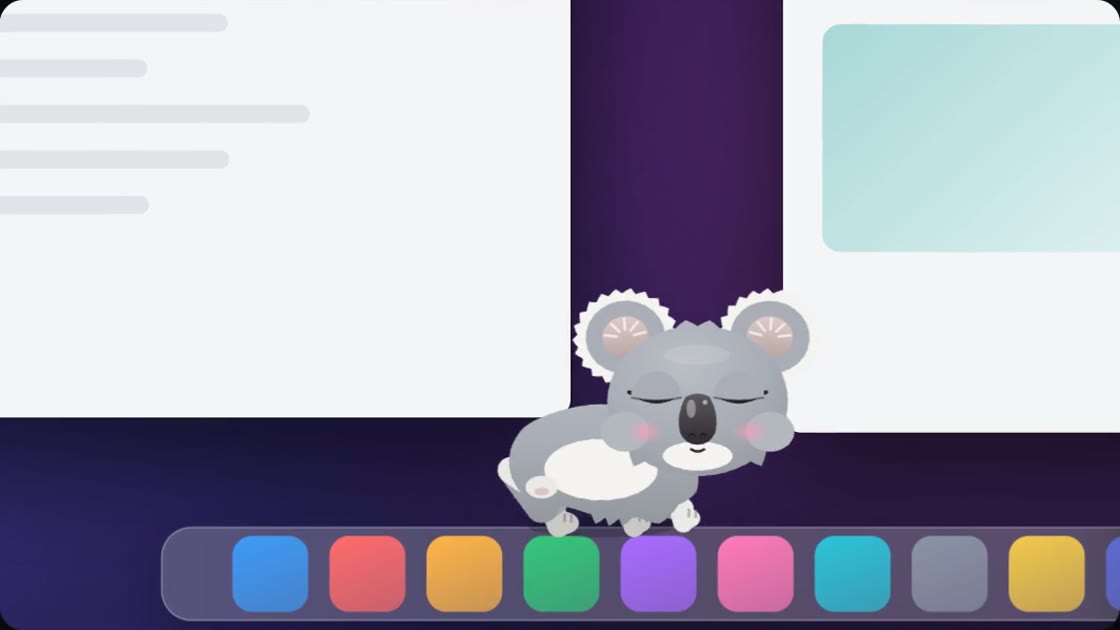
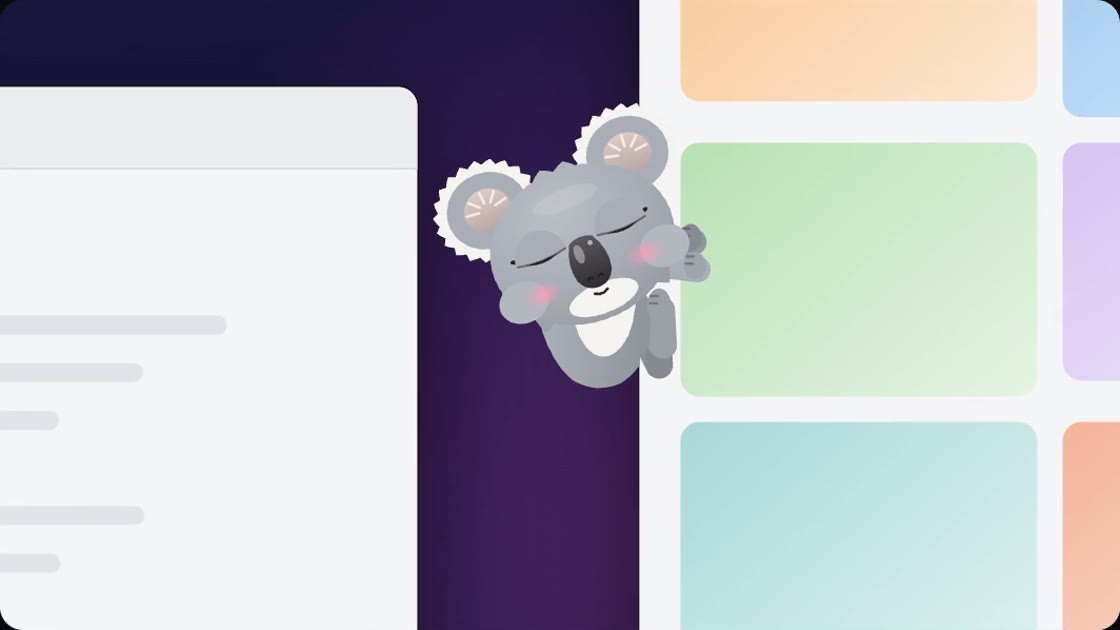
Very much a koala
It sits up and munches a sprig of gum leaves, one leaf at a time, often followed by a nap. It bats a gumnut, watches a butterfly, and comes over to a resting pointer for a hug or a boop with its big nose.
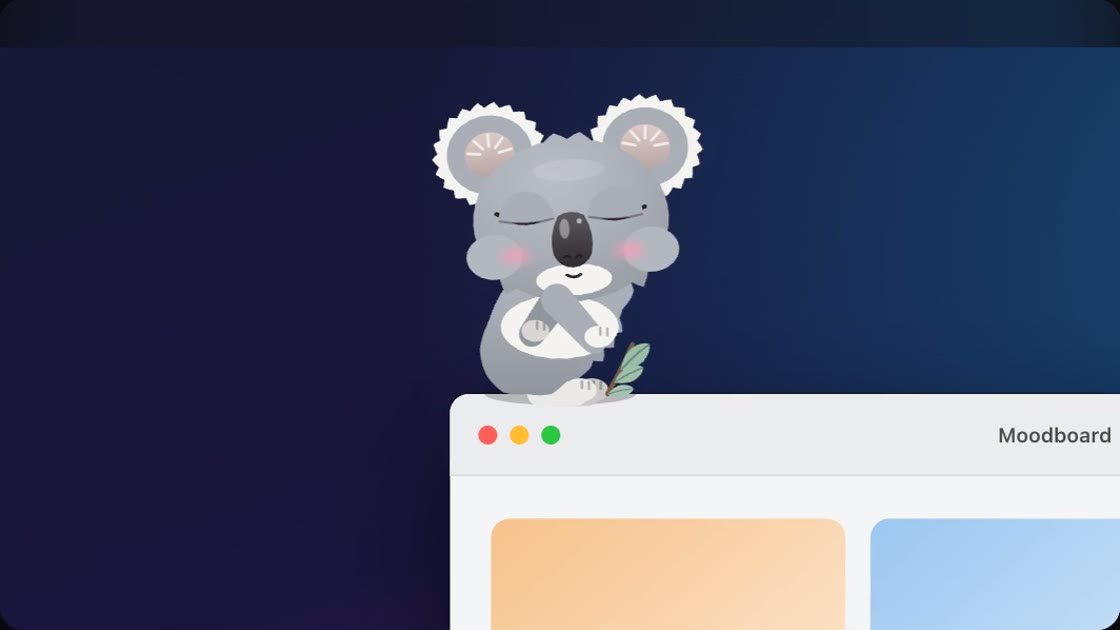
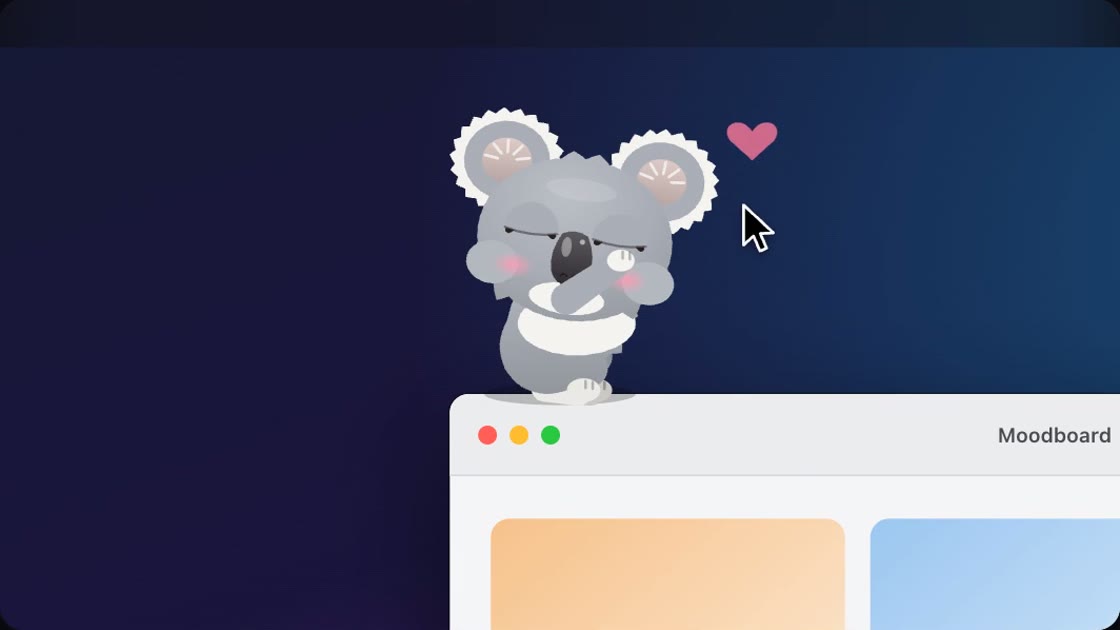
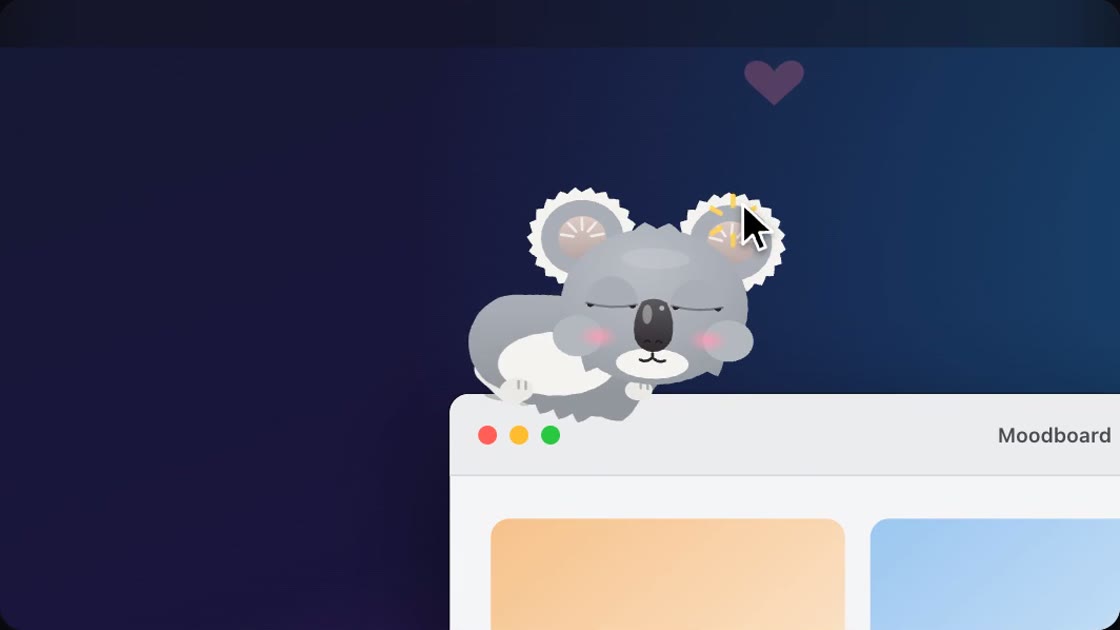
Wiggle the pointer at it while it sleeps and it pouts, huffs, and goes straight back to sleep.
It brings things, only when you let it
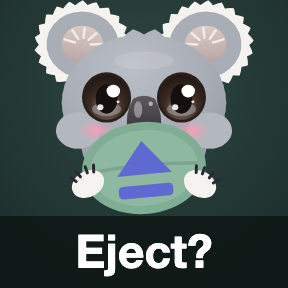
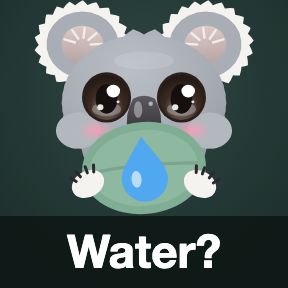
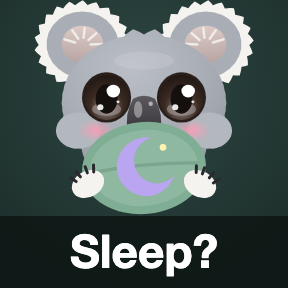
It brings one thing at a time to its key, hugging it to its chest on a big gum leaf: tap for yes, hold for not now. It does not ask twice. Every helper is off until you turn it on in its settings.


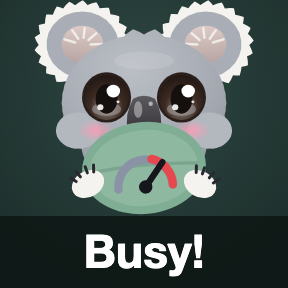
Hold the key: a tree nap
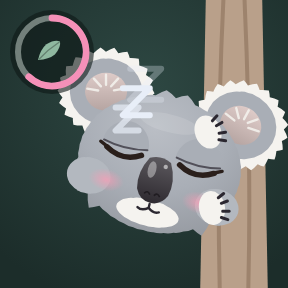
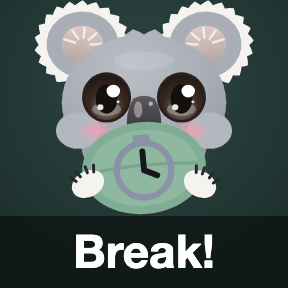
Hold on for one and a half seconds and the tree nap comes up: 15, 25, 45 or 50 minutes. It climbs its trunk and naps there, bringing you nothing until the time is up. Then it yawns and calls a break.
Your koala, your code
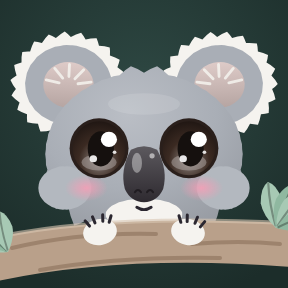
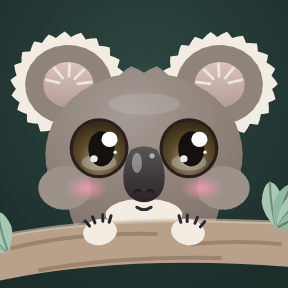
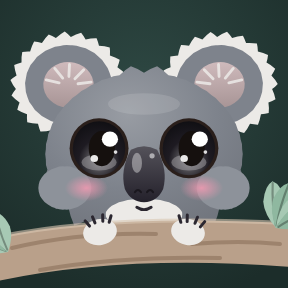
Six coats to choose from, and it starts out as Gumnut: silver coat, cocoa eyes. Its adoption code carries its name, looks and your time together, so a twin can live on another computer, Mac or PC. Public breed codes like KOALA-QUEENSLAND change its coat.


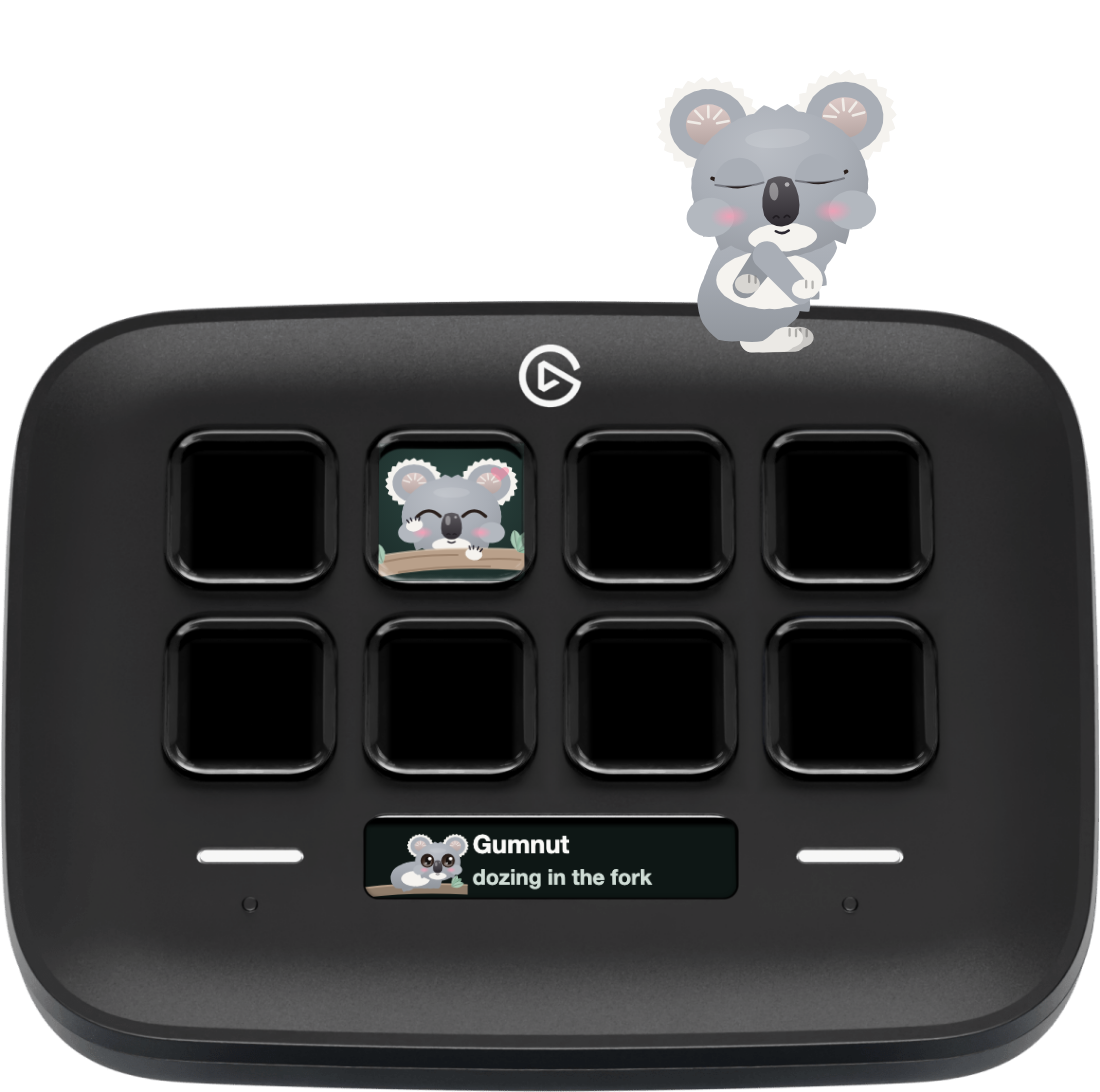
On the Stream Deck Neo
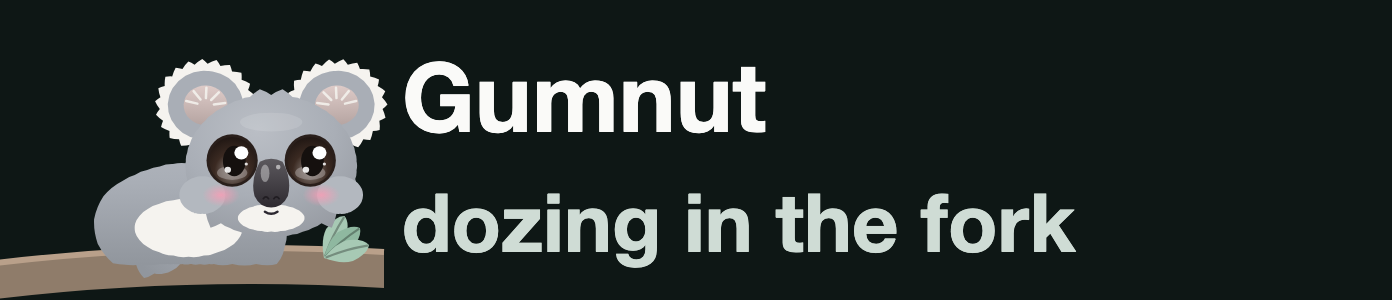
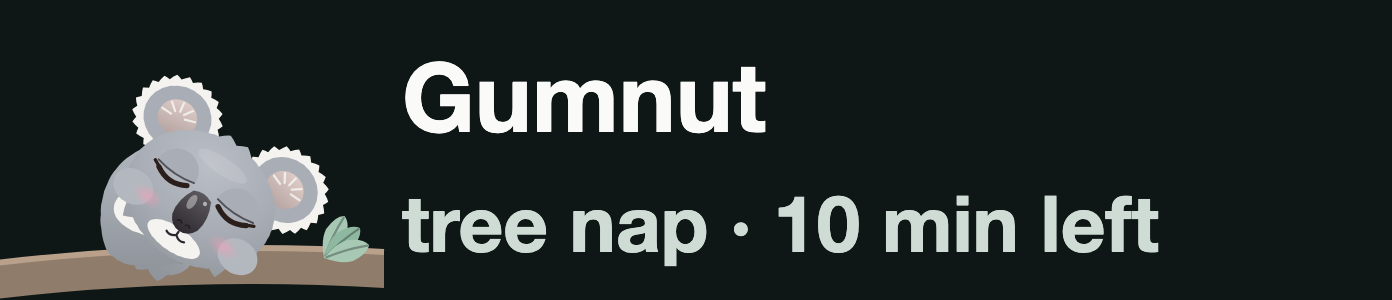
The Infobar is its branch, and the action is called Koala Branch: it lies along the branch, with its name and what it is up to.
Requirements
- Mac
- macOS 13 or newer.
- Windows
- Windows 10 or 11, 64-bit. Meeting offers need a Mac.
- Stream Deck
- Any model with keys, with the Stream Deck app 7.6 or newer. The branch needs a Stream Deck Neo.
- Permissions
- None to start. On a Mac, macOS asks for Downloads or Calendars only if you turn on those helpers.
What it cannot do
- It lives on your main display.
- It never comes out on its own: it waits for a tap.
- It does not fetch.
Privacy
Smart Koala notices how busy your computer is, your Wi-Fi and your disk, and, if you turn them on, your Downloads folder and your calendar. All of it stays on your computer: no account, no network, no analytics.
Version
v1.1.0
1.1: now on Windows 10 and 11. It ambles along the taskbar and hangs on the side of your windows; meeting offers stay on the Mac. An Out on the screen switch and coat pictures in the settings, Smart Pets say hello to each other on Windows too, and a safer start that can never replace your koala with a new one.
Support
Something not working? Write to us and include:
- Your macOS or Windows version and Stream Deck app version
- Your Stream Deck model
- What the koala was doing