Power Finder
Finder, with the right action on the right key.
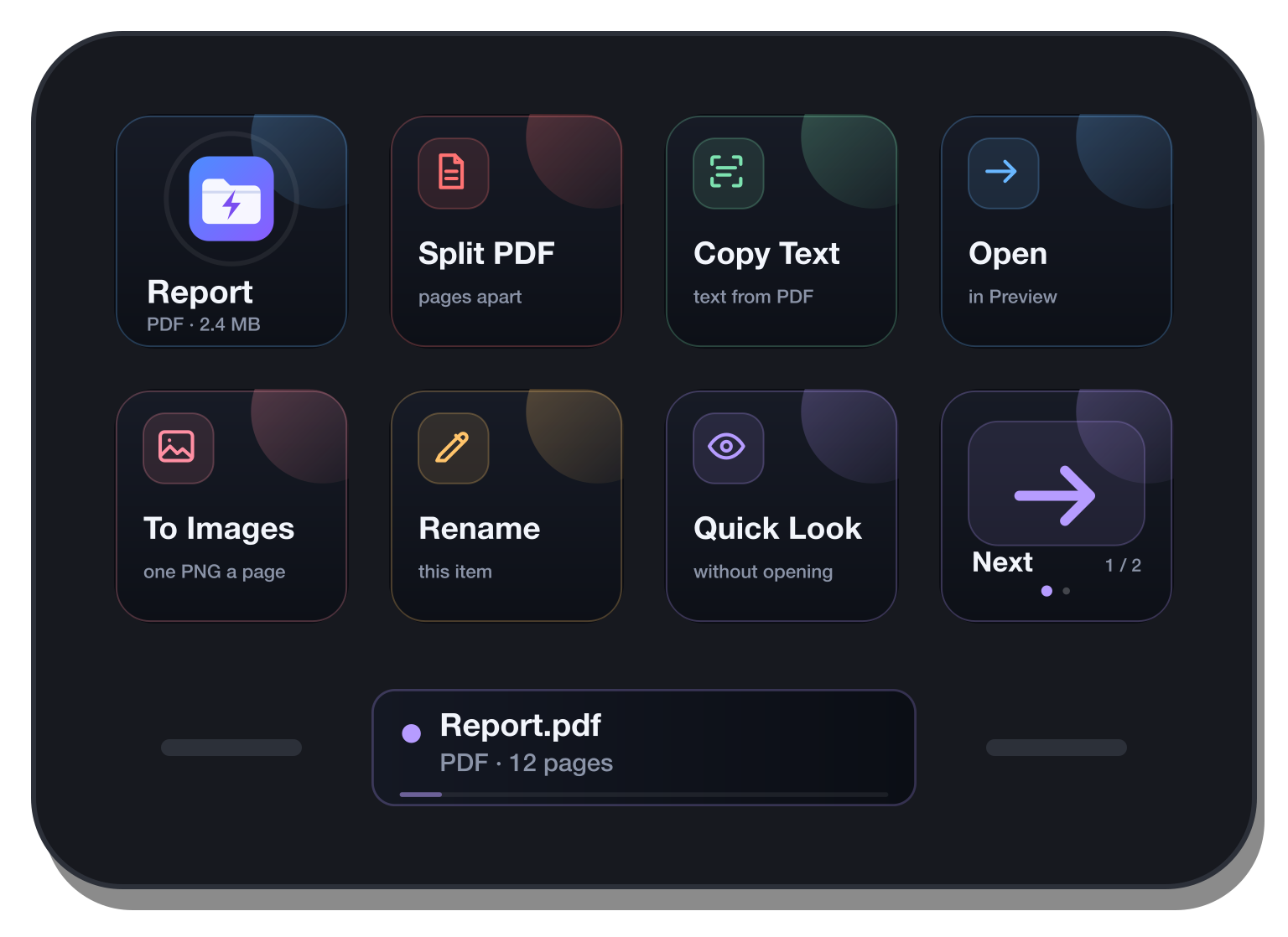
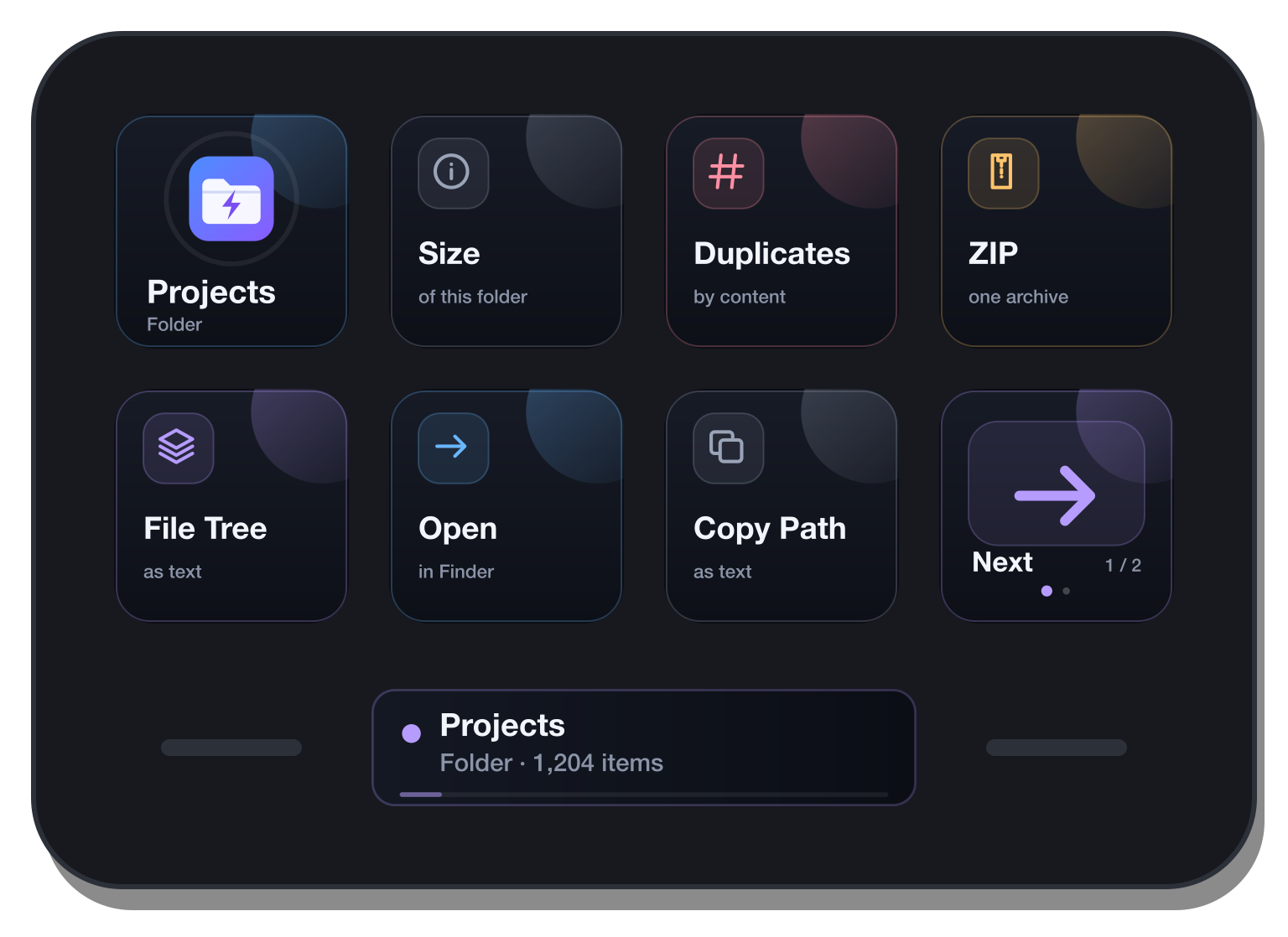
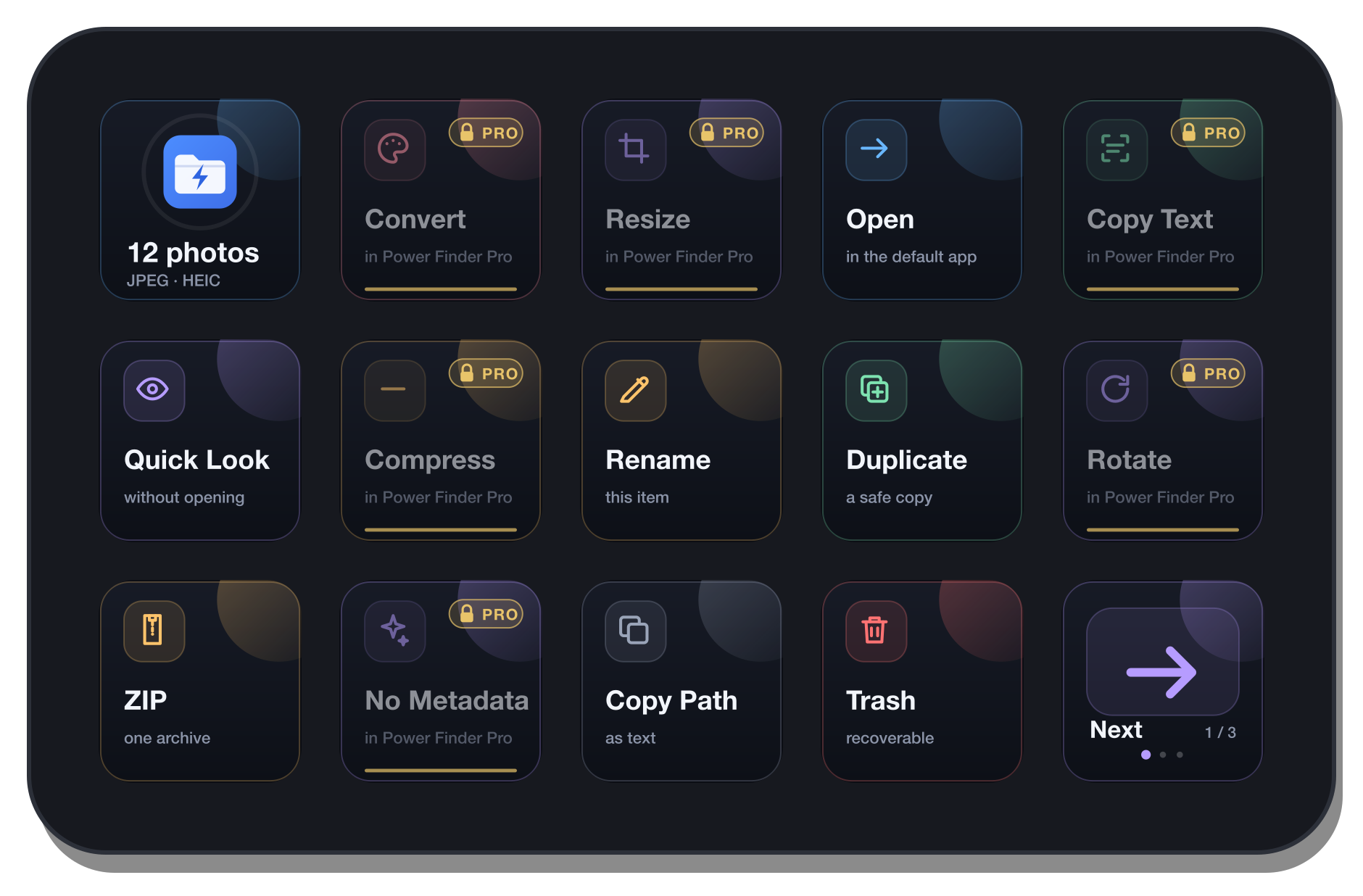
Select files in Finder, and your Stream Deck keys become what you can do with them. A photo offers convert, resize and copy its text; a PDF offers merge, split and pages; a folder offers its size, a file tree and its duplicates. One launcher key brings Finder forward and pages through the rest.
For macOS. Runs on your Mac, offline: no account, no upload.
Power Finder Pro
The button turns into a link the moment Elgato publishes the listing.
Or get Power Finder, free ↓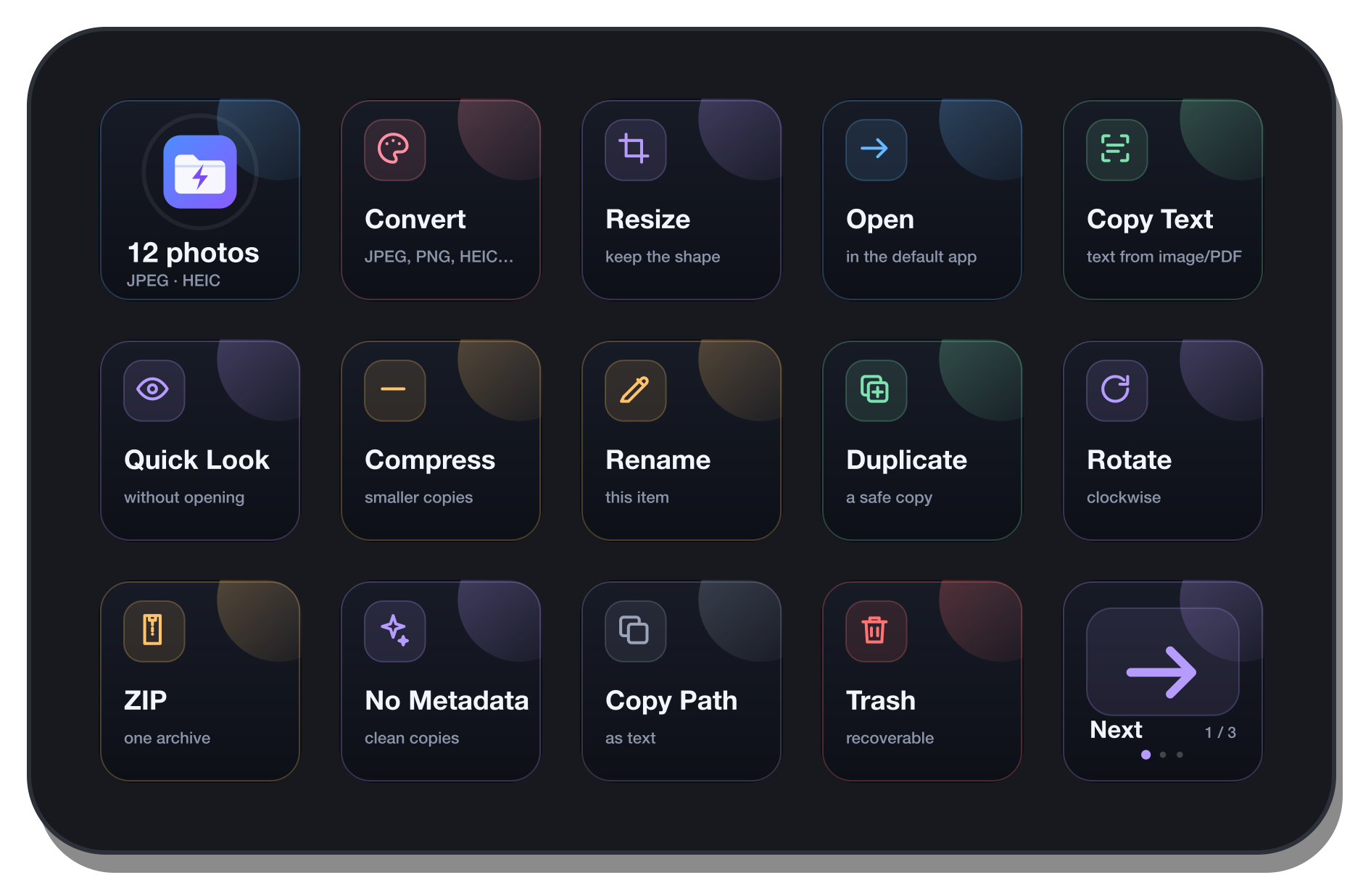
It changes with what you select
Nothing to set up per file type. The keys follow the Finder selection: one PDF, a folder, a mixed handful. The best actions come first, and one key pages on to the rest.
A thousand files. No beach ball.
Power Finder asks Finder once for the whole selection, not once per file, and waits longer between looks the bigger the selection is. Big jobs run in the background, one at a time, with progress on the key and on the Neo's Infobar, a cancel, and a list of anything that failed.
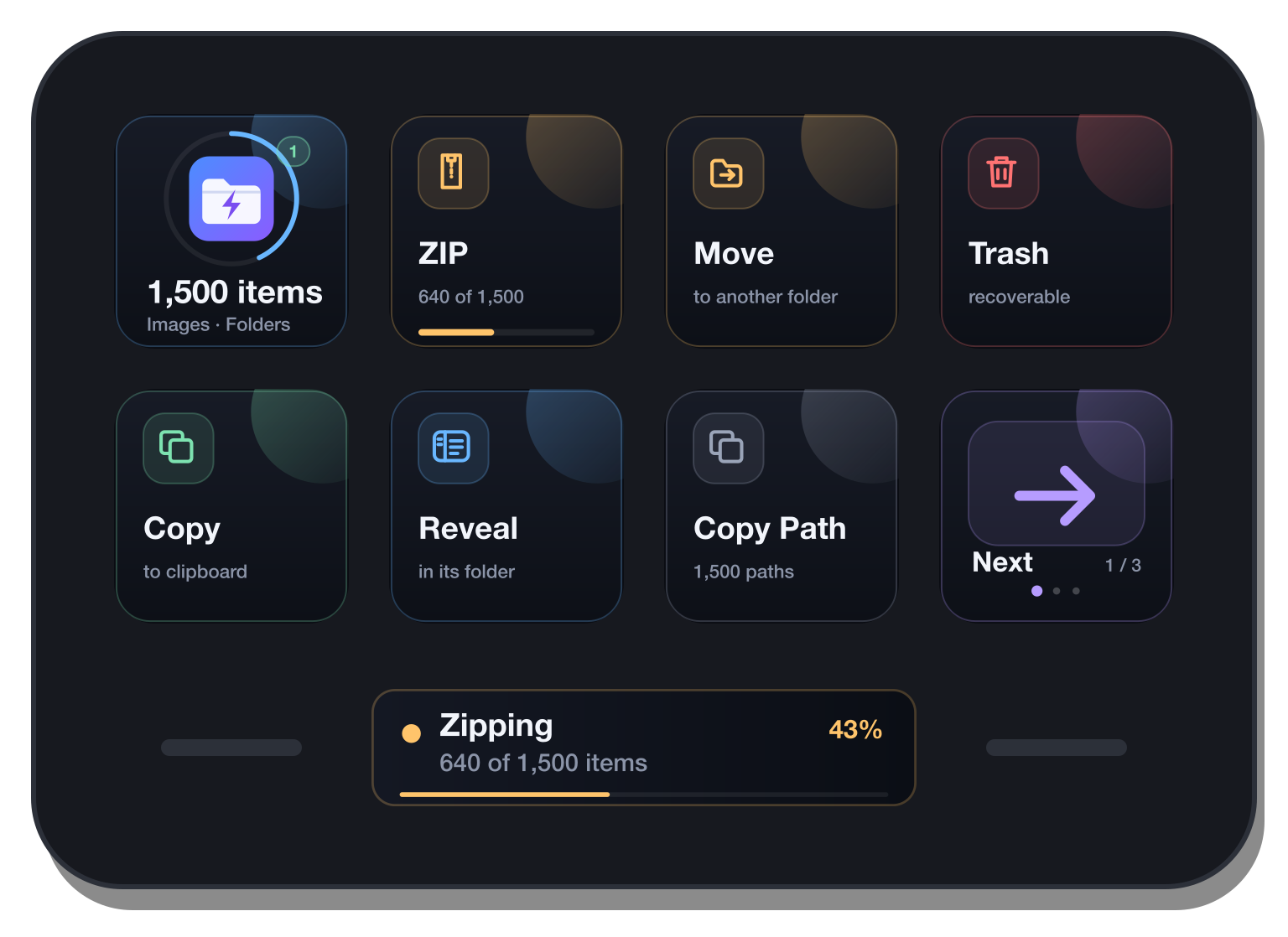
Power Finder Pro's tools
About sixty actions, each on a key that says what it will do and to how many files.



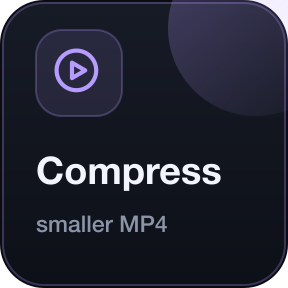
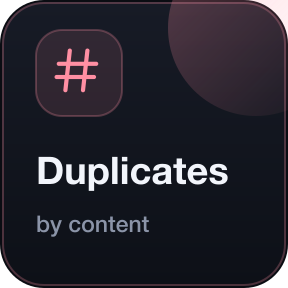
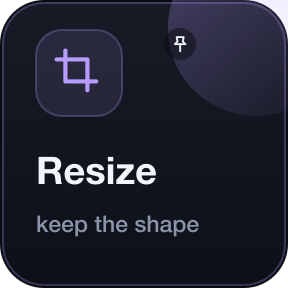
What the keys can do
- Files
- Open, Quick Look, Get Info, reveal, rename, duplicate, move, trash with Put Back, copy the files or their paths, new folder, paste, search, recent places.
- Images and PDFs
- Convert, resize, rotate, compress, strip metadata. Merge, split, extract pages, pages to images, compress.
- Text and data
- Copy text from images and scans, offline, in twelve languages. Combine text files, Markdown to HTML, search and replace, format and check JSON.
- Media, folders, archives
- Convert and compress video and audio, extract sound or frames. Folder size, file tree, duplicates. ZIP, extract, list.
Power Finder and Power Finder Pro
Power Finder is free and stays free. Pro's actions show on its keys with a gold PRO mark; tap one to come here. The two install side by side.
| Power Finder | Power Finder Pro | |
|---|---|---|
| Keys that follow the Finder selection, with paging | Yes | Yes |
| Open, Quick Look, Get Info, reveal, rename, duplicate, move, trash | Yes | Yes |
| ZIP and archives, copy files and paths, new folder, paste, search, recent places | Yes | Yes |
| Images, PDFs, text and OCR, video and audio, folder tools, batch rename | Shown | Yes |
| Pinned keys and an order that learns | No | Yes |
| Task list and the Stream Deck Neo's Infobar | No | Yes |
On the Stream Deck Neo, the Infobar follows along



Requirements
- Mac
- macOS 13 Ventura or newer.
- Stream Deck
- Any model with keys, with the Stream Deck app 7.6 or newer. Profiles for Mini, Neo, MK.2, Plus, XL, + XL and Galleon 100 SD come with the plugin. The Infobar needs a Stream Deck Neo.
- Tools
- macOS's own for files, images, PDFs and text. Video, audio and WebP need ffmpeg (for example from Homebrew); without it those keys do not show.
- Permission
- macOS asks once whether Stream Deck may control Finder.
Privacy
Power Finder reads the Finder selection and works on your files on your Mac, and nowhere else. Text is recognised by Apple's Vision framework. There is no account and no telemetry, and it makes no network connection. Results are written beside the originals, never over them.
Version
v1.0.0
First release: Power Finder and Power Finder Pro.
Support
Something not working? Write to us and include:
- Your macOS and Stream Deck app versions
- Which edition, and what was selected
- What the key showed