Meter
What the time you just spent was worth.
You already know roughly what your time is worth. What you do not know, at four in the afternoon, is what today has actually come to — or whether this week is ahead of last. Meter puts both on a key.
A meter you can see
Tap to start, tap to stop. While it runs the key shows what this session is worth, climbing, with the hours under it. When you stop, it is banked. That is the whole of it.
Not a menu-bar icon you have to go and look at, and not an app you have to remember to open. It is a physical key on the desk in front of you, lit while it runs, showing a number that is going up — which turns out to be the difference between tracking your time and meaning to.
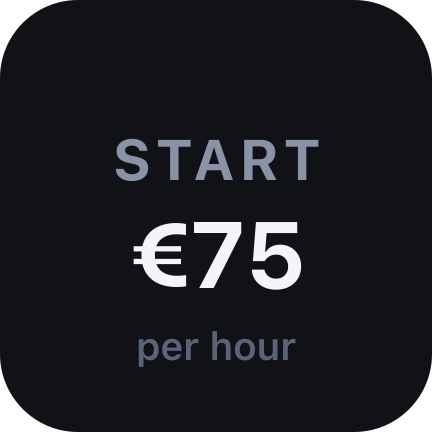
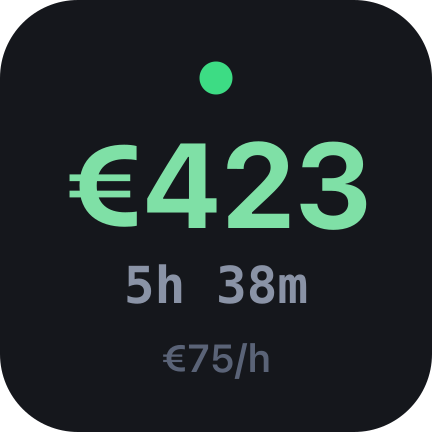
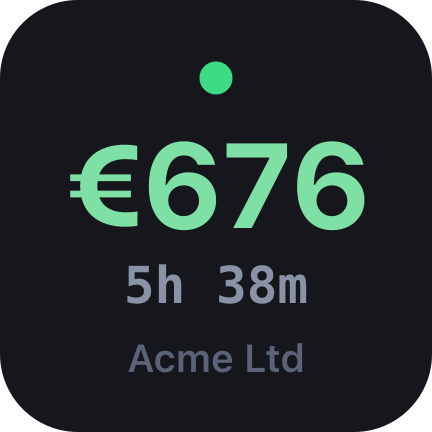
Tap to start · Tap to stop · Hold to throw the session away
And keys that add it up
Put a Total key beside it for today, this week, this month, this year, or everything. Tap one and it steps through all five, so a single key can answer whichever question you are being asked.
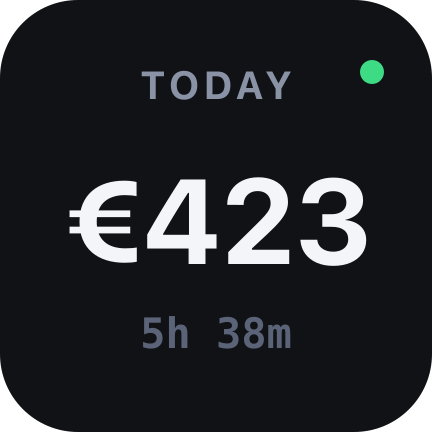
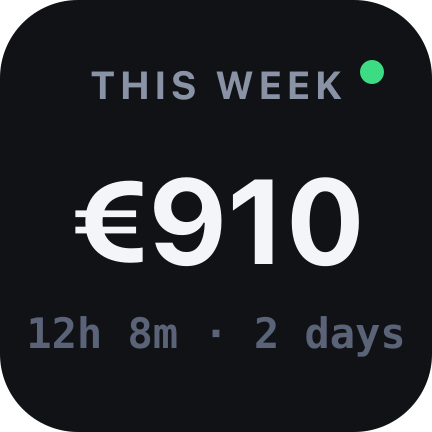
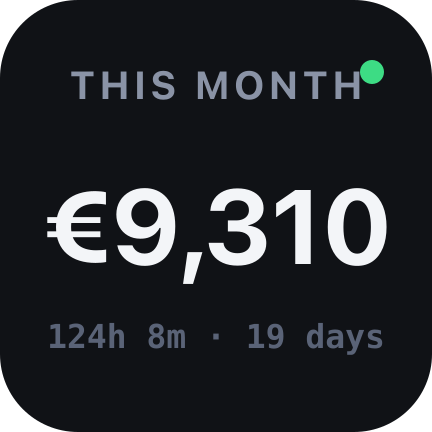
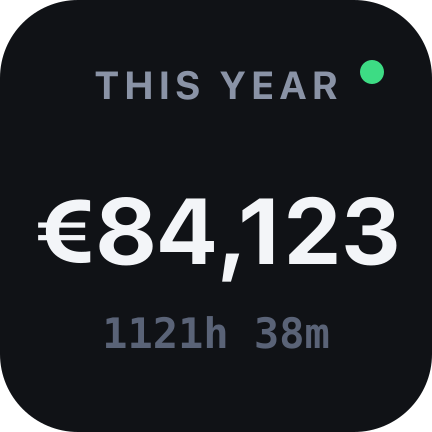
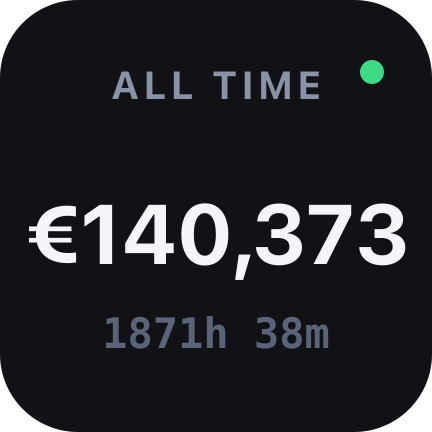
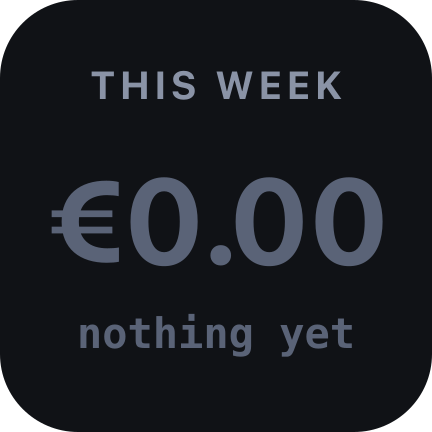
The running meter is counted in, so a week total is right at eleven in the morning and not only after you have pressed stop. A green dot means the figure is still climbing — so a number that does not match what you wrote down five minutes ago explains itself.
For the meter you left running
Hold the key and the session is thrown away instead of banked. Everybody does this once: a call ends, lunch happens, and two hours later there is an hour and fifty minutes on the clock that you did not work.
The remedy is one press, not an argument with your own ledger. And if you forgot to start it at all, the settings will add or subtract minutes from any day — a tool you cannot correct is one you stop trusting the first time it is wrong.
Figures you can put on an invoice
The arithmetic is the product, so it is done properly rather than adequately. These are the four decisions that matter, and none of them is visible until the day it would have cost you.
- Integers, not floats
- The book holds whole cents. 0.1 plus 0.2 is not 0.3 in a computer, and a ledger that drifts by a cent an hour is one you find out about at invoice time. There is exactly one rounding in the whole plugin, and it happens on one line.
- Wall clock, not ticks
- Elapsed time is the difference between two timestamps, never a count of ticks. A busy machine, a laptop asleep in a bag or a restart of the Stream Deck app cannot lose an hour of billable work.
- Days, not sessions
- A session that runs past midnight is split at the boundary and filed under both days, because “what did I earn on Tuesday” has to mean Tuesday. Weeks, months and years follow the calendar — including the ones where the clocks change.
- A raise is not backdated
- Change your rate and the days already in the book keep what they were worth when you worked them. Anything else would silently restate every invoice you have already sent.
Bill the way you bill
To the second, or in whole minutes, six-minute units, quarter hours, half hours or whole hours. The convention is applied once, when the session closes; the running figure is always the real one, because a meter that rounds while you watch it is a meter you cannot check.
Thirteen currencies, formatted the way your own machine formats money — so a German desk sees 75,00 € and an Irish one €75.00, without either being told which one is correct.
Requirements
- Stream Deck app
- 7.1 or newer
- Devices
- Any Stream Deck with keys
- Platforms
- macOS 12+ and Windows 10+
- Keys needed
- One for the meter, and as many totals as you want
- Internet
- Never — it does not have a network
What it doesn't do
No account, no sign-in, no network requests, no analytics, no cloud, no subscription. Your book lives in Stream Deck's own settings, on your disk, and the plugin has nothing to phone home with. It is also not an invoicing tool, a tax tool or an accountant — it counts hours and multiplies.
Version
v1.0.0
First release. A meter that starts and stops on one key and banks what it earned; total keys for today, the week, the month, the year and all of it, with the running meter counted in; sessions split across midnight; billing units; thirteen currencies; and corrections for the day you forgot to start it.
Support
Something wrong, or a way you bill that it cannot? Write to us and a human will answer.
- Your Stream Deck app version and operating system
- Your rate, currency and billing unit
- What the key showed, and what you expected instead
- The plugin log from the de.7bp.meter.sdPlugin folder