Quorum
Your team, on your keys.
The three seconds before you interrupt someone — opening an app, finding their name, squinting at a green dot that only means their laptop lid is up. Quorum replaces them with a glance: everyone in your room on your Stream Deck, with a status each of them chose on purpose, and yours one press away.
Finished, and on its way to Elgato's review. Write to us if you want a note when it lands.
Two desks, one room
Ana and Ben each have a Stream Deck. When one of them presses a key, the other deck changes in well under a second — no window, no tab, no notification to dismiss.
Your status is one press
Press to step to the next status, hold to come back to the first. That is the entire interaction, and it has to be — the moment setting your status costs more than a press, people stop doing it and the board starts lying.
A status can end itself. Lunch is back to Available after 45 minutes, with a ring counting down on the key, because the most common way a presence tool fails is a status nobody remembered to clear.
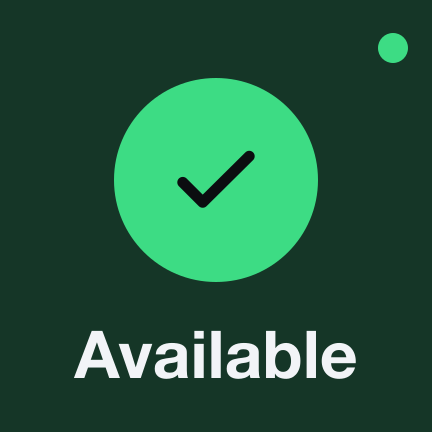
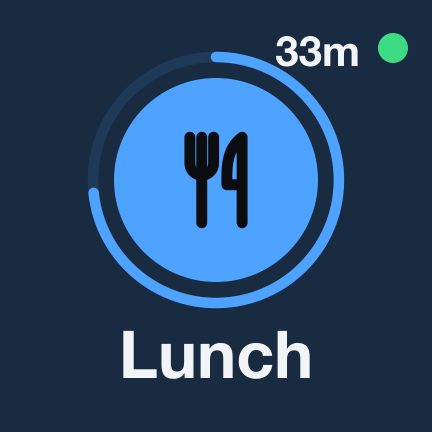
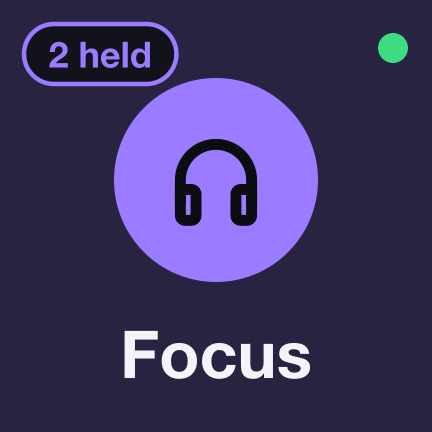
Tap to change · Hold to come back · Every status, colour and icon is yours to edit
The whole room, across a block of keys
Drop the board on a row or a block and your room is laid out across it, one person per key, in alphabetical order so nobody moves under your finger. Colour carries the meaning from across a desk; the words only confirm it.
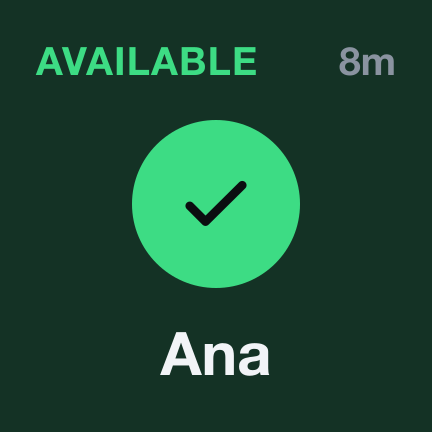
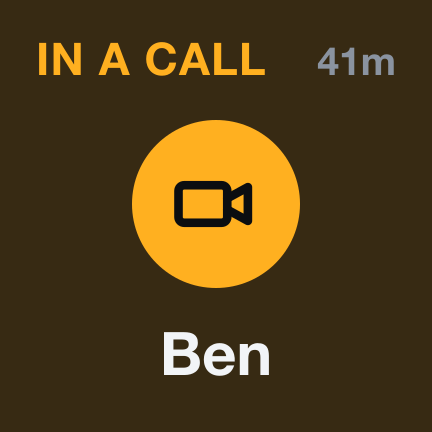
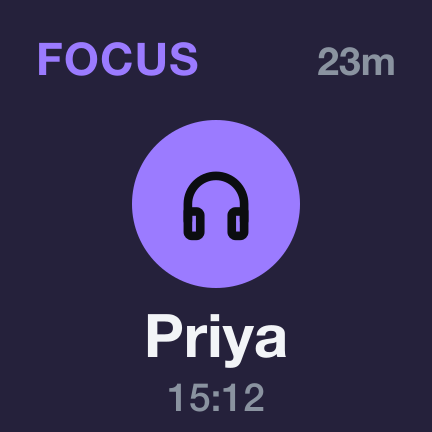
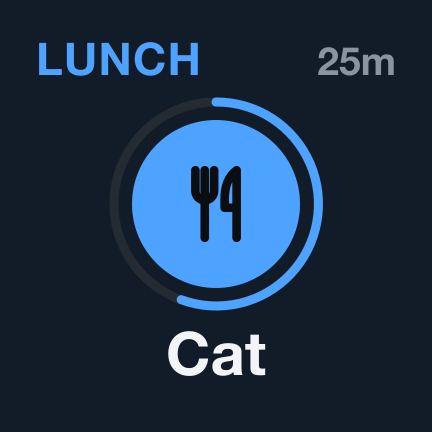
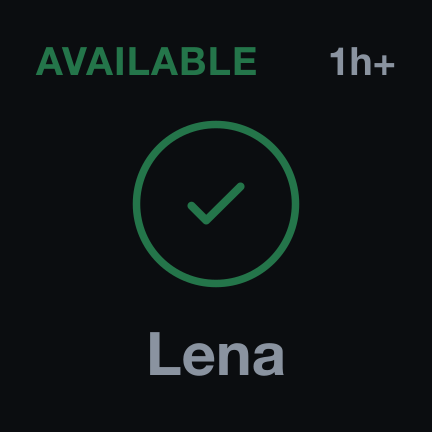
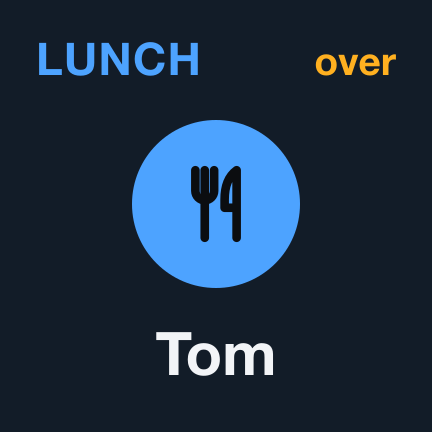
A hollow ring means that person's Stream Deck is not connected — so a board can never claim someone is available when their laptop is shut in a bag. And durations stop at an hour: “in a call · 40m” is useful, a stopwatch on a colleague is not.
A side channel only their deck can see
Messages sent through Quorum appear on the other person's Stream Deck and nowhere else — not in an app, not in a notification centre, not on a screen that happens to be shared. Short on purpose: a hundred and twenty characters, and no history.
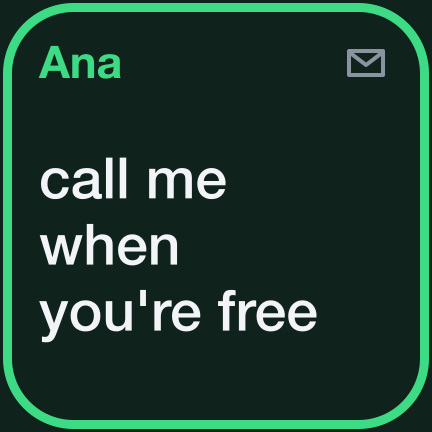
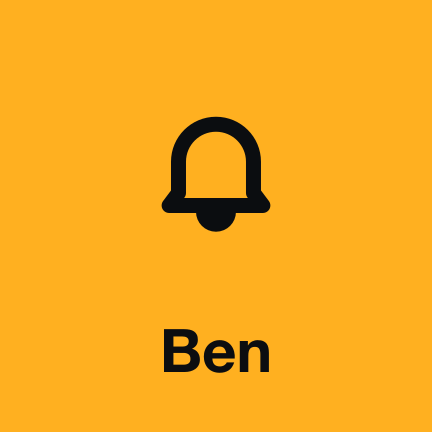
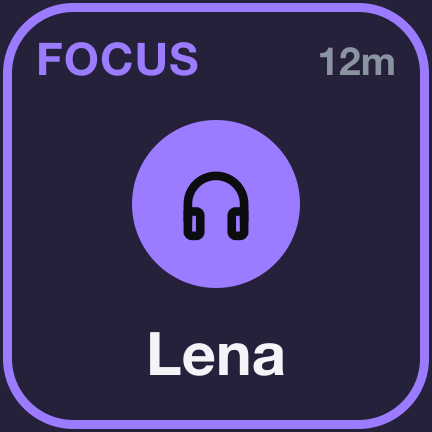
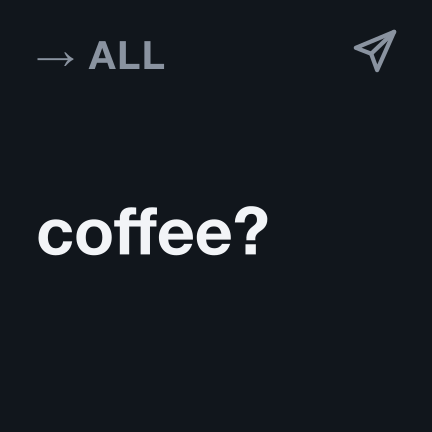
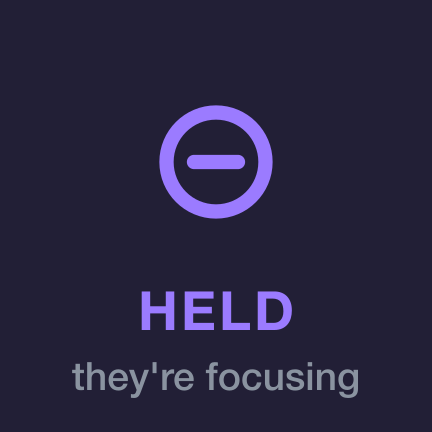

Press the key a message is on and the sender learns you saw it. In Focus, messages wait until you come out, and the sender is told they are waiting — so Focus actually means something, instead of hiding a badge.
Do we have quorum?
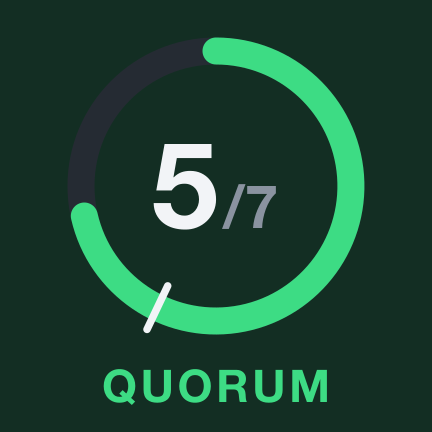
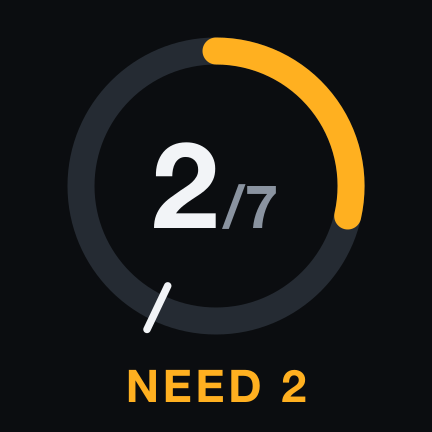
One key that answers the question the plugin is named after: how many of the room are available, and whether that is enough to start. The ring has to pass the notch. Press it to see who is counted.
One code to share
Start a room and you get an invite link. Send it to your team; it opens a page that shows the code and tells them where to paste it. There is no account, no invitation to accept and no admin to ask.
The code carries a checksum, so a single mistyped character is caught before anything goes over the network — a typo is reported as a typo, not as a room that does not exist.
QRM-4K7P2-M9WXR-VN3KQ-8SB1D-F6HJ7
Private by construction
A presence tool knows who is at their desk and passes messages between colleagues. That deserves more than a promise, so Quorum is built so that the promise is not needed.
- Encrypted before it leaves
- Names, statuses and messages are sealed on your machine with a key derived from the room code, which never leaves your Stream Deck. Direct messages are sealed again to the one person they are for.
- A service that cannot read
- What connects your team sees that a room exists, how many are in it, and when they connect. It never sees a name, a status or a word — a complete copy of its storage is hashes and ciphertext.
- Nothing installed beside it
- No helper app, no background process, no Accessibility, Screen Recording or camera permission. Quorum is the plugin and one encrypted connection, and it asks your computer for nothing else.
- Nothing kept
- No accounts, no analytics, no message history. A message waiting for someone offline is kept for an hour at most, sealed, and deleted the moment it is delivered. A room nobody has used for a month is removed.
Requirements
- Stream Deck app
- 7.1 or newer
- Devices
- Any Stream Deck with keys
- Platforms
- macOS 12+ and Windows 10+
- Keys needed
- One for your status; a row or block for the board
- Internet
- Yes — one encrypted connection to the room service
- Your team
- Everyone in a room needs their own copy
What it doesn't do
It does not detect anything: no camera, no microphone, no idle timer, no reading of your calendar. Every status is one somebody chose. It keeps no history of who was where, and there is no manager view — it is a board, not a monitor.
Version
v1.0.0
First release. Your status on one key; a board that lays the room out across a block of keys; Watch, for one person; Quorum, for whether enough of you are here; Signal, for messages only their deck can see; knocks, Focus that holds messages, statuses that end themselves, receipts, and end-to-end encryption throughout.
Support
Something not connecting, or a room that will not join? Write to us and a human will answer.
- Your Stream Deck app version and operating system
- What the key or the settings panel said
- Whether the others in the room are affected too
- The plugin log from the de.7bp.quorum.sdPlugin folder — it never contains names or messages