Wrangler
Deploy Cloudflare Workers from the deck.
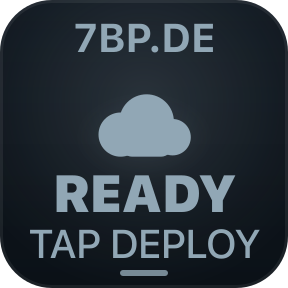
Wrangler puts a Cloudflare Workers deployment console on your Stream Deck. Pick a project, press Deploy, and follow the real build and Wrangler stages on the key and the Neo Infobar. The key is useful while idle too: it knows whether local deployable files changed since the last successful deployment, and it never calls an unverified remote state synced.
Real Wrangler runs. One press. macOS.
Wrangler is being prepared for Elgato. This button turns into a link the moment the listing is published.
The deck, while it works
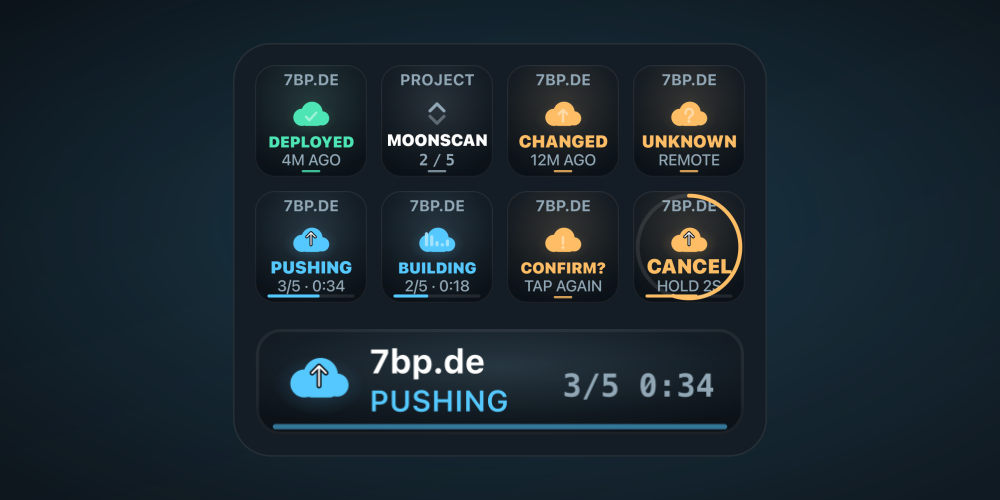
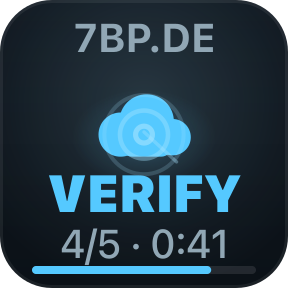
The Deploy key carries the project and the result. The Next Project key moves through the group. On a Neo, the Infobar keeps the stage count and the elapsed time in one line. While idle, both surfaces stay still.
The key tells the truth
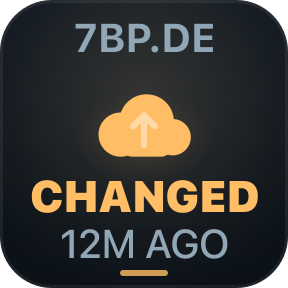
Three facts are kept apart: what the local project looks like now, what was deployed last, and whether the remote identity could be verified. A clean Git tree is not treated as proof. Wrangler hashes the deployable files, excluding .git, node_modules, caches and build output, then compares them with the snapshot saved at the last successful deploy. A failed attempt never replaces the last good baseline.
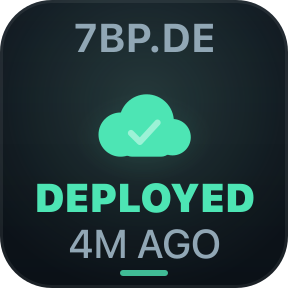
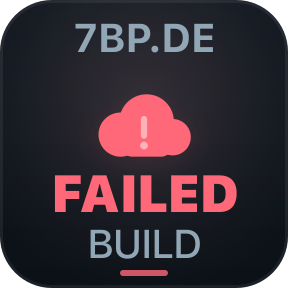

A real deployment, not an animation
Stages come from the process you configured. Build runs only when a build command is set. Deploy calls Wrangler in the project folder with your existing login. Verify is an optional HTTP check. Wrangler's exit code decides success, not the fact that a process started. There is no invented byte-level progress.
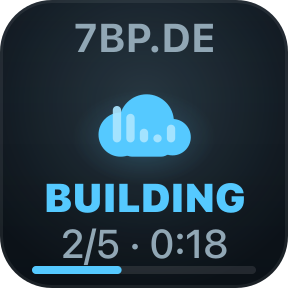
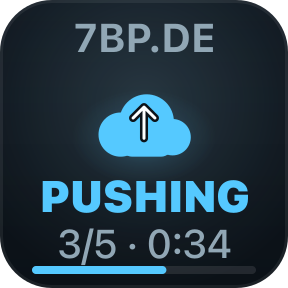
The Neo Infobar
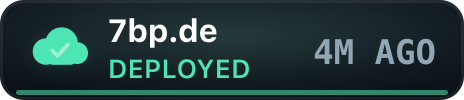
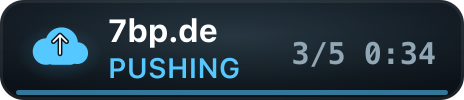
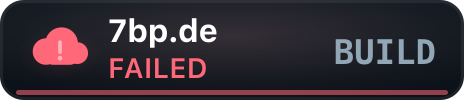
On a Stream Deck Neo the Infobar carries the same story in one line: the project, the state, the stage count and the elapsed time. While idle it keeps the last result and its age in view, so the deck does not need to be touched to know where things stand.

Deliberate, not accidental
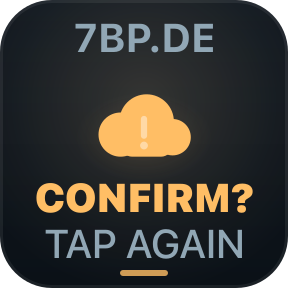
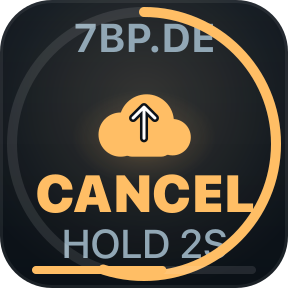
A single brush of a key should not ship a Worker. Production confirmation asks for a second press. Cancelling a running deployment takes a two-second hold. If the process is stopped during upload, the key says UNKNOWN rather than CANCELLED, because Cloudflare may already have received the version.
Honest about what it knows
Local is not remote
The local fingerprint proves what is on disk, not what Cloudflare serves. 1.0 does not poll the Cloudflare API and needs no API token, so it says DEPLOYED, never SYNCED.
A failure keeps the last good baseline
A failed or cancelled attempt never overwrites the fingerprint from the last successful deployment. The next comparison still uses the version that is actually live.
Changes during a deployment are caught
The baseline is the fingerprint captured before the run. A file saved while Wrangler is working shows as CHANGED afterwards, not as silently synced.
Commands are yours
Wrangler runs only the build and deploy commands stored in the project settings, in the selected folder. It does not discover and run scripts by itself.
Requirements
- Stream Deck app
- 7.6 or newer
- Platform
- macOS 13 or newer
- Devices
- Every Stream Deck with keys; the Infobar needs a Stream Deck Neo
- Project
- A Cloudflare Workers project with an authenticated Wrangler CLI
- Internet
- Only the deploy command and the optional verification URL use it
- Permissions
- None
What it reads and sends
It reads the project folder to fingerprint deployable files and, on a deployment, captures Git metadata and redacted process output. Deployment history and baselines live in ~/Library/Caches/de.7bp.wrangler. There is no account, no backend and no telemetry. It never stores a Cloudflare API token. The commands you configure are the only network activity it starts, apart from the optional verification request.
Version
v1.0.0
First release. Deploy, Next Project and Infobar actions; real build and Wrangler execution; content-fingerprint local change detection; stage-based progress; production confirmation; hold-to-cancel with honest UNKNOWN handling; optional HTTP verification; persistent deployment history.
Support
A deployment behaving differently from what Wrangler prints in a terminal? Tell us what happened and include the redacted output.
- Which project, build and deploy command
- What the key and Infobar showed
- The Wrangler, macOS and Stream Deck app versions