Explore
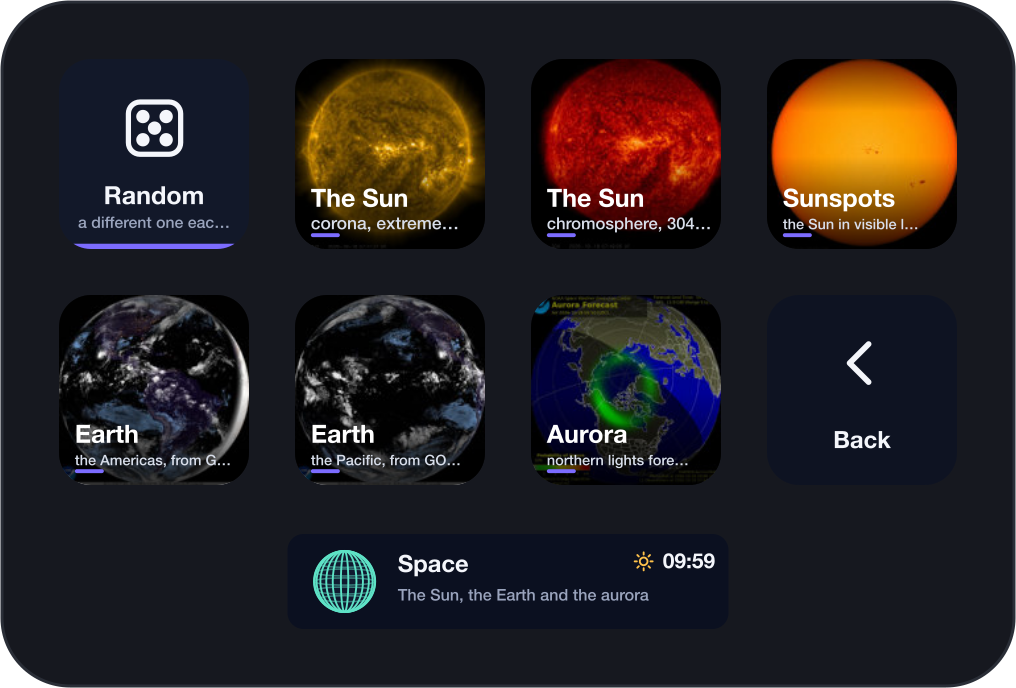
Tap: the browser. Every cam across the deck, as often as you like.
The world, live, on your keys.
Cams puts live webcams on your Stream Deck: Kīlauea's lava lake, Mount Rainier, Hong Kong's harbour, a buoy far out in the Pacific, the Sun. Each with its own clock, and Random always finds one where it is day. Tap a cam and it fills the whole deck. Your own cameras sit beside them.
For macOS and Windows. No account; it connects only to the cams you look at.
The button turns into a link the moment Elgato publishes the listing.
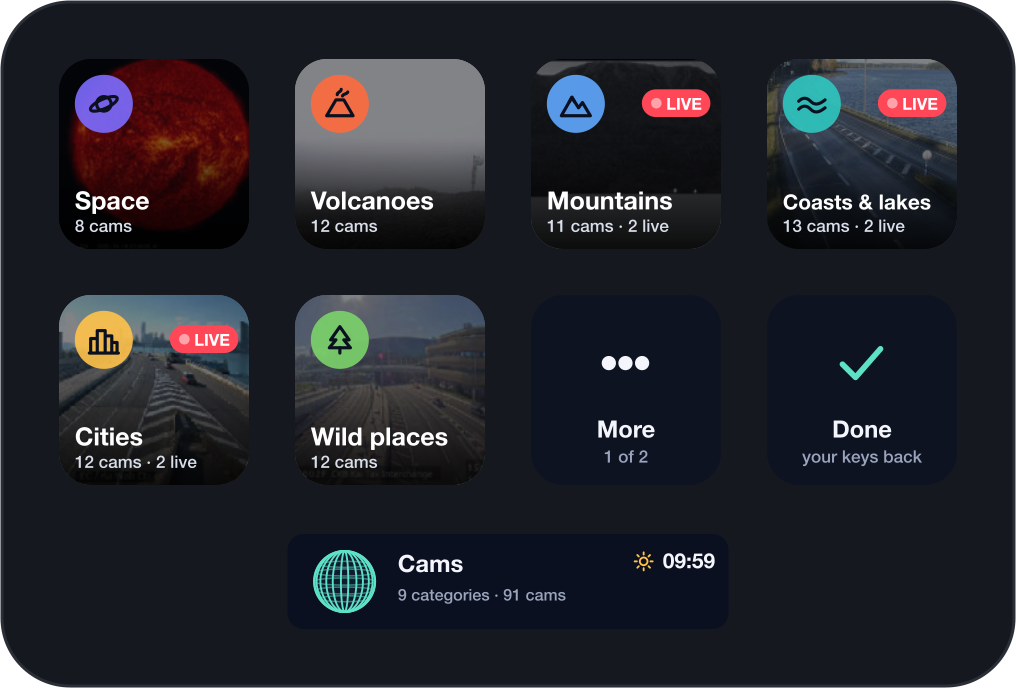
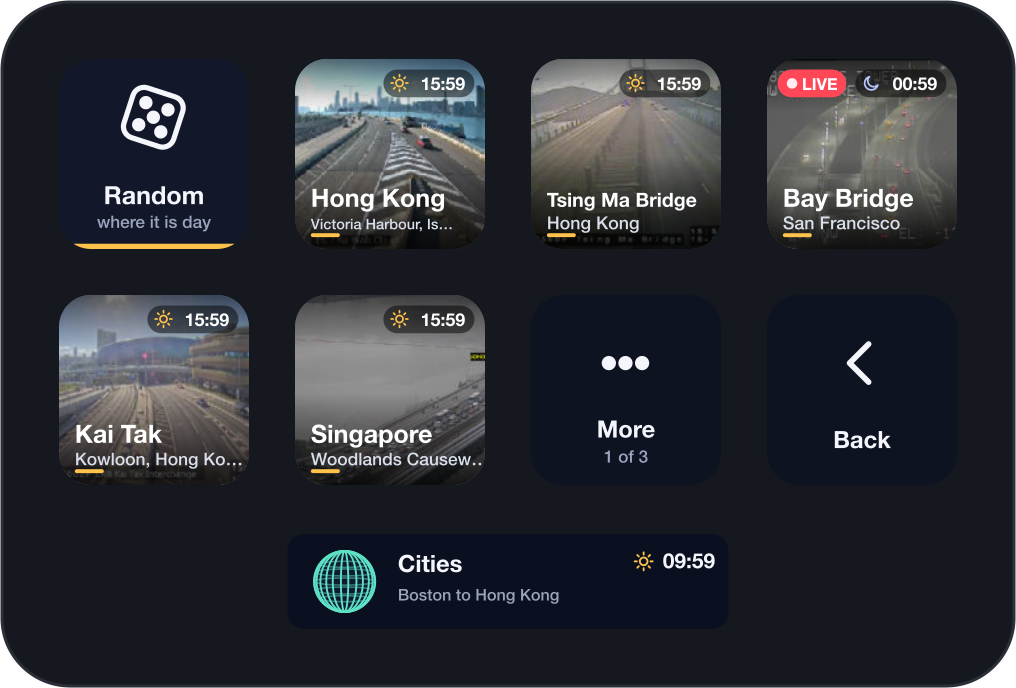
Or try Cams Lite, free ↓One Explore key opens the browser on your whole deck: nine categories, each over a cam where it is day right now. A category starts with Random, then every cam with its clock and a LIVE mark for video. Tap a cam to see it across the deck; any key brings you back. Done gives you your keys back.
The picture is laid behind the keys and the gaps between them, so a bridge cable runs on from one key to the next instead of jumping. The name and the source show for a moment, then only the picture. Video plays a few seconds behind live; stills refresh as often as their camera does.
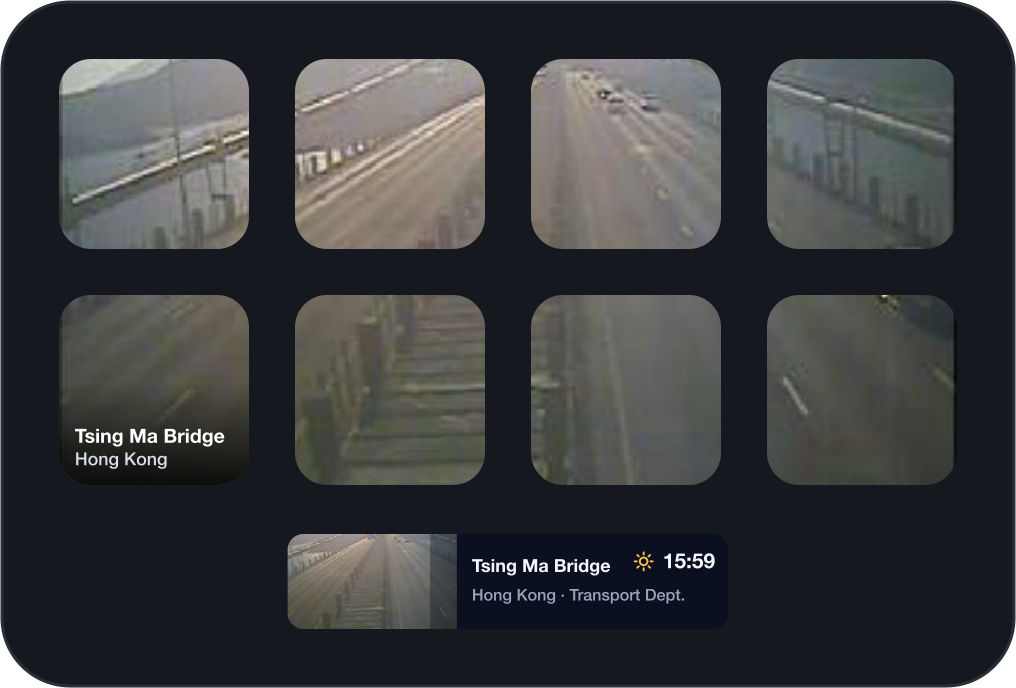
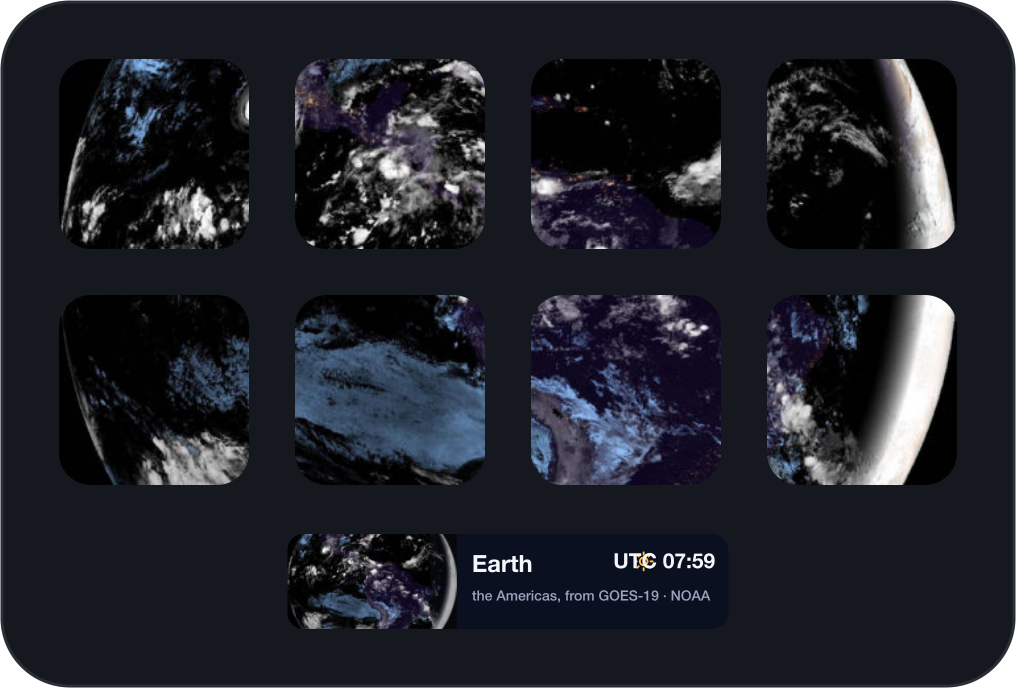
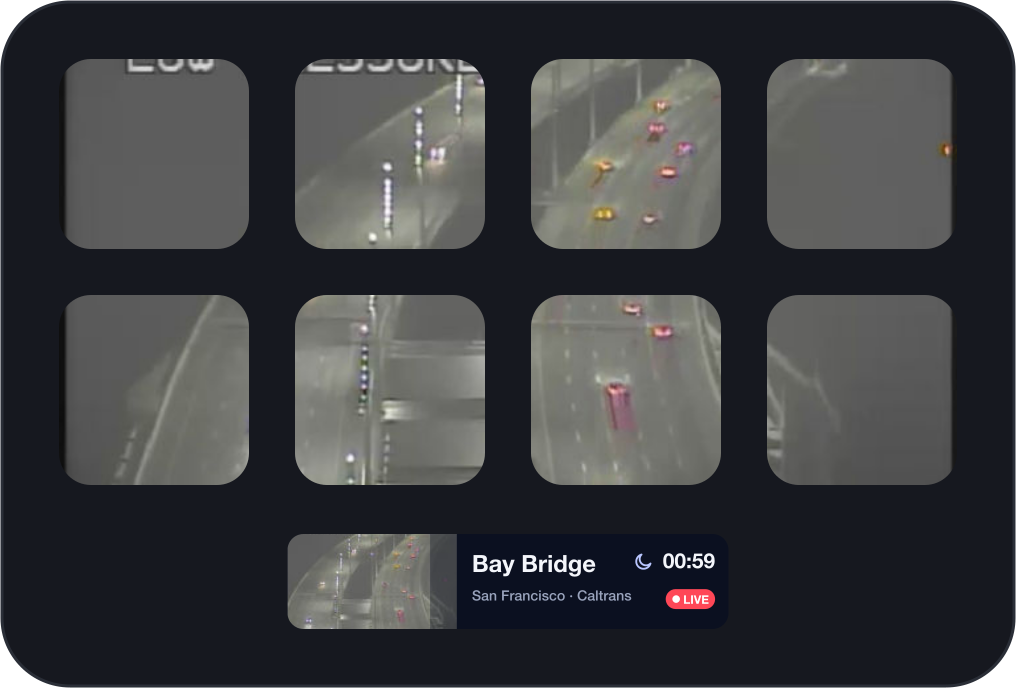
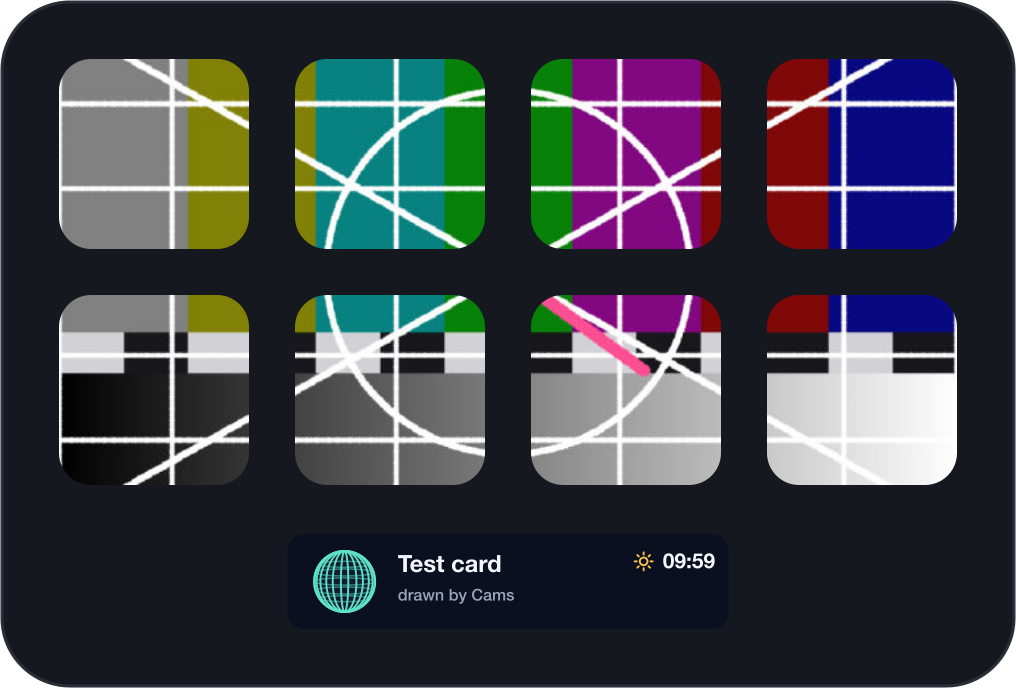
Open the Test card and move the gap slider in the settings until its lines run straight from key to key. Fill crops the picture to your deck; Fit shows all of it.
Every cam shows the time where it is, with the sun or the moon. Random picks one where the sun is up and never the one you just saw. A cam that is tuning in looks like a television between channels; one that is down says so.
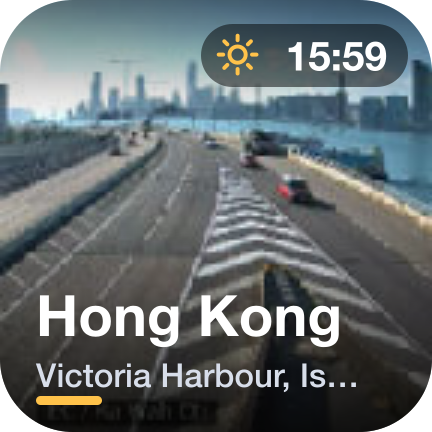
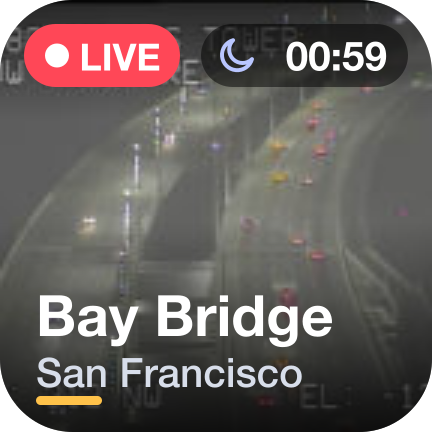
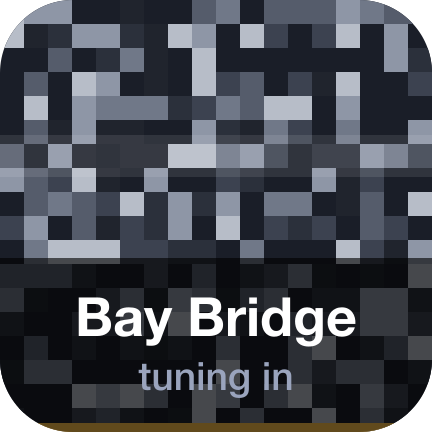
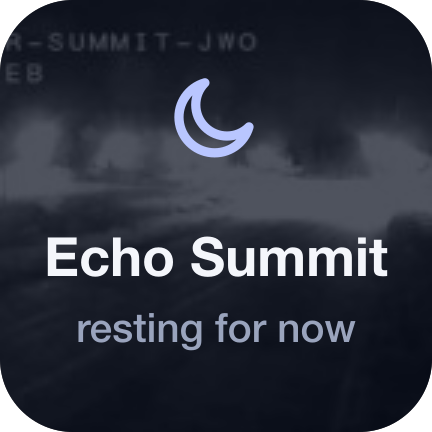
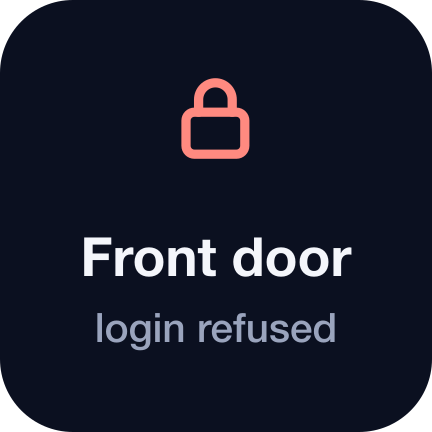
Tap: the browser. Every cam across the deck, as often as you like.
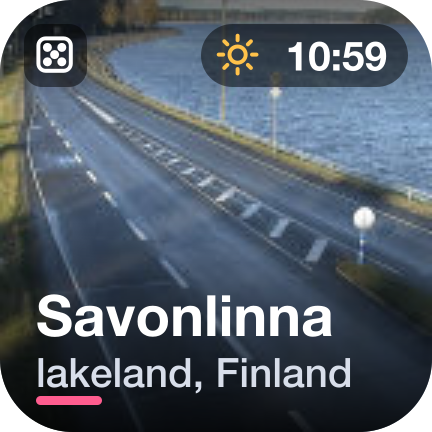
One cam on the key, live. Tap: the whole deck. Hold: choose another. Random picks a new one each time the key appears.
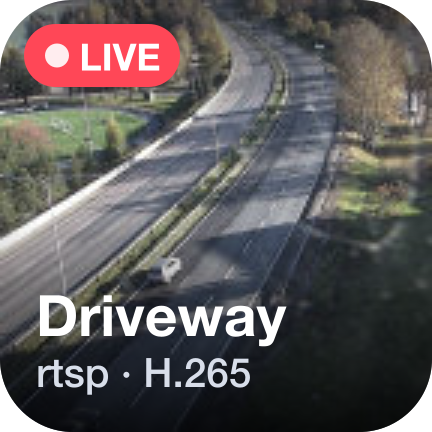
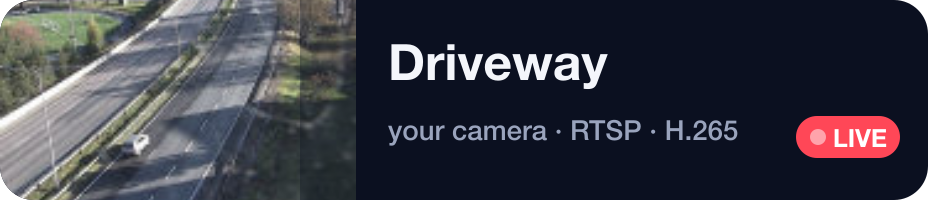
Your own stream, set up in its settings. Tap: the whole deck.
The Your camera key takes the ways cameras stream, with the logins they ask for. A Try it button in its settings shows the picture, the codec and the size before you rely on it.
On a Mac, video is decoded by macOS itself, with nothing to install. On Windows, stills and MJPEG play as they are; video needs ffmpeg, which Cams finds by itself when it is installed.
Cams Lite is free and stays free. The two install side by side.
| Cams Lite | Cams | |
|---|---|---|
| Explore, every cam across the deck | Yes | Yes |
| Cam and Your camera keys | One | As many as you like |
| Every protocol and login | Yes | Yes |
| The Neo's Infobar, a profile for every Stream Deck | Yes | Yes |
Cams only shows cams whose pictures anyone may show. Each credits its source on the deck and in the settings. No aggregators, nothing marked non-commercial.
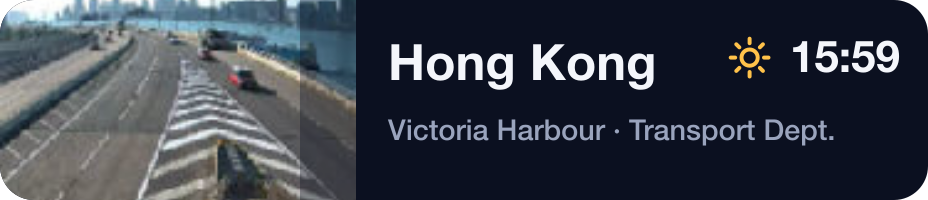
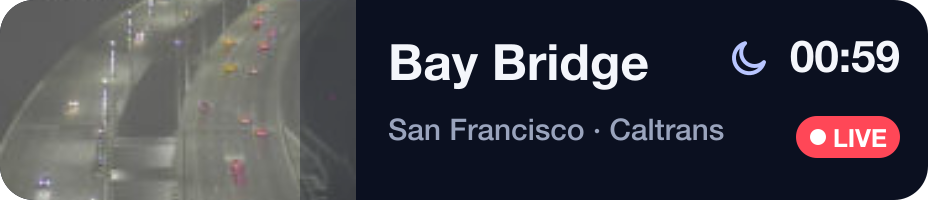
Cams connects to the cams you look at, and to the agencies' public lists when Random draws from them. It has no account, sends nothing about you anywhere, and keeps your settings and a small cache on your computer. Logins for your own cameras stay in the Stream Deck app's settings.
v1.0.0
First release: nine categories of cams, Random where it is day, the whole-deck view, your own cameras in every common protocol, the Infobar.
A cam not playing? Write to us and include: