Daybar
Your day, as a bar of chocolate.
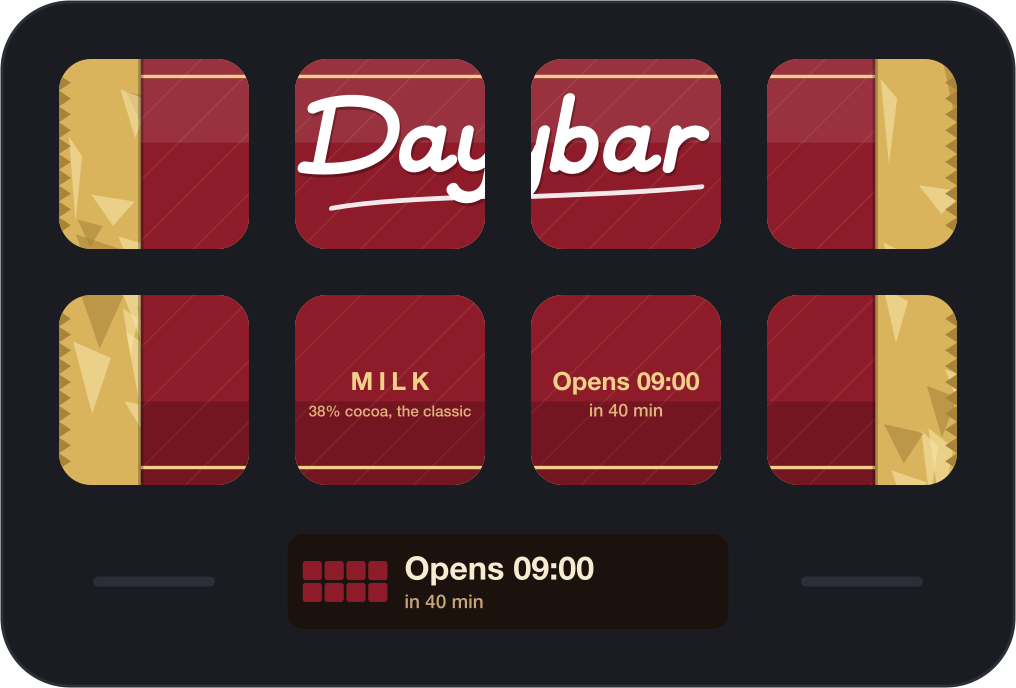
Put it on your Stream Deck keys and every key is a piece of chocolate. As your working day goes by, the bar is eaten, bite by bite. One look at your deck tells you how much of the day is left.
The listing is reserved and this button turns into a link the moment Elgato publishes it.
A bar for every day
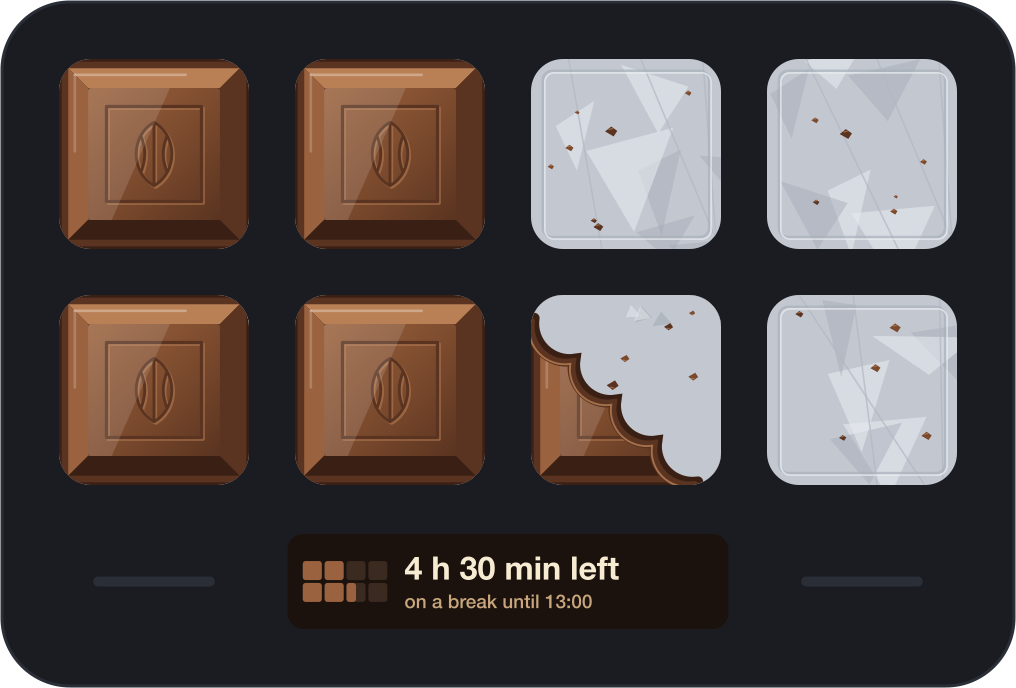
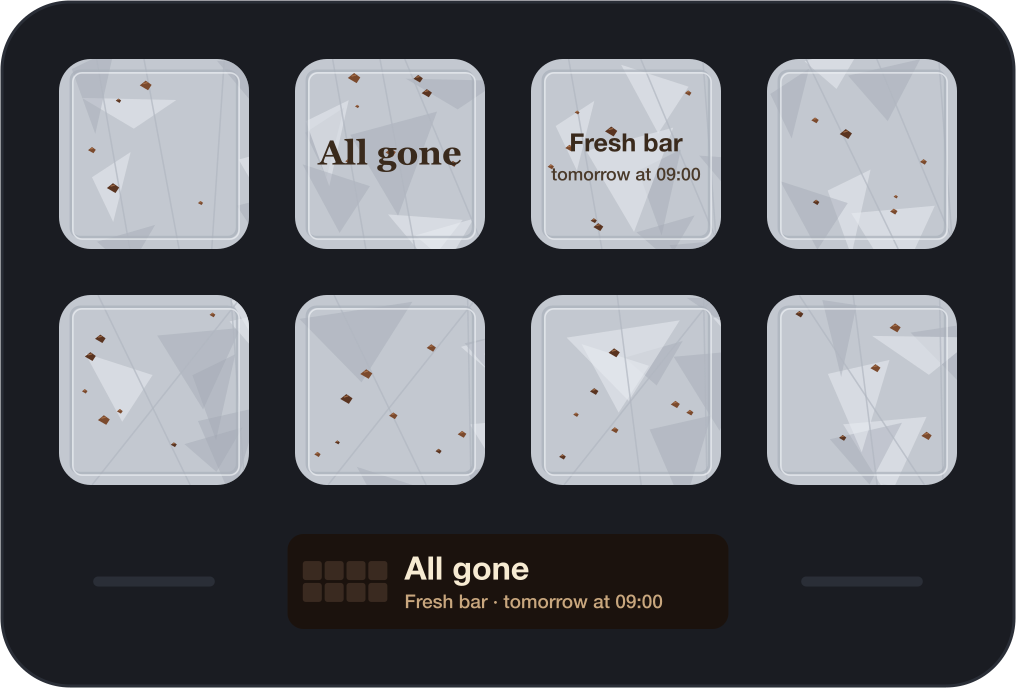
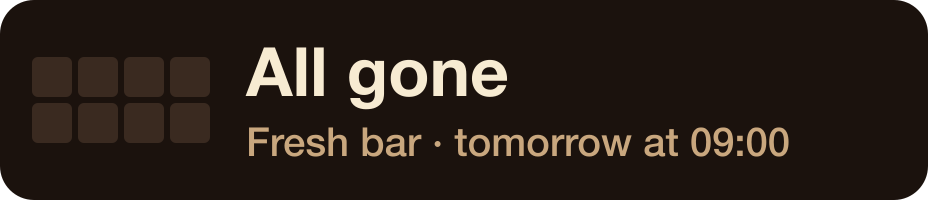
Before your day starts, the bar waits in its wrapper and says when it opens. At your start time the wrapper comes off. From then on a bite is taken at even steps until your end time, when nothing is left but foil and crumbs, and a fresh bar is promised for tomorrow.
Set a break and nothing is eaten during it. Choose which days are working days; on the others the bar stays wrapped.
Eaten like a real bar
A piece goes in four bites, and the pieces go a column at a time from one end, turning round at each column, the way you would break them off. Eight keys give you thirty-two steps through the day; more keys make a finer clock.
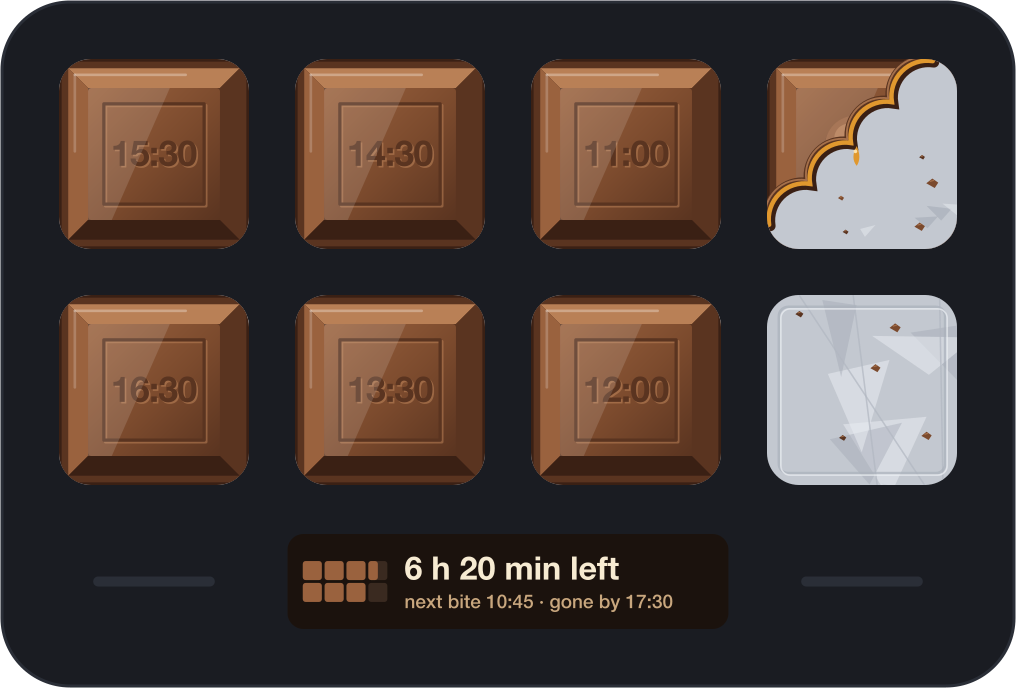
Tap any key and every piece shows the time it will be eaten, pressed into the chocolate like a maker's mark. Or keep the times on always.
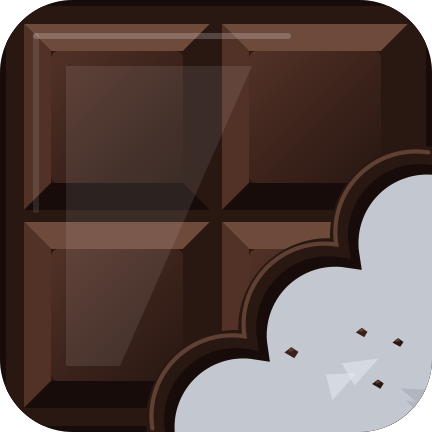
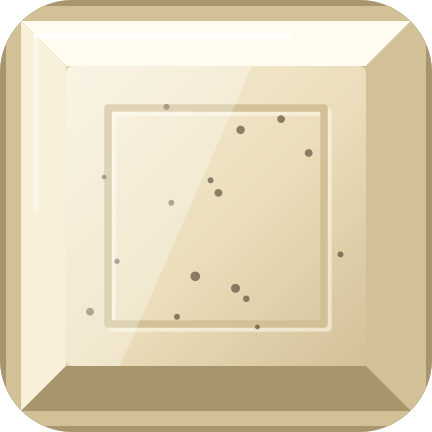
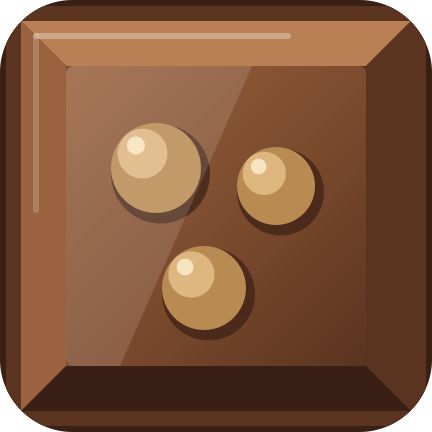
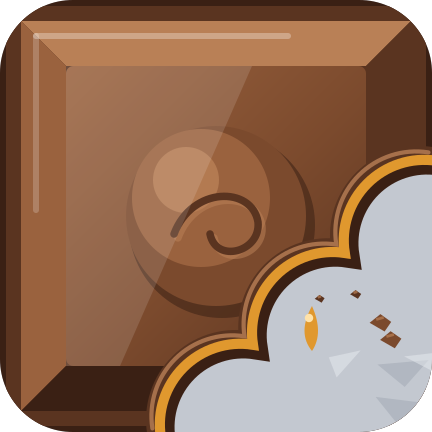
Six kinds of chocolate
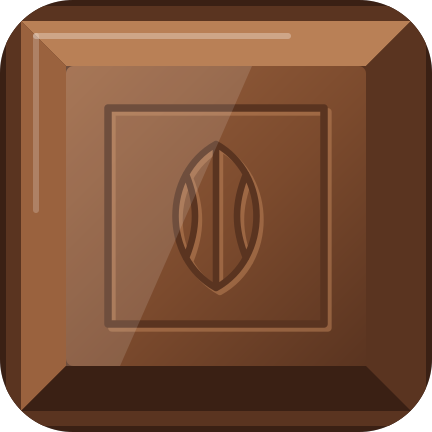
Each with its own mould, its own wrapper, and its own way of looking when bitten.

Three ways to eat it
- Your working day
- Start, end, a break and your working days. The clock does the eating.
- A timer
- A bar that lasts as long as you set. Tap to open it, tap to pause, hold for a fresh bar.
- By hand
- A tap takes a piece, or a bite. For tasks done, glasses of water, pages read.
Drawn to look good enough to eat
- The piece
- Bevelled sides lit from the top left, a raised plateau with the mould's pattern, and a soft gloss.
- The bite
- The scalloped edge teeth leave, the bar's thickness along it, crumbs on the foil. The piece flinches and crumbs fly.
- The light
- Now and then a glint crosses the bar from one end to the other. You can switch it off.
- The sound
- Foil when the bar opens, a crunch for a bite, a snap when a piece is finished. One switch turns it off.
On a Neo, the Infobar keeps the time


Requirements
- Stream Deck app
- 7.6 or newer
- Platforms
- macOS 12+ and Windows 10+
- Devices
- Any Stream Deck with keys; the Infobar action needs a Stream Deck Neo
- Keys needed
- As many as you like: a row, or the whole deck
- Internet
- Never. It does not use the network.
What it doesn't do
No account, no sign-in, no network requests, no analytics. Daybar reads your computer's clock and nothing more. It is also not a time tracker: it does not know what you worked on, only what time it is.
Version
v1.0.0
First release. Your working day as a bar of chocolate across your keys: wrapped before the day starts, eaten bite by bite through it, gone at the end. A break, working days, six kinds of chocolate, times on the pieces at a tap, a timer mode, a by-hand mode, sound, and the time left on the Stream Deck Neo's Infobar.
Support
Something off, or a kind of chocolate you miss? Write to us and a human will answer.
- Your Stream Deck model, app version and operating system
- The mode, and your start and end times
- What the keys showed, and what you expected instead
- The plugin log from the de.7bp.daybar.sdPlugin folder