
Psst
A tap, not a text.
Your friend is mid-match and you want to know if they're up for a round. A text means they alt-tab out of the game, and a voice ping means everyone hears it. Psst is the third way: pick a line on your Stream Deck, and it lands on theirs. They answer with one press — and neither of you stops what you were doing.
Finished, and on its way to Elgato's review. Write to us if you want a note when it lands.
Two decks, one tap
Ben's Stream Deck on the left, Mike's on the right — and both are yours. Every key here is drawn by the plugin's own code, the way it draws them on the hardware, fifteen frames a second. Turn the sound on to hear what each of them hears.
Ask Mike for a round
On Ben's deck, tap Mike — then tap a message.
Slowed down so you can follow it — the real relay answers in a blink.
- Ask Mike for a round
- Answer as Mike
- Say Got it
- Make Mike busy
- Take one back
Ben and Mike
Fifteen seconds, from “Play a round?” to Mike's deck stepping back into his game. With sound — Ben's deck on the left, Mike's on the right.
One key on the profile you already use
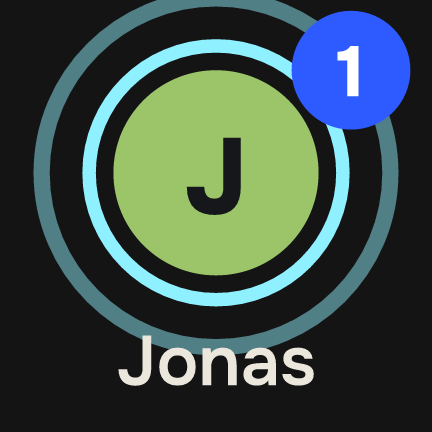
The Psst key sits among your game keys. Quiet, it shows the mark and a dot in your status colour. When something arrives it shows who sent it, how many are waiting, and pulses three rings with a soft chime — Busy gets one ring and a softer sound, DND none.
Tap it and your deck becomes the conversation, with the answers already on the keys. Hold it to mark everything read without answering.

Your deck becomes the conversation
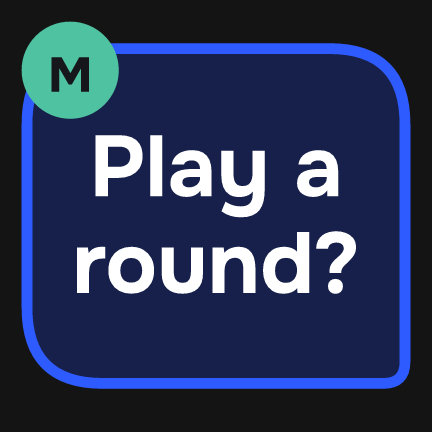
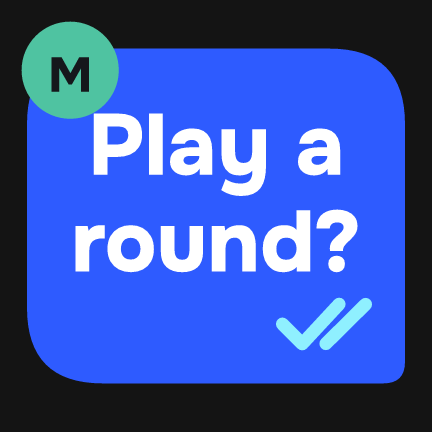
A Psst profile takes over every key on your deck while you talk — six on a Mini, eight on a Neo or a +, fifteen on an MK.2, thirty-two on an XL — then hands your deck back. More keys, more friends and messages on one page. Bubbles span keys, the way they would span a phone screen; your messages are cobalt, theirs are paper.
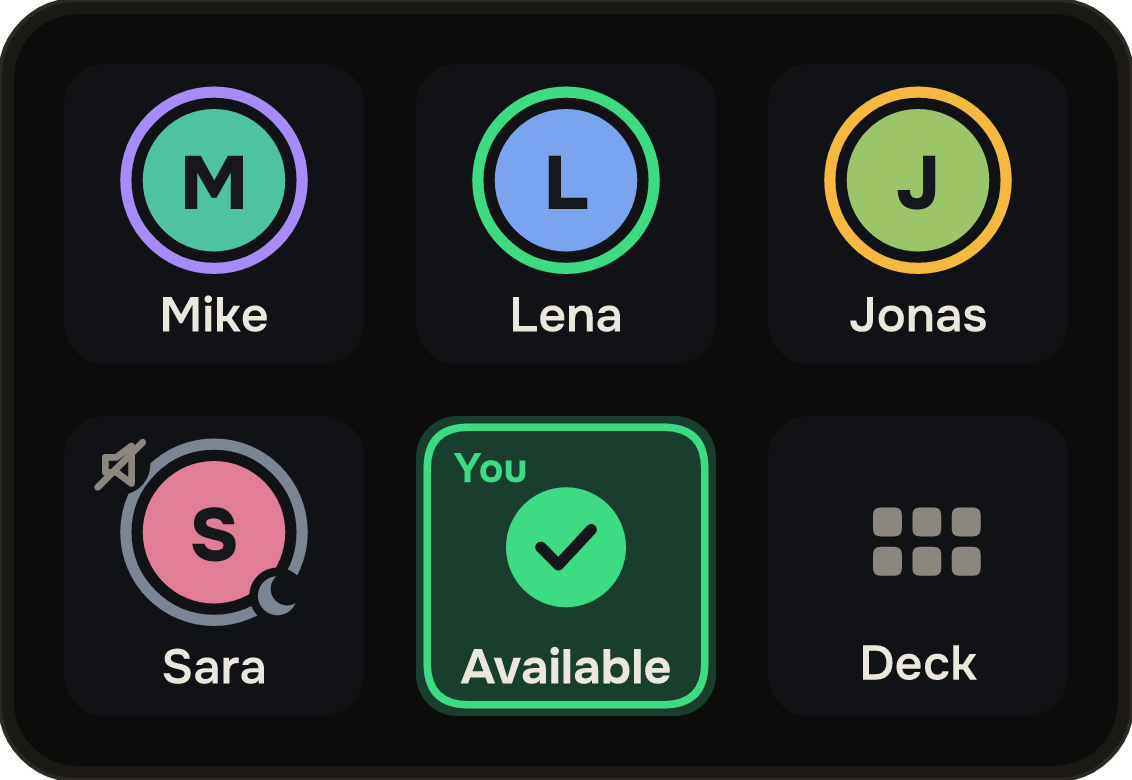
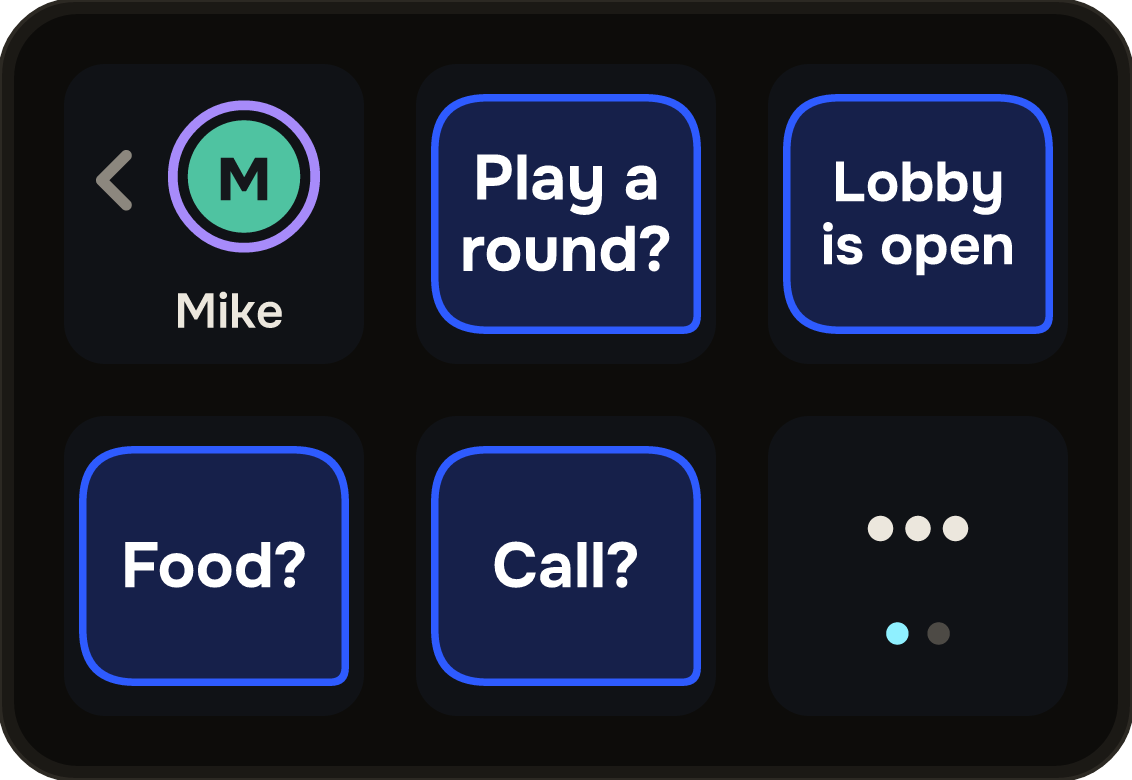
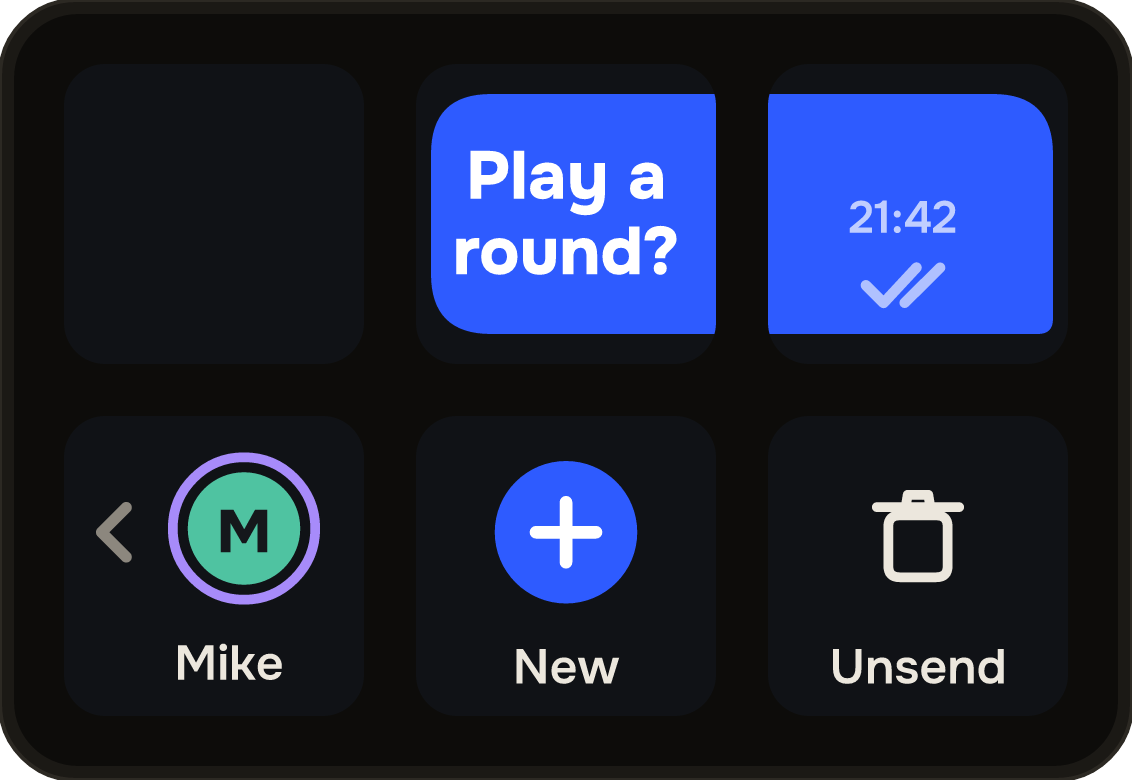
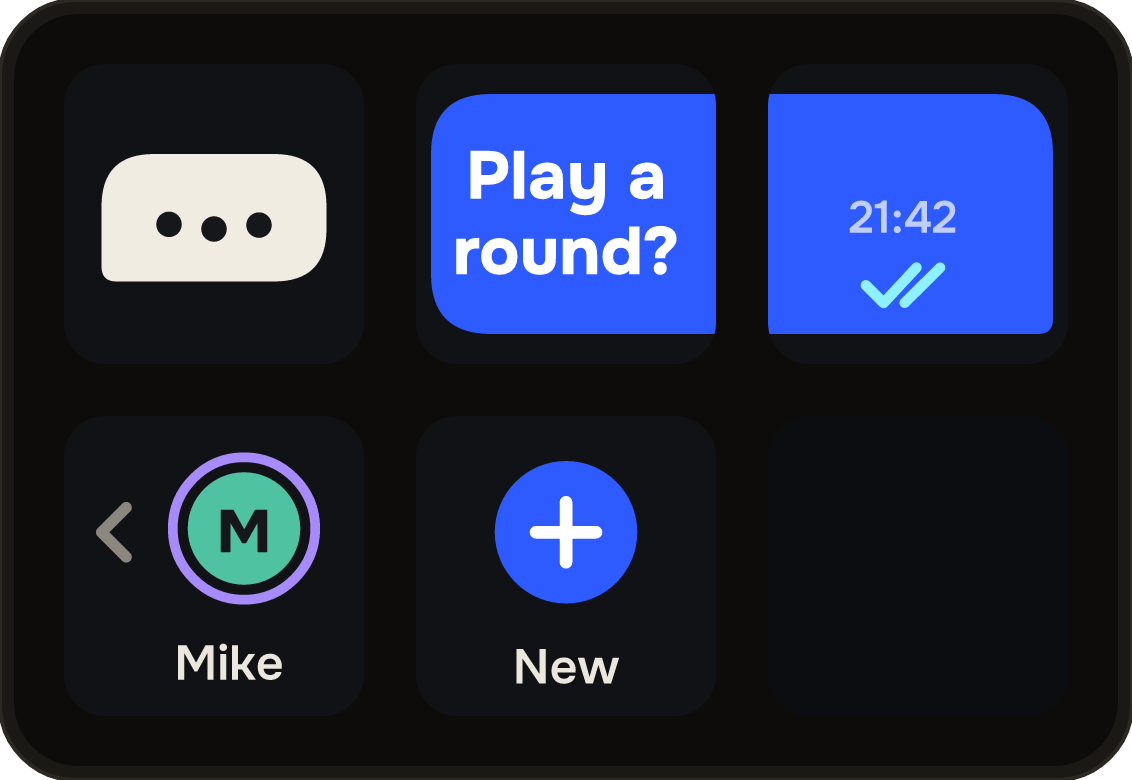
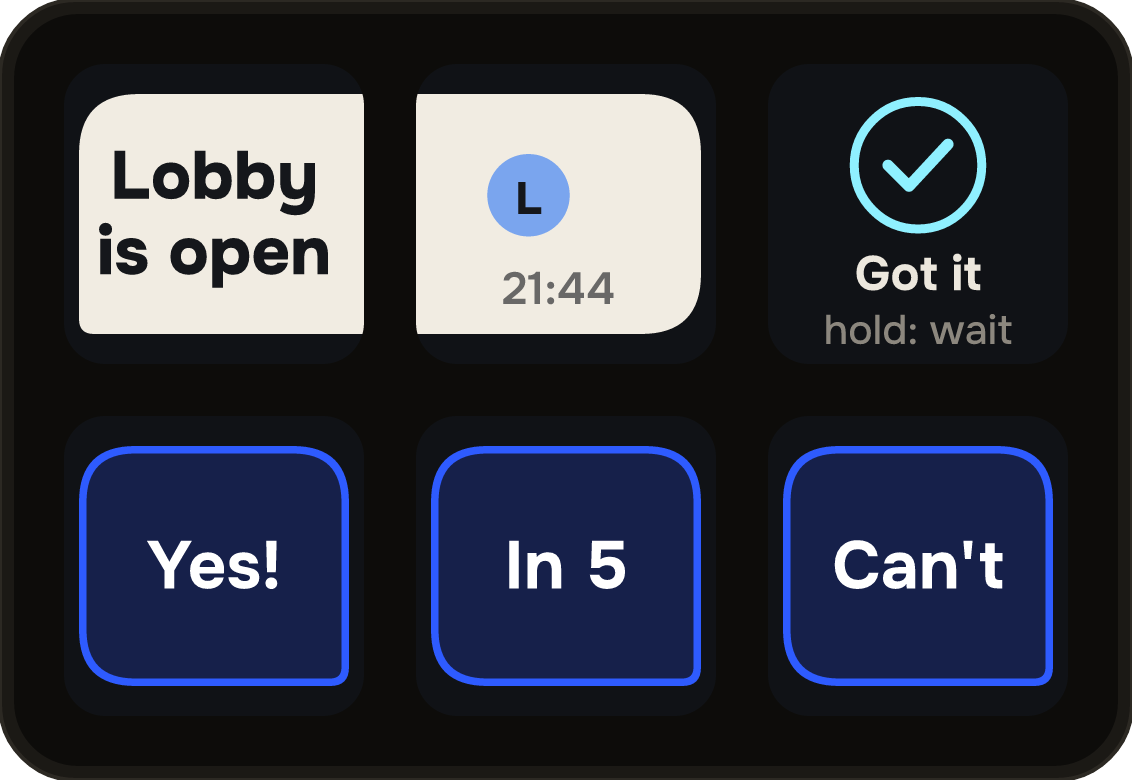
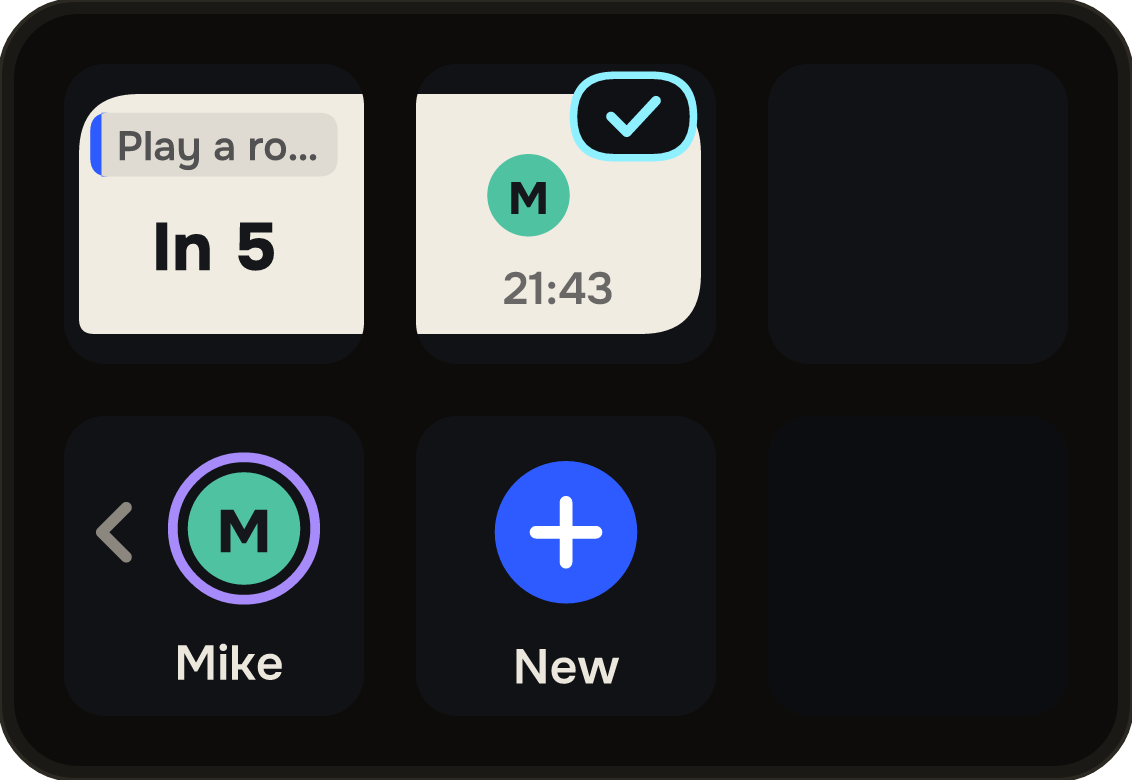
Messages and answers are yours to write · Twenty-four characters, so every one fits a key · Hold Got it to say “wait”
It goes back on its own
If you came in through the Psst key, your deck returns to where you were three seconds after you answer — a ring on the Deck key counts it down, and it waits a moment longer if something new arrives. Answering a friend costs one press and a glance, and your game profile is back before you've looked away from the screen.
Friends, not followers
There is no sign-up. On first start Psst makes a key pair on your machine, and its fingerprint becomes your ID. Share it however you share things — a chat, a party, a sticky note — and paste your friend's into the settings.
Messages only flow when both of you have added each other. Anyone else is dropped: first by the relay, then again by the plugin. There is no request inbox to fill with spam, and removing someone is how you block them.
Your ID looks like this
PSST-7K3M-Q9XD
Nothing in between
Psst passes messages between friends, so it should know as little as it can — and keep even less.
- No account
- No email, no password, no profile. Your identity is a key pair that never leaves your Stream Deck settings, and your friends list and messages live there too.
- A relay that keeps nothing
- The service that connects you holds live connections and the friend list each deck sent it, in memory, and nothing else: no database, no message history, no queue and no log. When a friend is offline, your message waits on your own deck — for up to half an hour — and goes when they're back.
- Keys that can't be borrowed
- Every connection proves it holds the key behind its ID. The first key seen for a friend is remembered; if their ID ever turns up under a different one, Psst refuses it and tells you.
- Nothing beside it
- No helper app to install, no Accessibility, Screen Recording, camera or microphone permission. Sounds are played by the audio tools your system already has. Psst is the plugin and one secure connection.
Plain words, on purpose
Messages travel over an encrypted connection and are forgotten the moment they are passed on — but they are not end-to-end encrypted. Psst is for “Play a round?”, not for secrets: short lines you would say across a room.
Requirements
- Stream Deck app
- 7.1 or newer
- Devices
- Mini, Neo, MK.2, XL and + — with a Psst profile for each
- Platforms
- macOS 12+ and Windows 10+
- Keys needed
- One for the Psst key; the profile brings its own
- Internet
- Yes — one secure connection to the relay
- Your friends
- Each of them needs their own copy
What it doesn't do
It never shows anything on your screen, never reads a game or a chat, and never types for you. It keeps no history on any server, has no analytics, and knows nothing about you but the ID you chose to share.
Version
v1.0.0
First release. The Psst key; a Psst profile for every Stream Deck with keys; precrafted messages and answers, quoted replies, ticks that mean something and three dots while they answer; Got it and “wait”; Unsend until read; Quick send; status on its own key and on your friends' decks; no account, and a relay that stores nothing.
Support
A friend who won't link up, or a key that says it can't connect? Write to us and a human will answer.
- Your Stream Deck app version and operating system
- What the key or the settings panel said
- Whether your friend sees the same
- The plugin log from the de.7bp.psst.sdPlugin folder — it never contains messages