Macros
A mouse gesture, kept on a key.
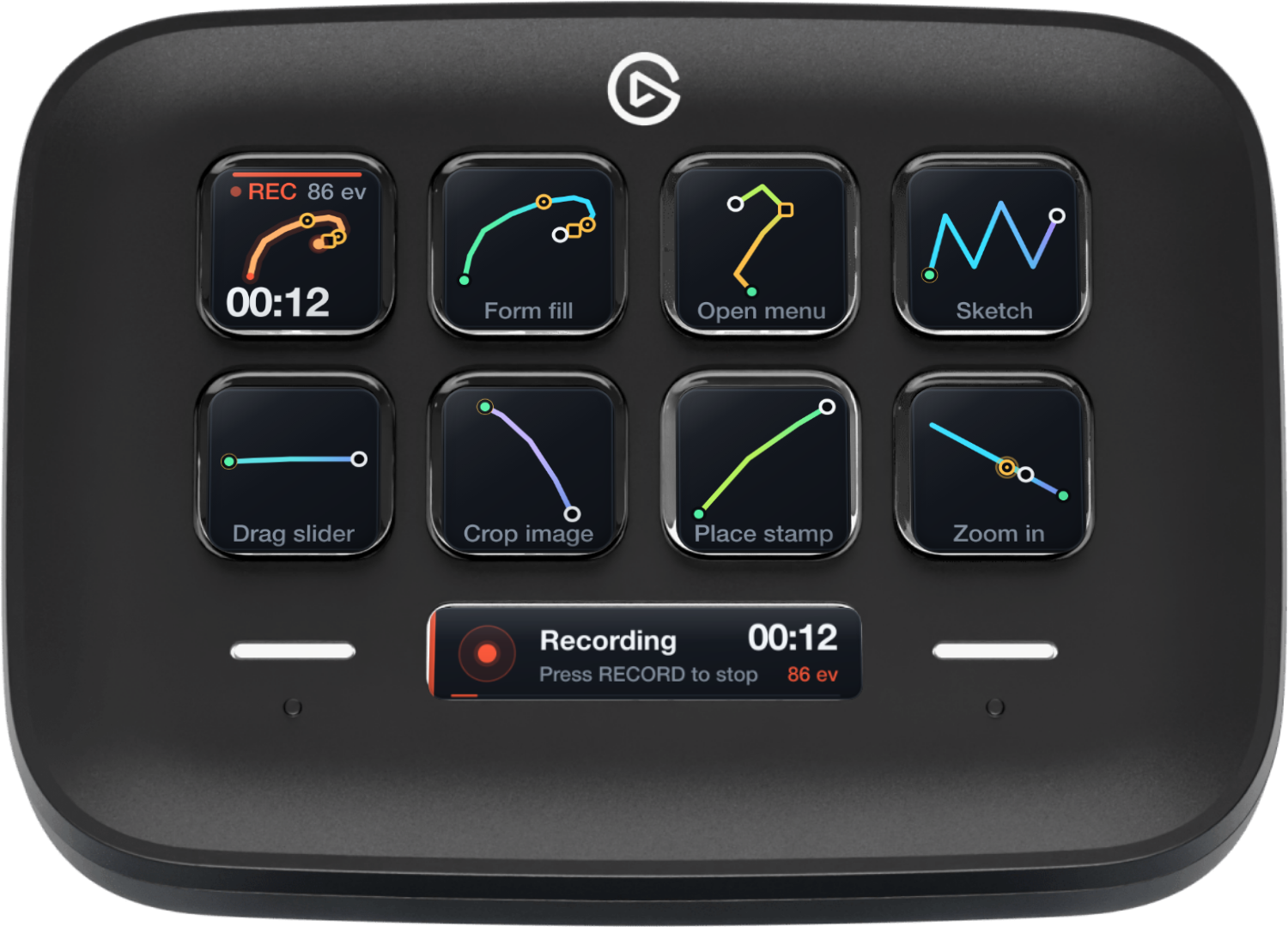
Record a mouse gesture once, see its route drawn on a Stream Deck key, and replay it with a tap. Tap again to stop; hold while idle to loop. The deck is the interface: there is no timeline editor and no companion app.
The listing is not reserved yet. This button becomes a link when Elgato publishes it.
Record by doing
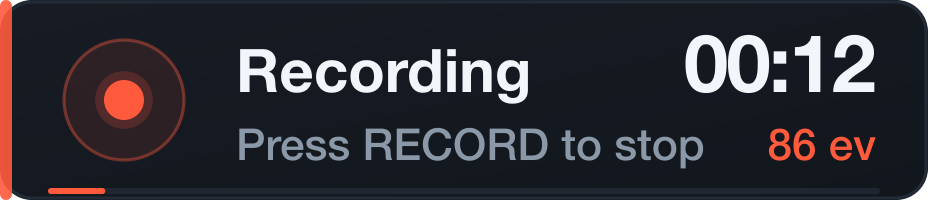
Press Record. The key turns red, the path grows live, and the Infobar counts events and time. Do the gesture with the mouse, exactly as you normally would. Press Record again to finish; every Macro key offers itself for the take.
A pending take is saved before you choose a key. A single stray press cannot throw it away: hold Record for a moment, or use the inspector's two-step discard. The take also survives a plugin restart.
The deck is the interface
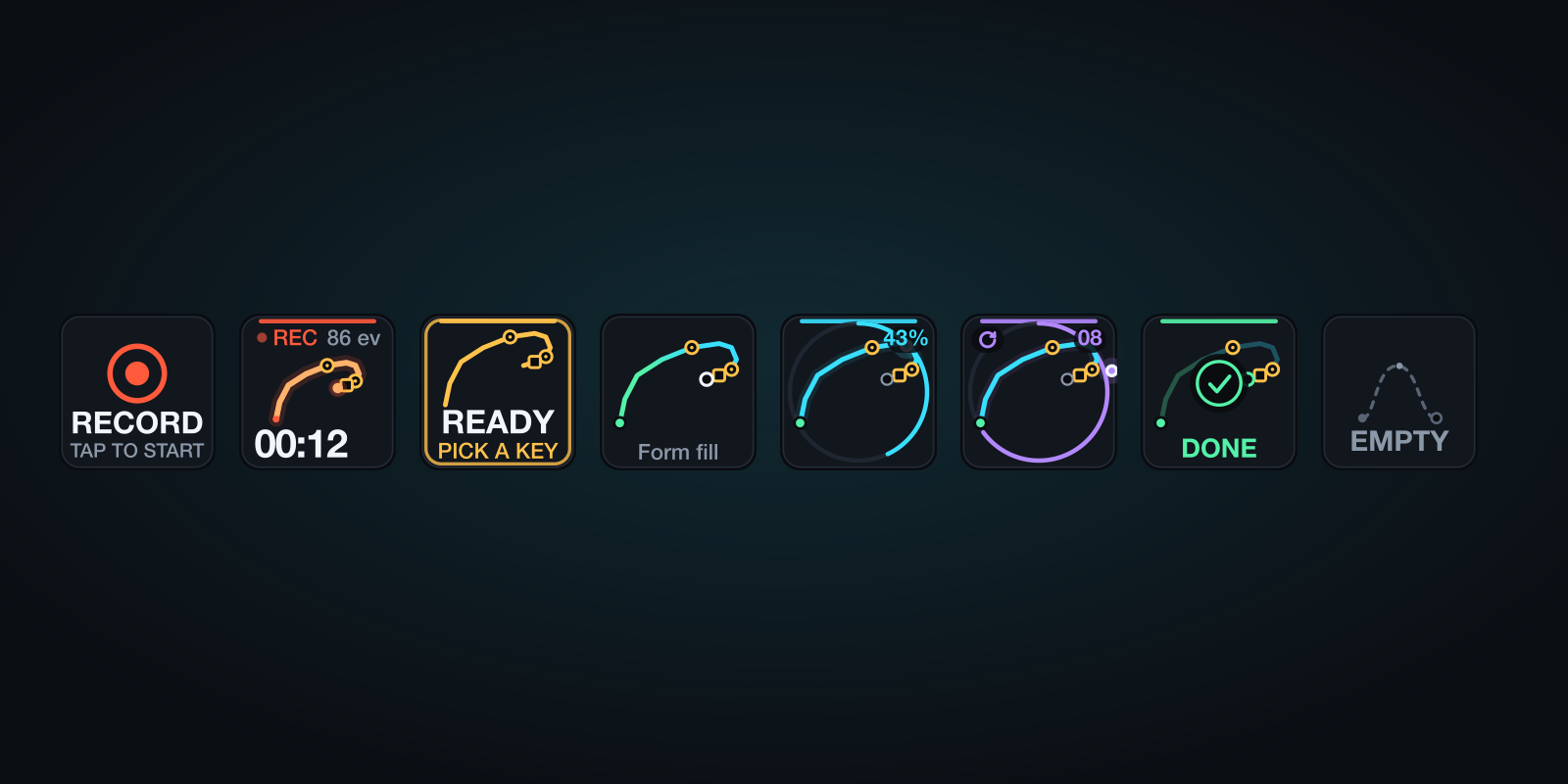
The route is the identity. A start dot, a finish ring, click markers, pauses and a direction gradient. Each saved macro's gradient comes from a checksum of its own event stream, so keys with different gestures read apart at a glance. The name is a caption, not the point. One key can be a form fill, the next a menu, the next a repeated stroke.
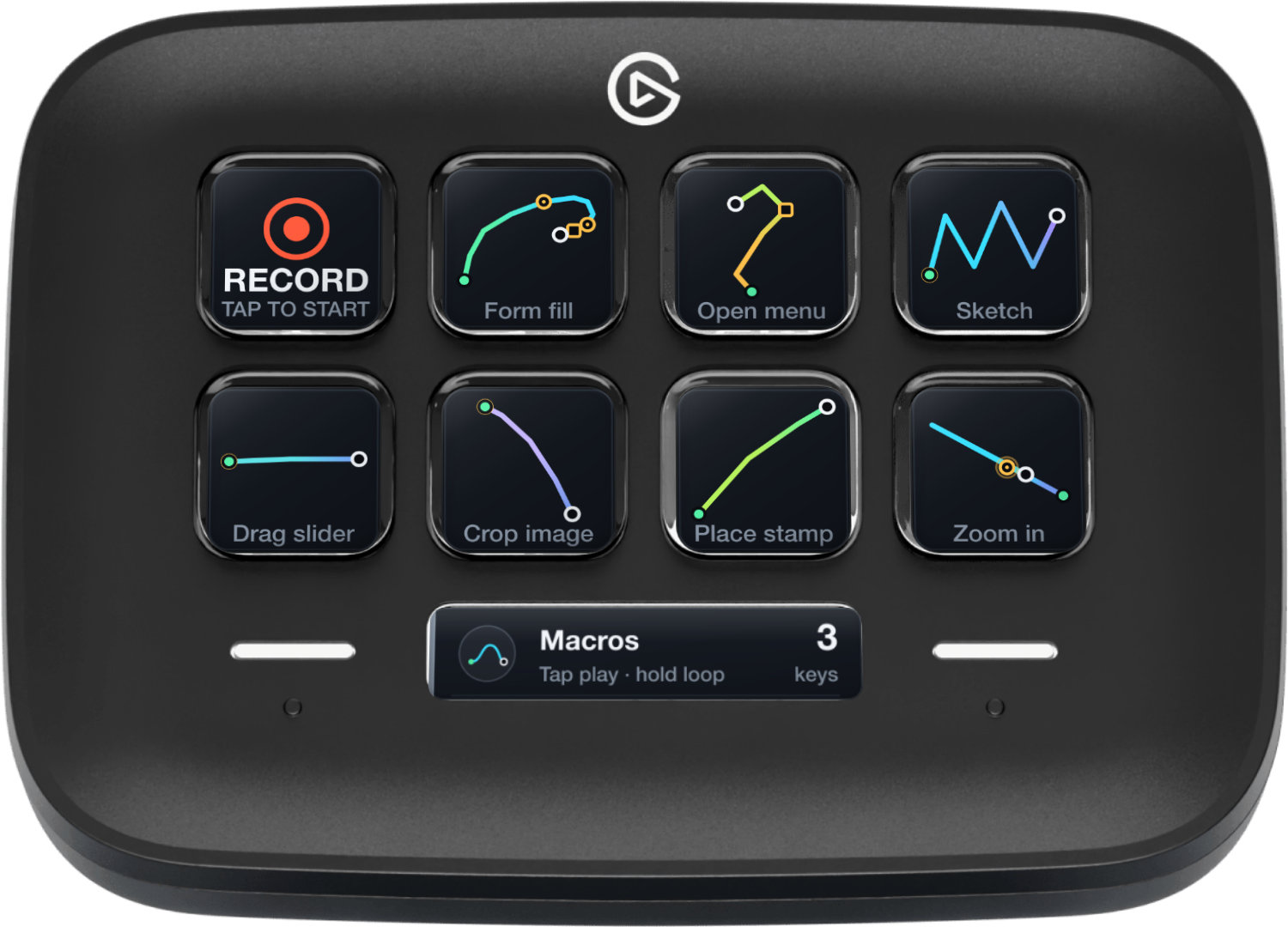
Tap to play once; tap again to stop. Hold while idle to loop. A completed long press consumes its release, so it never fires a second normal playback.
Tap. Stop. Loop.
A loop is violet, counted and easy to stop. The gap between runs is yours; a safety stop ends it at 50 runs or ten minutes. Every iteration releases any held buttons before the next.
Only one macro can run at a time. Pressing another key gives you a warning instead of a second run.
What it really captures
Global pointer movement and left, right and middle clicks at absolute screen points, with the timing between them. That is the whole claim.
- ✓Global pointer movement
- ✓Left, right and middle clicks
- ✓Click timing and absolute points
- ✓Looping and held-button release
- —Scroll capture. There is no non-native event tap, so it is not recorded.
- —Keyboard events. Macros is a mouse instrument.
- —Companion app or native helper. The plugin runs entirely inside Stream Deck.
Playback needs Accessibility permission for Elgato Stream Deck. Recording works without it. Some applications ignore synthetic pointer events; a macro cannot guarantee the same outcome if the interface changed.
Careful by default
Stop releases every held button. A changed display arrangement is refused by default; scaling is explicit and reported. Wake, disconnect or quit stops the operation, and no loop resumes by itself.
A macro is a gesture at absolute points, not a guarantee. It stores coordinates and timing, never screen content.
Requirements
- Stream Deck app
- 7.6 or newer
- Platform
- macOS 13 or newer
- Devices
- Any Stream Deck with keys; the Infobar action needs a Stream Deck Neo
- Permission
- Accessibility for Elgato Stream Deck, for playback only
- Capture
- Pointer movement and left, right and middle clicks; no scroll, no keyboard
- Internet
- Never. It does not use the network.
What it does not do
No account, no network requests, no analytics, no screenshots. One JSON file per macro lives under ~/Library/Application Support/de.7bp.macros; temporary playback files are deleted after a run. Nothing leaves the Mac.
Version
v1.0.0
1.0.0: First release. Record pointer movement and clicks, save the take to a Macro key, replay once or loop, with live progress on the key and the Neo Infobar. Per-key speed, loop gap, iteration cap and display policy. Pending takes survive a restart and need a deliberate discard. Each macro gets its own colour from its recording. macOS 13+, Stream Deck 7.6+.
Support
Something off, or a gesture that will not behave? Write to us and a human will answer.
- Your Stream Deck model, app version and macOS version
- What you recorded, and what happened when it played
- The macro key settings, especially the display policy
- The plugin log from the de.7bp.macros.sdPlugin folder