PULSE
Network reliability, diagnosed on a key.
When a call drops or a build hangs, the first question is always the same: is it me, the router, DNS, or the internet? PULSE answers it before you open a terminal, and shows its working.
The listing is on its way; this button becomes a link the moment Elgato publishes it.
Or all seven tools in the OPS Suite, €12.99 instead of €24.99. See the OPS Suite →
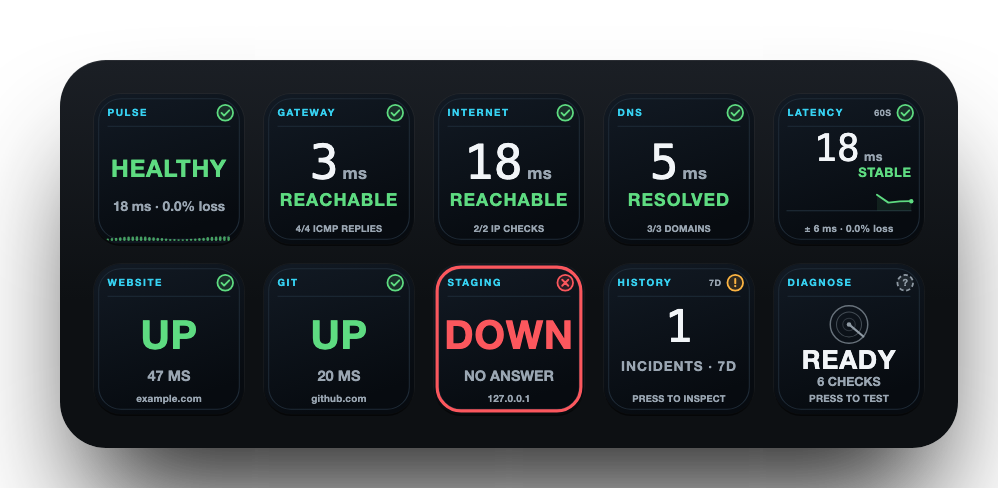
Every key has one job.
Put the ones you need where you need them. Each key draws what it knows, live, in the same language as every other OPS key.
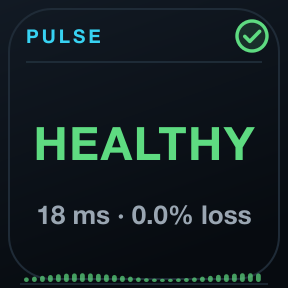
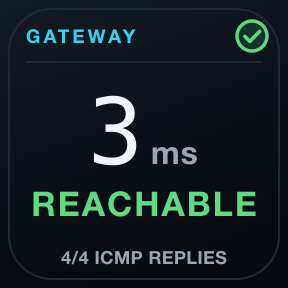
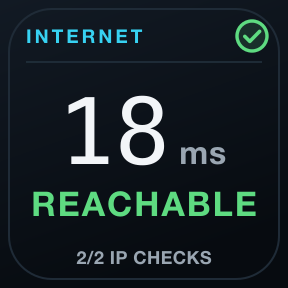
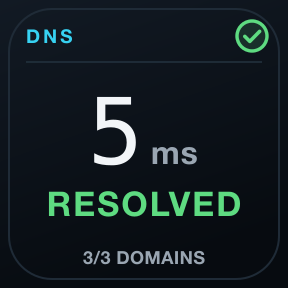
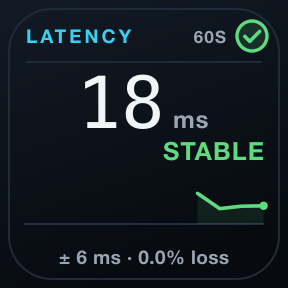
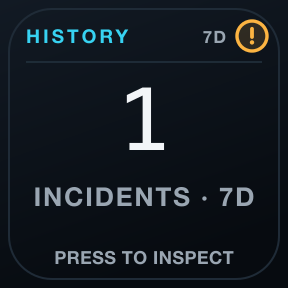
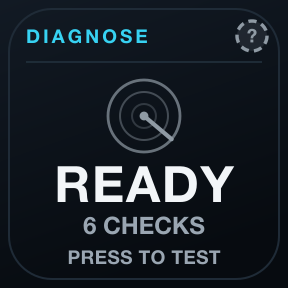
Layer by layer
Gateway by ICMP, the internet by TCP to stable endpoints, DNS across unrelated domains. Each layer is checked on its own, so a failure has an address.
A diagnosis with evidence
Diagnose runs a guided check and names the likely cause with its confidence, and every verdict lists the observations it rests on.
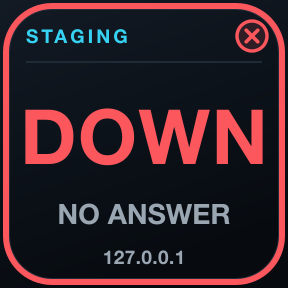
Your services, apart
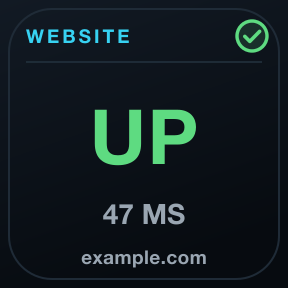
A TCP port or HTTPS URL of your own on its own key. Its outage never paints the whole network red.
One family, one language, no cloud.
One language
Green healthy, amber attention, red critical, grey unknown: the same header, marks and colours on every key of all seven tools, always with a shape and a word.
Evidence, not optimism
Unknown is never painted green. A launch is not a session, a reachable disk is not a valid backup, an open port is not a working API.
Local and private
No account, no cloud service, no telemetry, no subscription. Checks run from your Mac, and history stays on it.


Requirements
- Stream Deck app
- 7.6 or newer
- macOS
- 12 or newer. OPS is not available for Windows.
- Stream Deck
- Any model with keys
- Permissions
- No permission needed. ICMP to the gateway uses macOS's own ping.
Privacy
Everything runs on your Mac: checks, history and settings. There is no account, no analytics and no 7bp server in between; the only traffic is the checks you configure.
Version
v1.0.0
First release: PULSE Core, Gateway, Internet, DNS, Latency, Service Watch, History and Diagnose, on the OPS design.
Support
Something not as it should be? Write to us and include:
- Your macOS and Stream Deck app versions
- Which key, and what it shows
- What you expected it to show