VAULT
Backup assurance: what is known, before you need it.
Backups are not proof of recoverability. VAULT reads the evidence your backup tools already write, watches the disks they write to, and ranks what you know, from a run that finished to a restore that worked.
Or all seven tools in the OPS Suite, €16.99. See the OPS Suite →
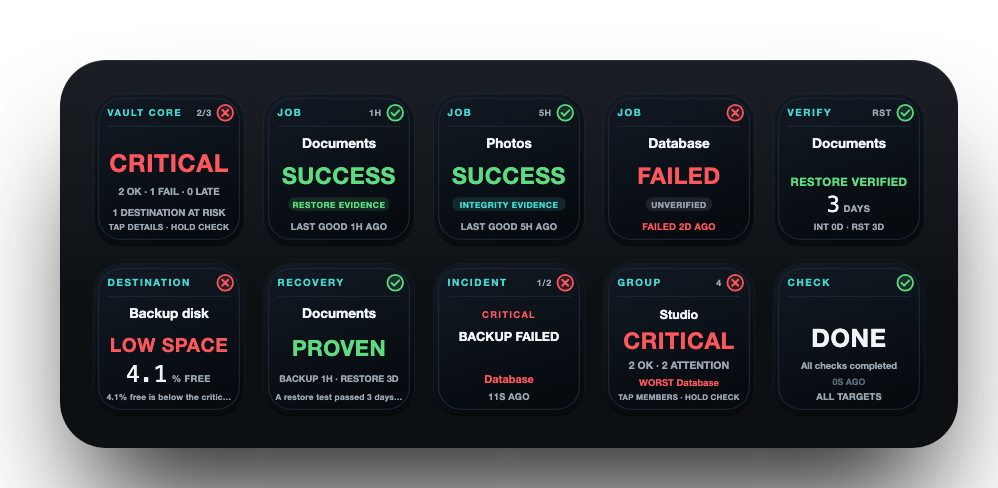
Every key has one job.
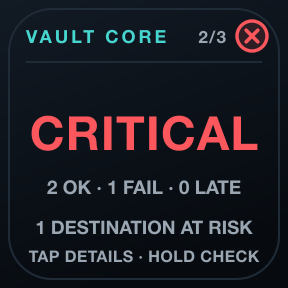
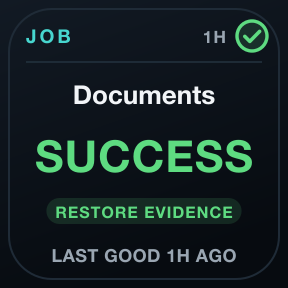
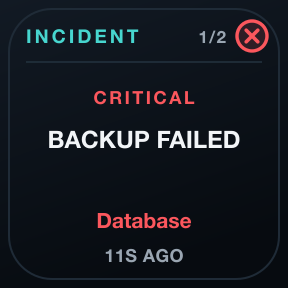
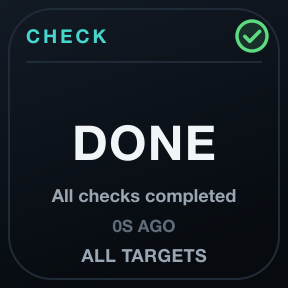
Put the ones you need where you need them. Each key draws what it knows, live, in the same language as every other OPS key.
Levels of proof
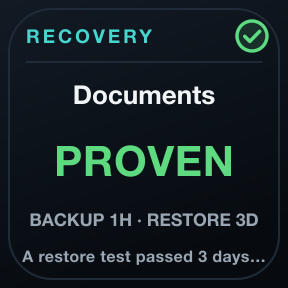
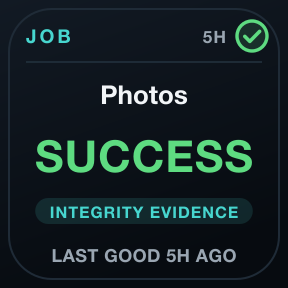
A successful run, an integrity check and a restore test are three different levels of proof, and the Backup key shows which you have.
Any tool, one format
Any script or backup tool reports through a small JSON result file; VAULT never deletes, moves or changes backup data.
Destinations watched
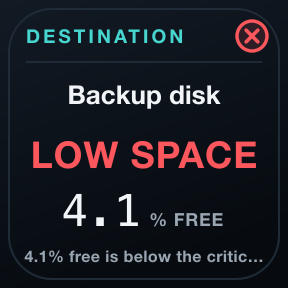
Reachability, free space and the newest write of every destination. Reachable is not the same as valid, and VAULT says so.
One family, one language, no cloud.
One language
Green healthy, amber attention, red critical, grey unknown: the same header, marks and colours on every key of all seven tools, always with a shape and a word.
Evidence, not optimism
Unknown is never painted green. A launch is not a session, a reachable disk is not a valid backup, an open port is not a working API.
Local and private
No account, no cloud service, no telemetry, no subscription. Checks run from your Mac, and history stays on it.



Requirements
- Stream Deck app
- 7.6 or newer
- macOS
- 12 or newer. OPS is not available for Windows.
- Stream Deck
- Any model with keys. On a Stream Deck Neo, the Infobar too.
- Permissions
- No permission needed for result files in your home folder; a destination on an external disk may need Stream Deck to have access to it.
Privacy
Everything runs on your Mac: checks, history and settings. There is no account, no analytics and no 7bp server in between; the only traffic is the checks you configure.
Version
v1.1.0
Keys you can read without leaning in: one big number or word, with the facts a tap away. A solid strip with a verb marks a key that does something; every other key watches: tap for the next fact, hold to check now. Verification and Recovery are now choices of the Backup action, Group of Overview. The Core key is called Status. Keys already on your deck keep working.
Support
Something not as it should be? Write to us and include:
- Your macOS and Stream Deck app versions
- Which key, and what it shows
- What you expected it to show