Signals
Your apps, and which of them want you.
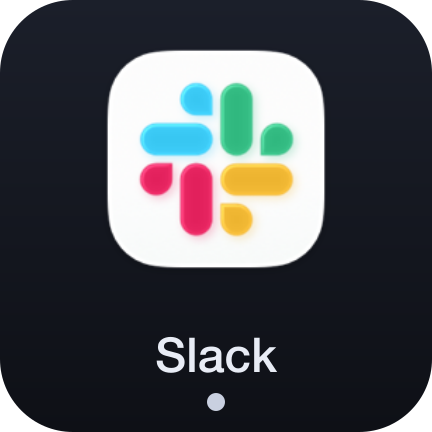
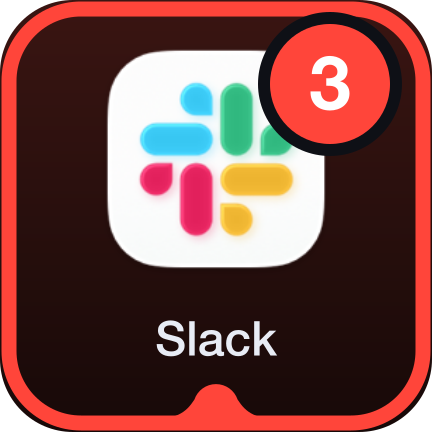
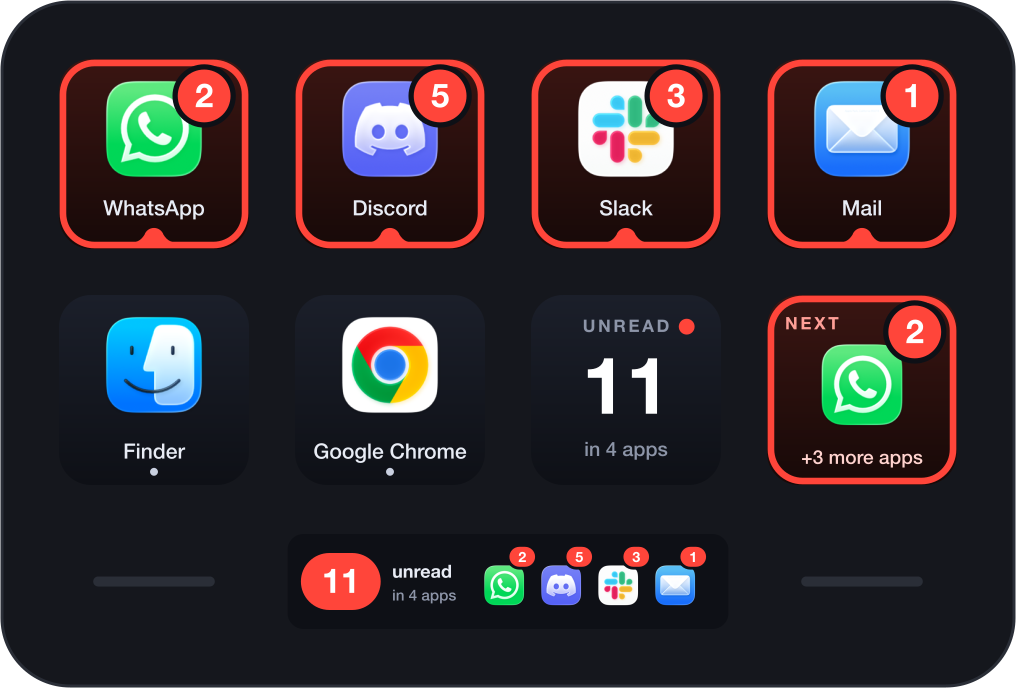
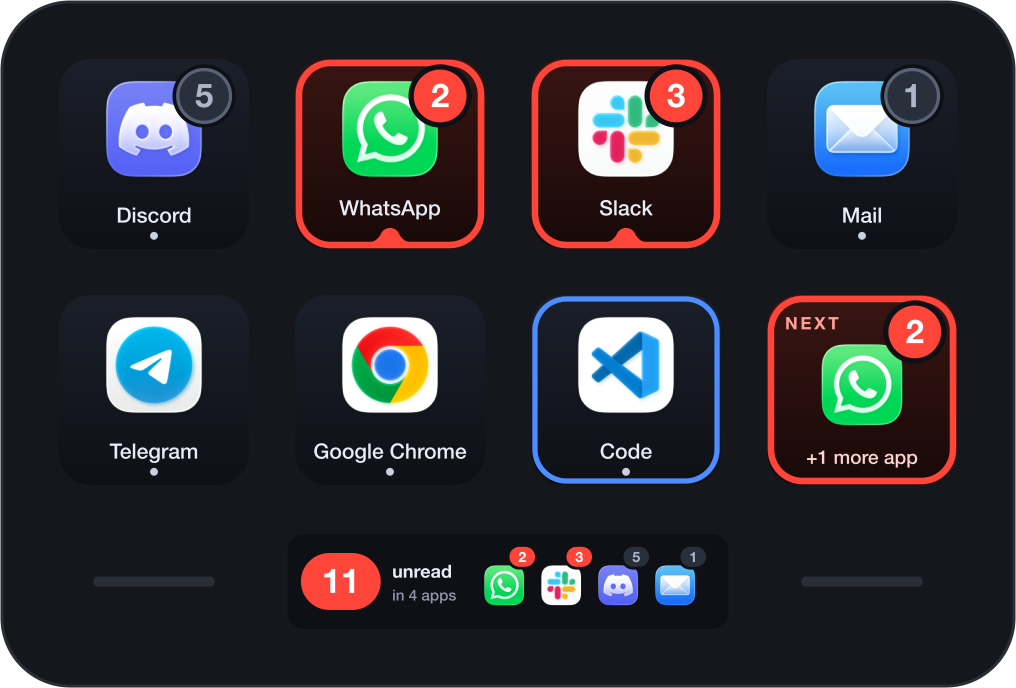
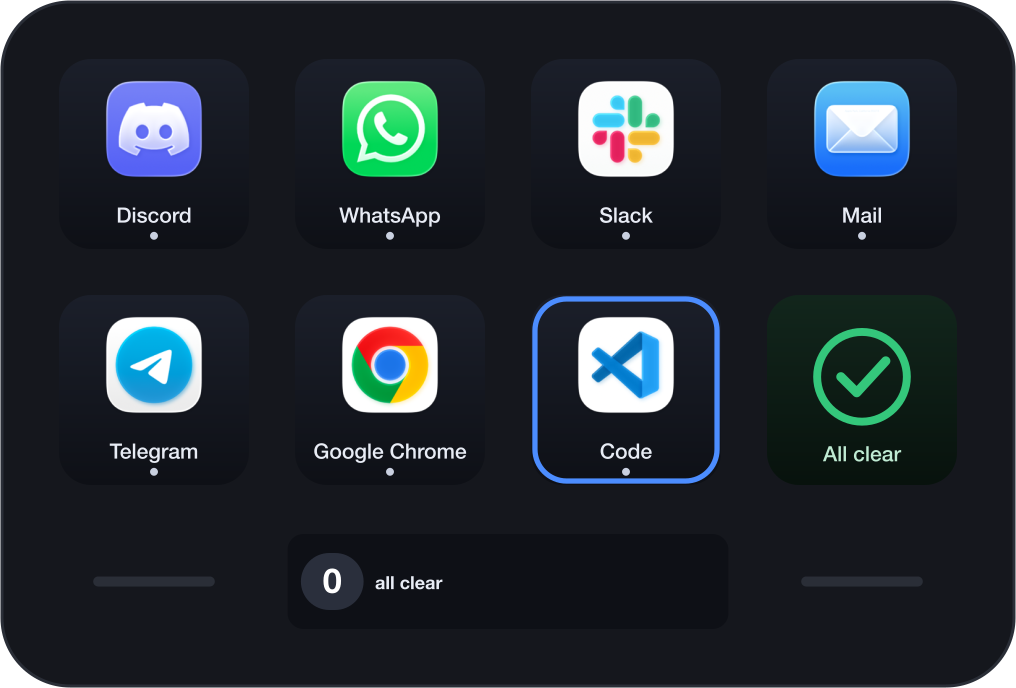
Signals puts your apps on your Stream Deck. Each key is an app, with its real icon and the same unread count its Dock icon shows. A red ring means it wants attention, and a tap takes you there.
For macOS. Works without any permission, no account, no network.
The listing is reserved and this button turns into a link the moment Elgato publishes it.
Or try Signals Lite, free ↓One key, one app, five things it can say
Pick any installed app for a key. Tap to open it or switch to it. Hold to say you know: the count stays, the ring goes, and the key stays quiet until something new arrives.
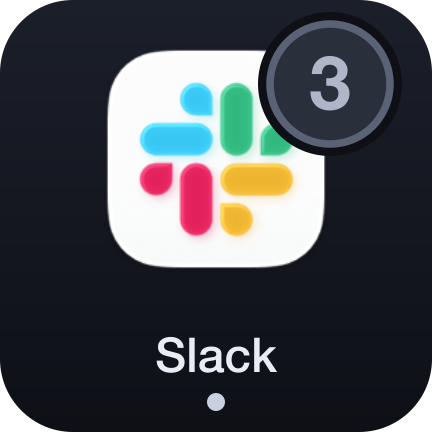
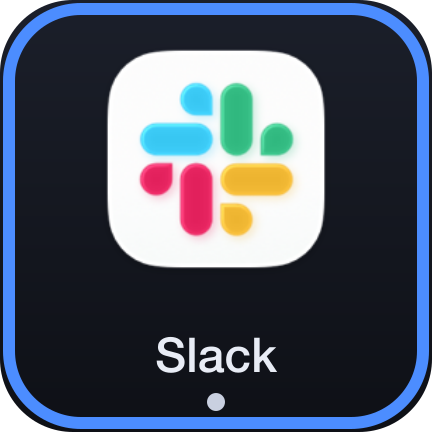
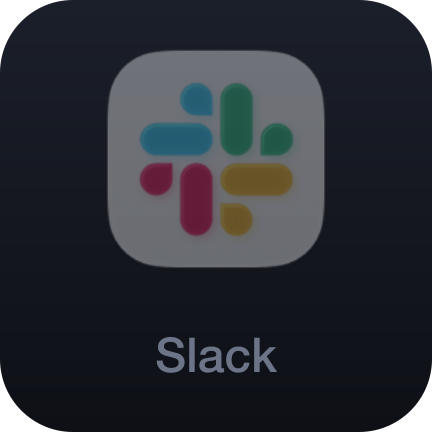
Next: whoever has waited longest
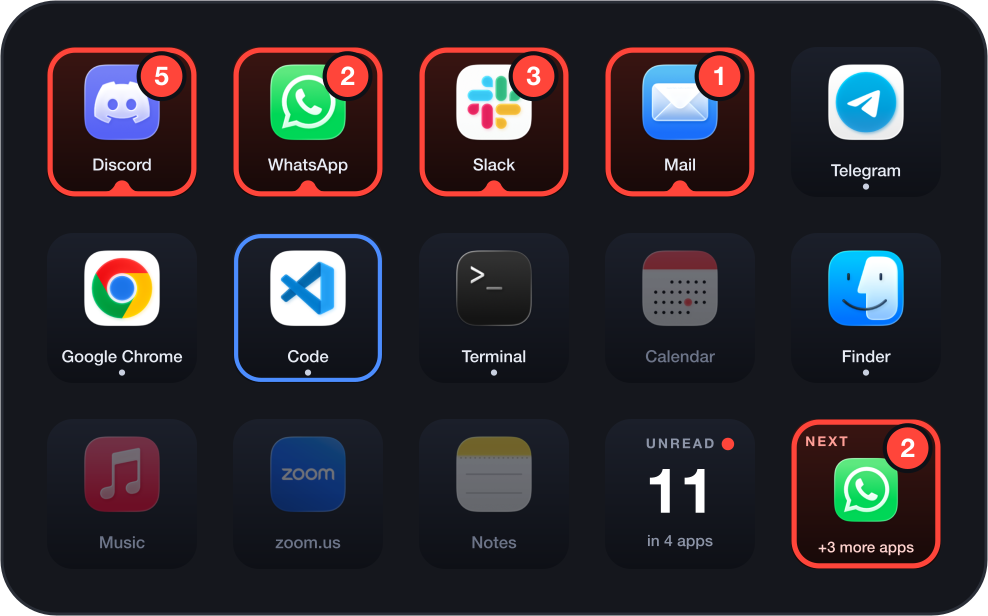
One key that is always the app to deal with now. Tap it, deal with that app, tap again for the one after. The Unread key adds up everything across your apps, and a tap on it marks it all seen.
A tray that fills itself
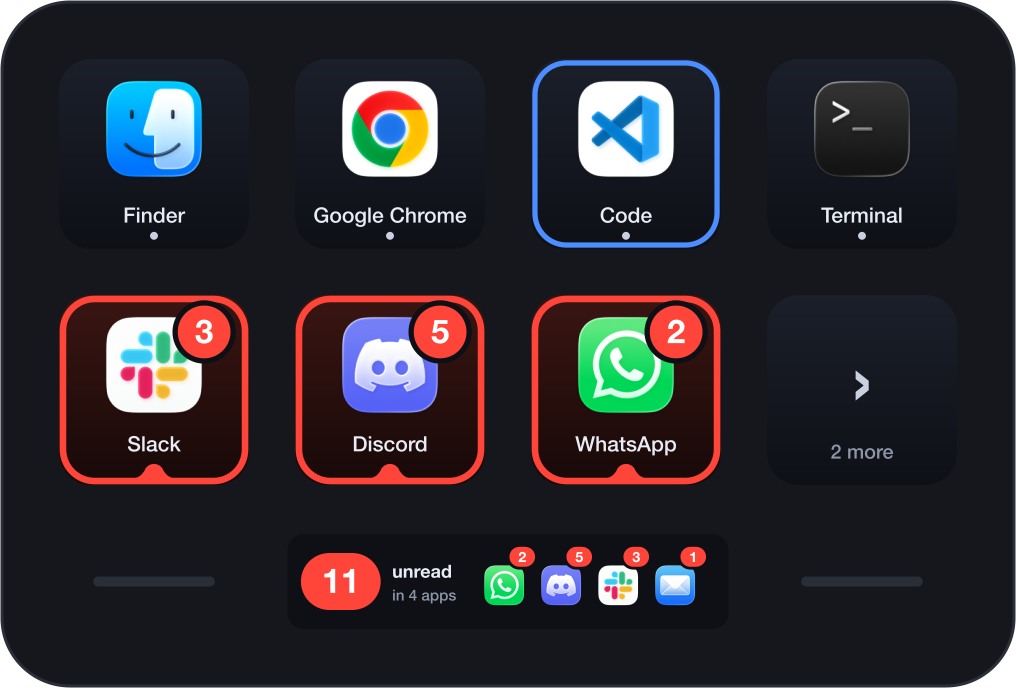
Put the App Tray action on a few keys and they share out your running apps between them, with nothing to pick and nothing to keep up to date. Apps that have a key of their own are left out.
What it does, and what it does not
- Any app with a badge
- Mail, Slack, Discord, Telegram, Teams, Calendar and most others: if it puts a number, a dot or a word on its Dock icon, Signals shows it. No permission, and nothing to set up per app.
- WhatsApp and Messages
- A few apps tell only the Dock about their badge. To show those too, allow Accessibility for Stream Deck once, from the plugin's settings. It is optional, and everything else works without it.
- It reads a number
- Signals reads which apps are running and what their Dock badges say. It never reads a notification, a message or a sender, and never asks for Full Disk Access.
- What it cannot do
- It shows what the Dock shows. An app without a Dock badge, or with badges turned off in System Settings, has nothing to show. A tap opens the app, not a particular conversation.
Signals and Signals Lite
Signals Lite is free and stays free. The two install side by side.
| Signals Lite | Signals | |
|---|---|---|
| Apps on keys | Four | As many as you have keys |
| Icon, badge, red ring, hold to mark seen | Yes | Yes |
| Unread key | Yes | Yes |
| Next key | No | Yes |
| App Tray | No | Yes |
| Infobar on the Stream Deck Neo | Yes | Yes |
| Optional Accessibility for WhatsApp and Messages | Yes | Yes |
| Price | Free | See above |
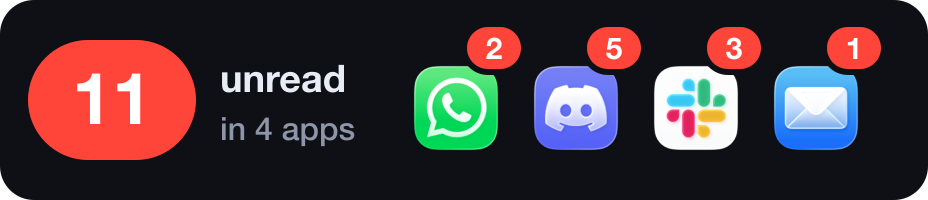
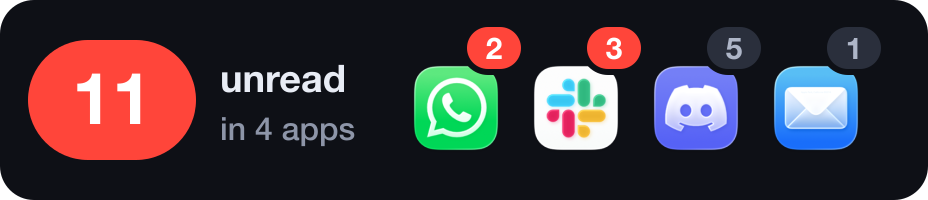
On the Stream Deck Neo, the Infobar keeps count

Requirements
- Stream Deck app
- 7.6 or newer
- macOS
- 12 or newer. Signals is not available for Windows.
- Stream Deck
- Any model with keys. The Infobar action needs a Stream Deck Neo.
- Permissions
- None needed. Accessibility is optional, for the badges of WhatsApp, Messages and apps built like them.
Privacy
Signals reads which apps are running and the text of their Dock badges, and keeps your settings and a cache of app icons on your Mac. If you allow Accessibility, it uses it only to read the badge text of the Dock's icons. It reads no notification content, has no account and makes no network connection.
Version
v1.0.0
First release: App, Next, Unread, App Tray and the Infobar.
Support
Something not showing? Write to us and include:
- Your macOS and Stream Deck app versions
- The app whose badge is missing, whether its Dock icon shows one, and whether Accessibility is allowed
- Which action is on the key