Windows
Your windows, on your keys.
Twenty windows, most of them behind something else. Windows puts them on your Stream Deck: every open window is a key with its app's icon, its title and a live picture of it. Tap one and it is in front.
The listing is reserved and this button turns into a link the moment Elgato publishes it.
Or try Windows Lite, free ↓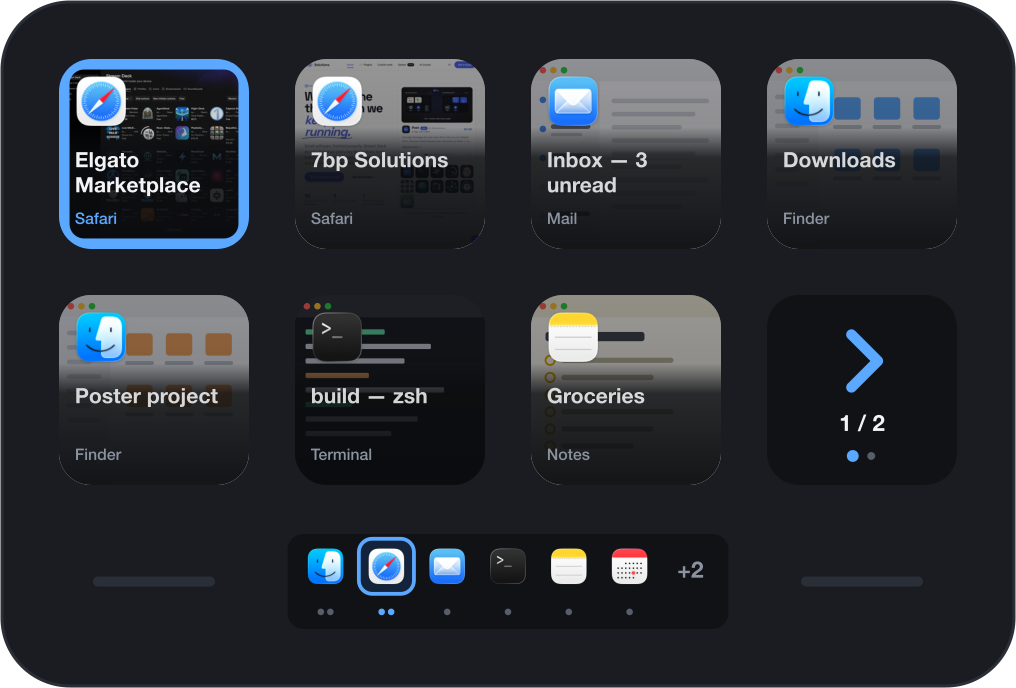
Every window is a key
Put the Windows action on as many keys as you like and they fill with what is open on your Mac. Each key shows the window itself, darkened under the text, with its app's icon, its title and the app's name. The window in front wears a frame all the way round the key, so you can tell which it is from any angle.
Open a window, close one or switch with the mouse, and the keys follow within a second or two. A window keeps its key: the order is fixed, grouped by app, so you can reach for it without looking. If you prefer, the order can follow what you used last.
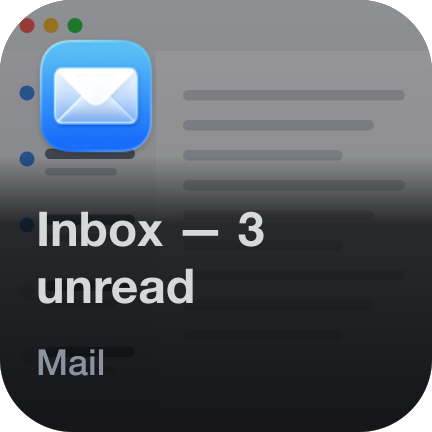

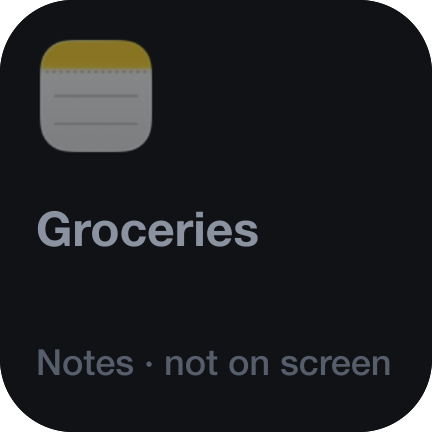
Tap to bring forward · Tap again for the app's next window · Hold to close
Four ways to lay it out
One action, and its settings decide what the keys show.
- All windows
- Every window, grouped by app. With more windows than keys, the last key pages.
- The app in front
- Only the windows of the app you are in. Switch app and the keys change with you. Good on a short row.
- One app
- The windows of one app you name, whatever is in front.
- One key per app
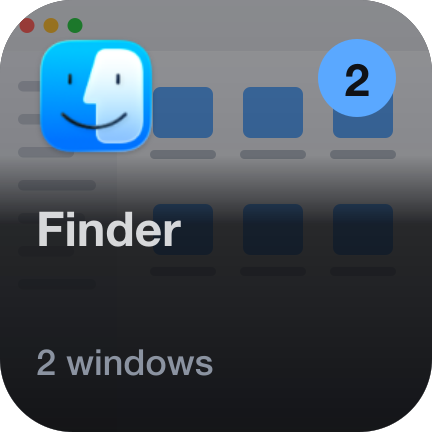
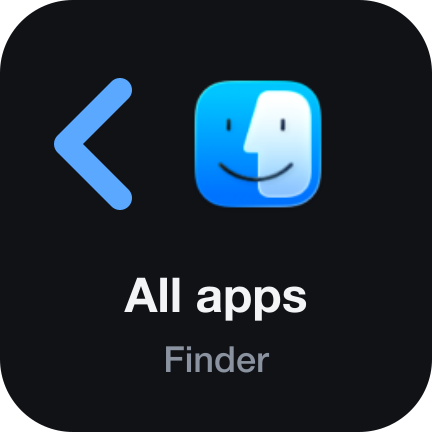
- A badge counts each app's windows. Tap an app and its windows take over the keys; the first key leads back.

Hold to close, and see it coming
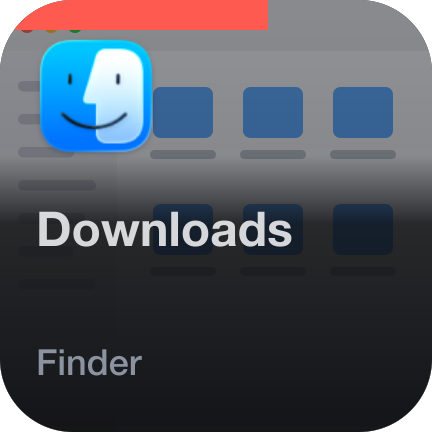
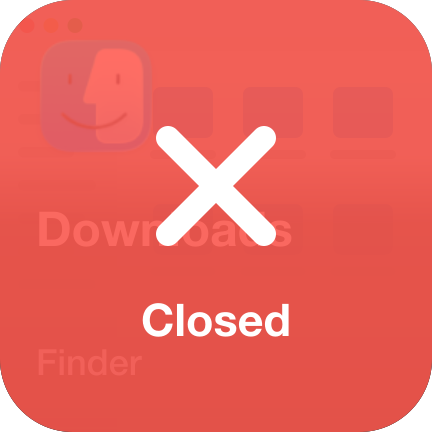
Keep a key pressed and a red bar fills along its top edge. When it is full the window closes; the key says so and the rest move up. A short tap never closes anything.
A hold can be set to minimise instead, which is harmless if you ever do it by accident, or switched off.
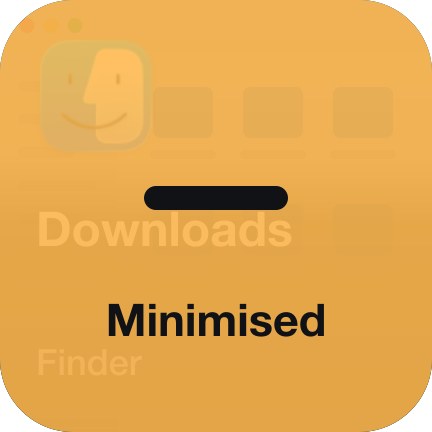
Pinned apps, among your other keys
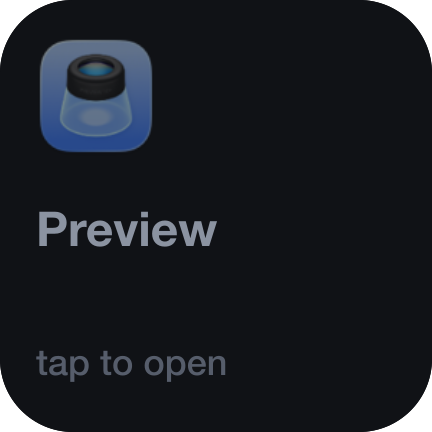
A second action for single keys. Bind one to Mail, one to your editor, one to your terminal, and place them anywhere on your deck. Each shows its app's front window. A tap brings it forward, or starts the app when it is not running. Tap again for the app's next window.

The Infobar, put to work
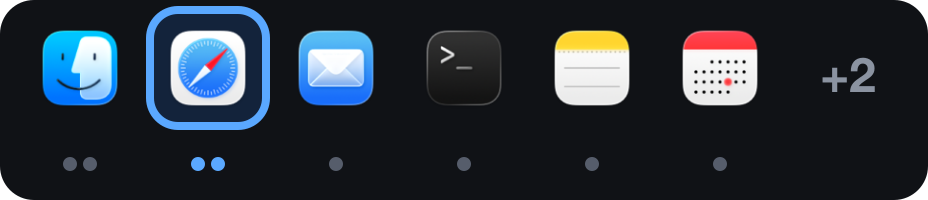
On a Stream Deck Neo, the strip under the keys shows what the keys cannot.


Two versions: free and full
Windows Lite is free and stays free. It is an app switcher that needs no permission at all: one key per running app, tap to bring it forward. Windows is the full plugin. Both can be installed side by side.
| Windows LiteFree | Windows€0.99 | |
|---|---|---|
| On your keys | Up to six running apps | Every window, with pages |
| Tap to switch | Yes | Yes |
| Window titles and live pictures | No | Yes |
| Hold to close or minimise | No | Yes |
| Pinned app keys | No | Yes |
| Dock or title on the Neo's Infobar | No | Yes |
| Permissions | None | None needed; two optional |
| Stream Deck app | 7.1 or newer | 7.6 or newer |
Both are on their way to the Elgato Marketplace.
It works at once, and better with each permission
Nothing is asked for up front, and the keys never go dark for want of a permission. Each one is offered in the key's settings, with what it adds.
- Nothing granted
- One key per running app, with its icon. A tap brings the app forward.
- Screen Recording
- Every window gets its own key, with its title and a live picture. macOS only gives window titles to apps with this permission.
- Accessibility
- A tap raises that exact window, not just its app, and a hold can close or minimise it. After allowing it, quit and reopen Stream Deck.
Requirements
- Stream Deck app
- 7.6 or newer
- Platform
- macOS 12 or newer. Despite the name, not available for Windows PCs.
- Devices
- Any Stream Deck with keys; the Infobar action needs a Stream Deck Neo
- Permissions
- None to start. Screen Recording and Accessibility are optional and add features.
- Internet
- Never. It does not use the network.
What it doesn't do
No account, no analytics, no server, no network requests at all. Windows reads the titles of your open windows to draw them and keeps none of it. Window pictures are taken on your Mac, kept in memory and sent nowhere.
Version
v1.0.0
First release. Your open windows on your keys with app icon, title and a live picture; tap to bring a window forward, hold to close or minimise it; four layouts; pinned keys for single apps; and on the Stream Deck Neo's Infobar either every running app as a Dock or the title of the window in front.
Support
Keys staying dark, or a window that will not come forward? Write to us and a human will answer.
- Your Stream Deck app version and macOS version
- Which app's windows are affected
- What the key's settings say under “What it may do”
- The plugin log from the de.7bp.windows.sdPlugin folder