Smart Hamster
A hamster that lives in a key.
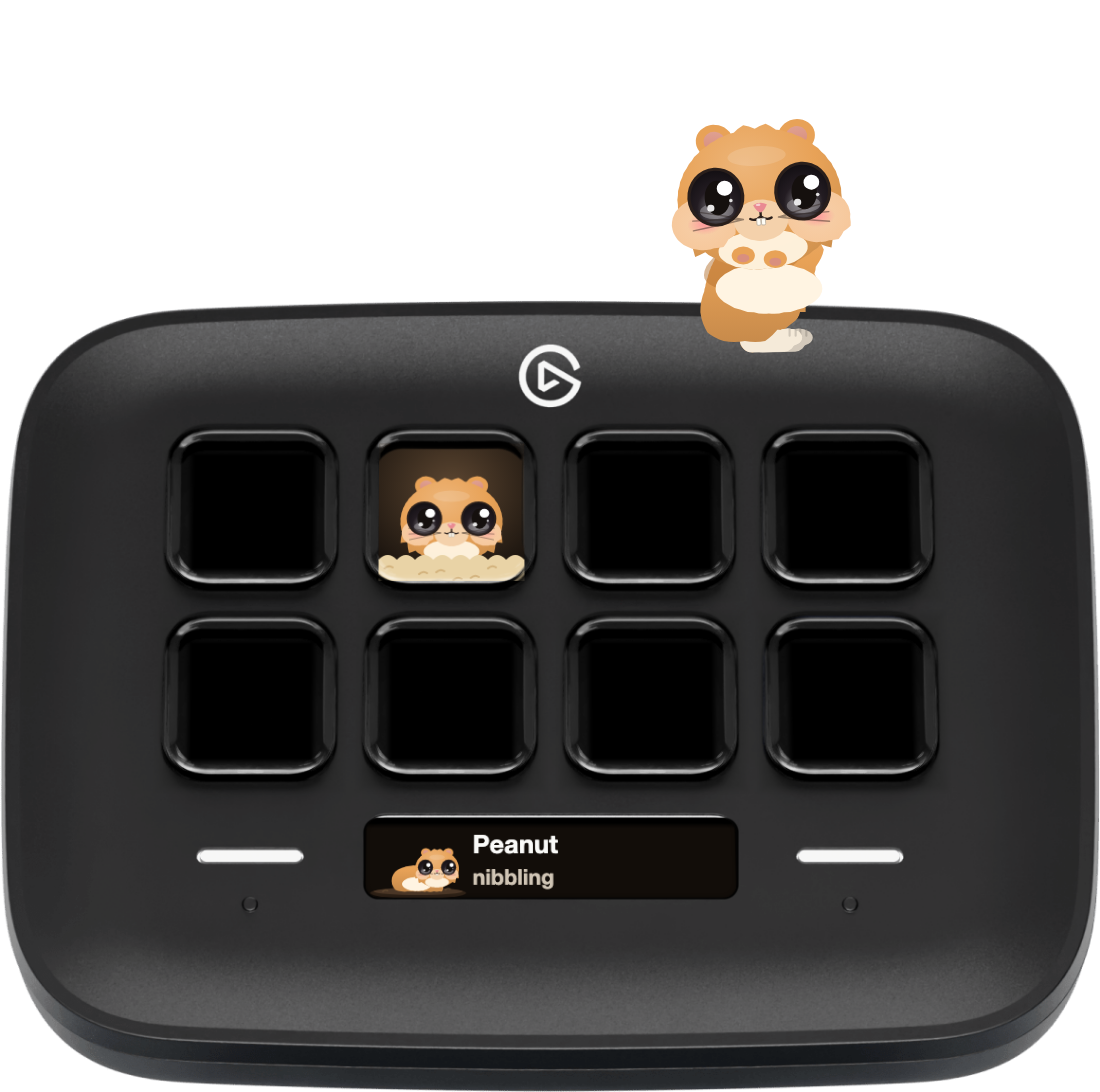
Smart Hamster is a cartoon hamster that lives in a Stream Deck key. It twitches its whiskers, stuffs its cheeks, washes its face and naps there, a busy little hoarder. Out of its bedding it comes only for someone it trusts, and trust takes hours at your Mac. Tap it, and it scurries out onto your screen to run the Dock, chase a seed and spin its wheel. Tap again, and it goes home.
For macOS. No account, no network: everything it learns stays on your Mac.
The button turns into a link the moment Elgato publishes the listing.
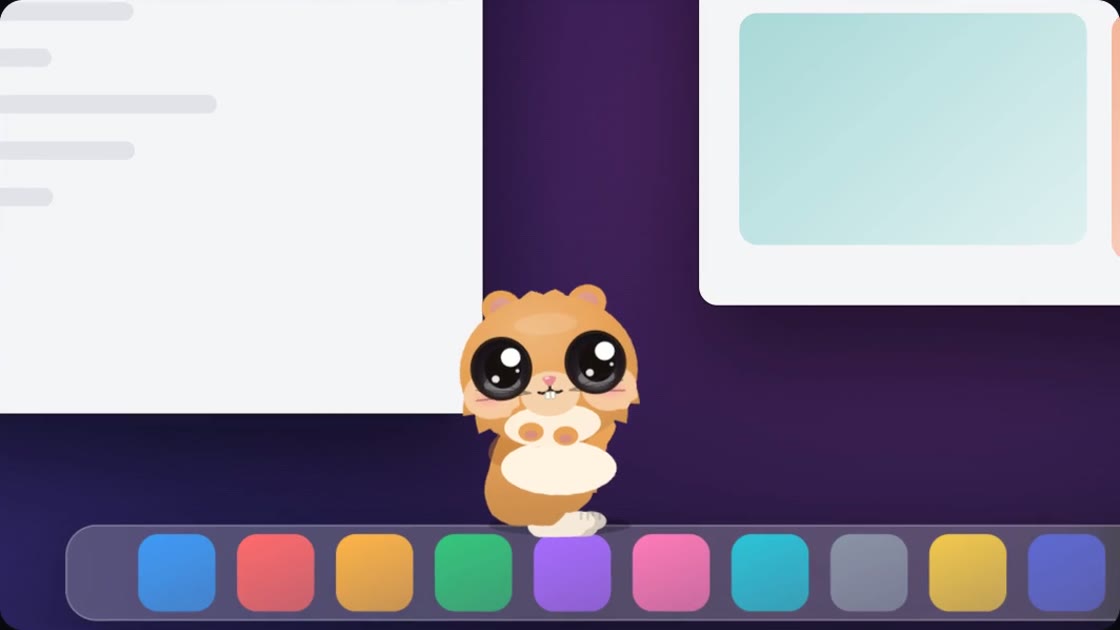
Out on your screen
Every frame of this film is drawn by the plugin itself.
Busy, curious, hungry
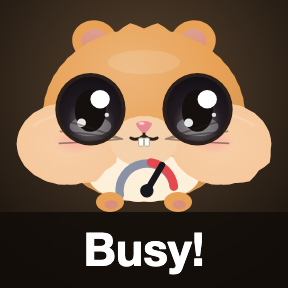
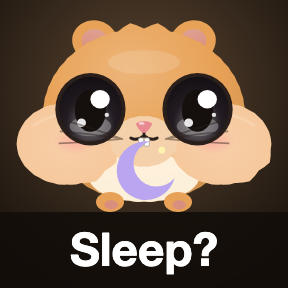
Whiskers up, nose twitching: it is never quite still. It stuffs its cheeks, washes its face, sips, runs its wheel and naps the day away while you are out, and it is a hoarder down to the last seed.






Wary at first. Then a pocket pal.
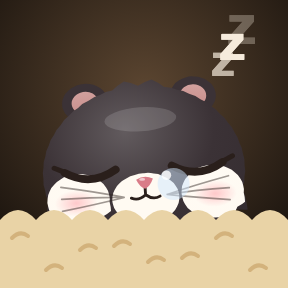
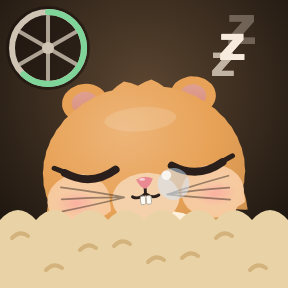
It is wary at first: only its ears, eyes and nose peek out of its bedding. Trust grows with the hours you spend at your Mac together, never with taps.




Tap the key. Out it scurries.
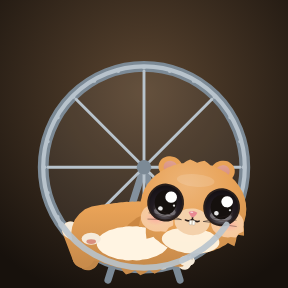
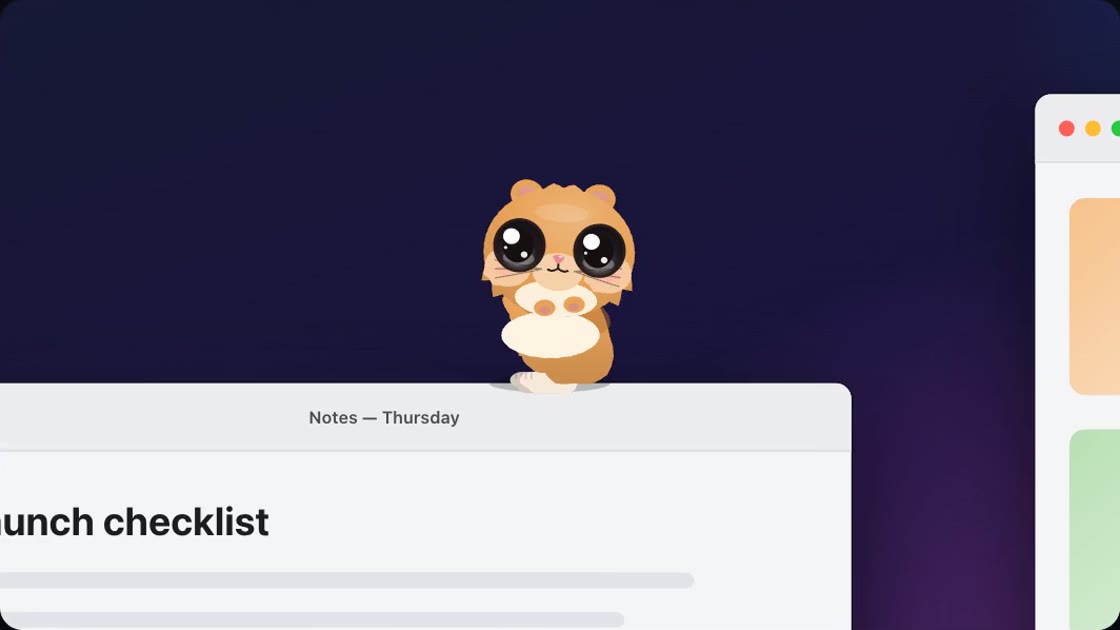
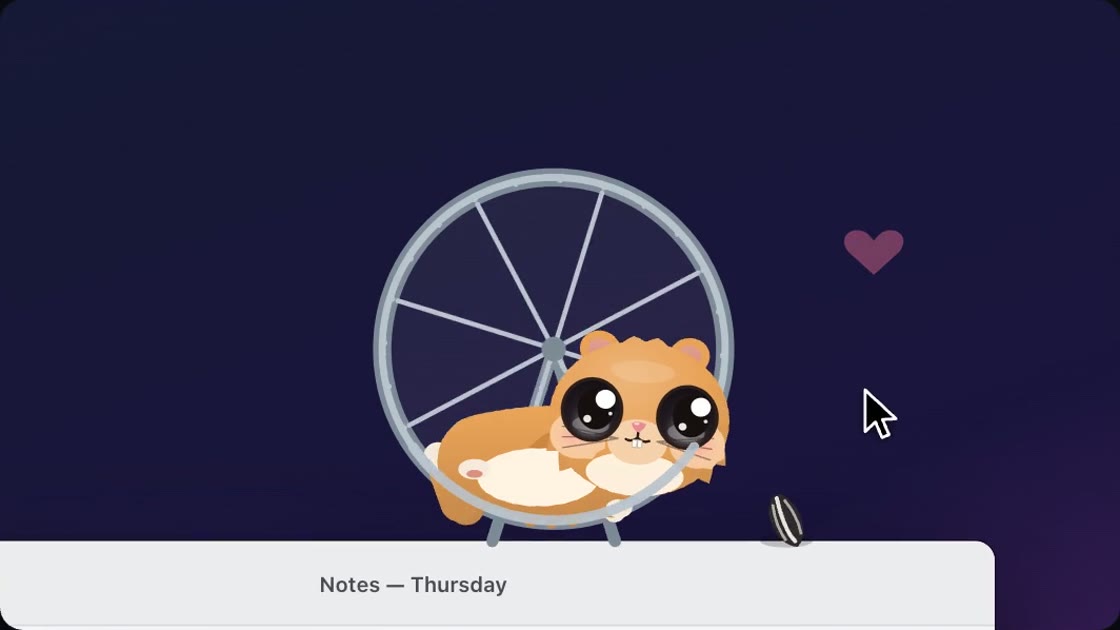
It scurries along the Dock and the tops of your windows, runs up a window too tall to jump, and now and then spins its own little wheel. Clicks go straight through it, and it never comes out on its own.
It hoards, and it shares
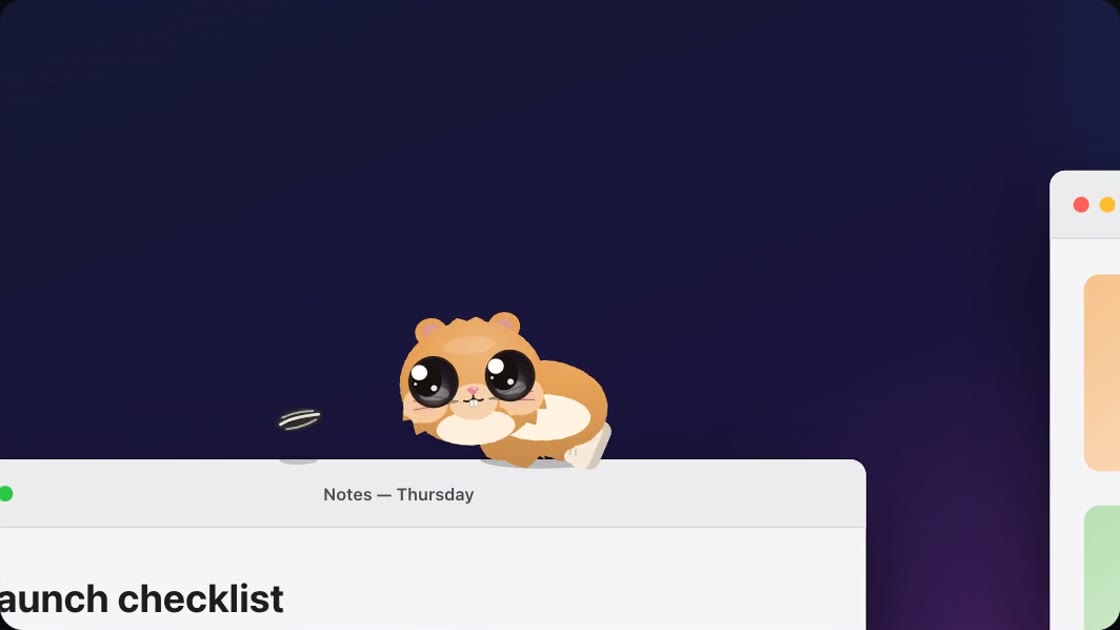
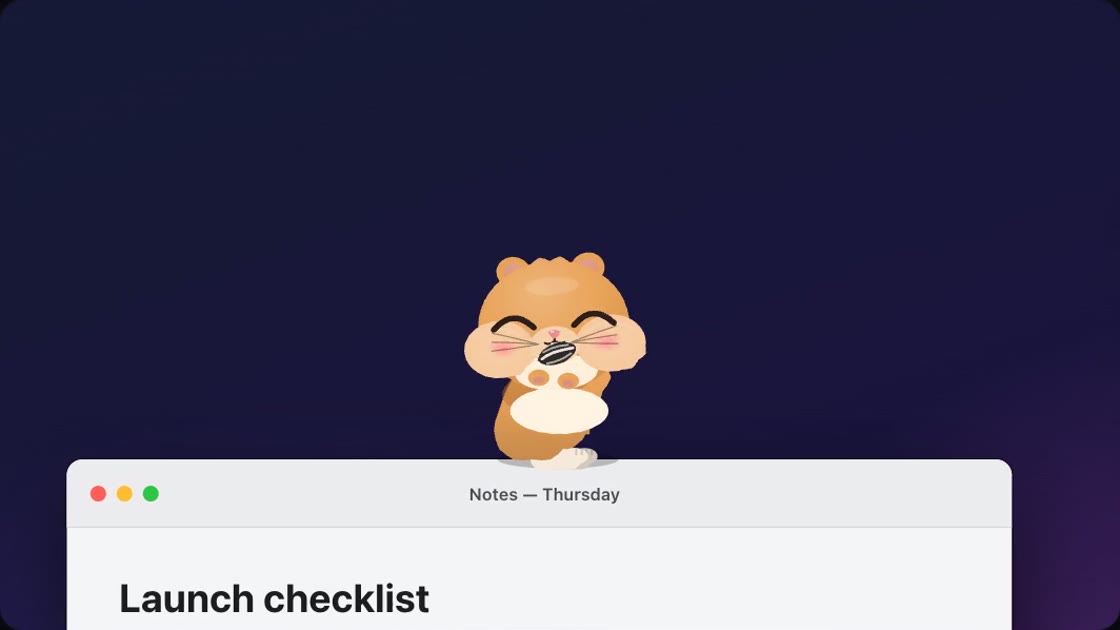
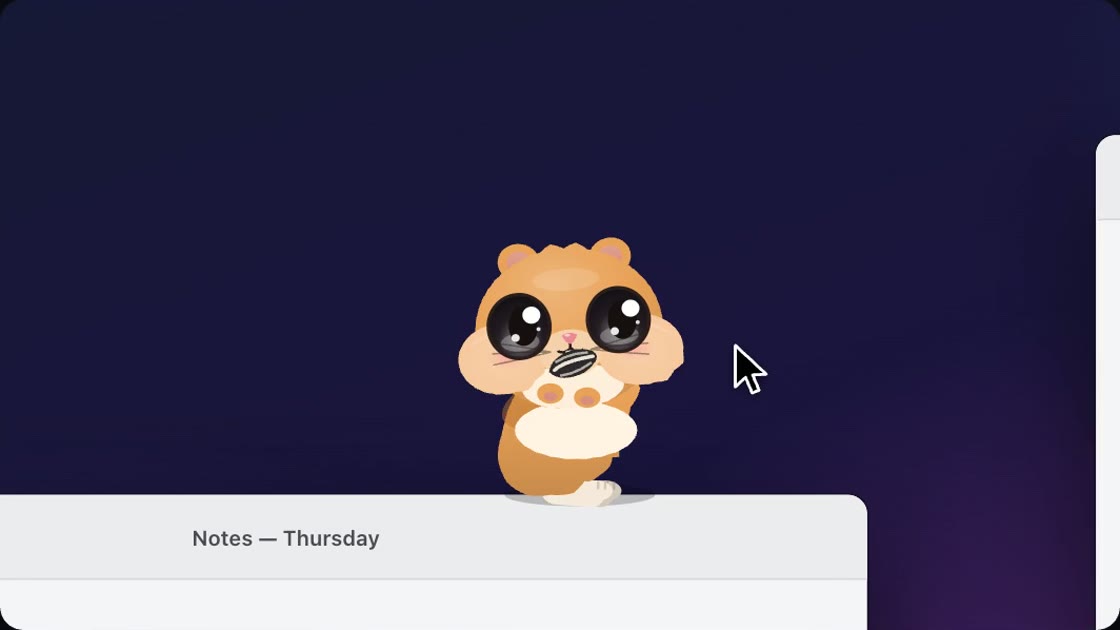
Two games, in turn. A sunflower seed it chases, stuffs in its cheeks and brings to wherever your pointer rests. And a butterfly. When it comes to look at your pointer it sits bolt upright.
It brings things, only when you let it
It brings one thing at a time to its key, held in both front paws with its cheeks stuffed: tap for yes, hold for not now. It does not ask twice. Every helper is off until you turn it on in its settings.




Hold the key: the wheel
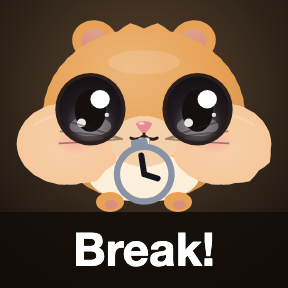
Hold on for one and a half seconds and the wheel comes up: 15, 25, 45 or 50 minutes. It runs in its wheel and brings you nothing until the time is up. Then it gets off and calls a break.
Your hamster, your code
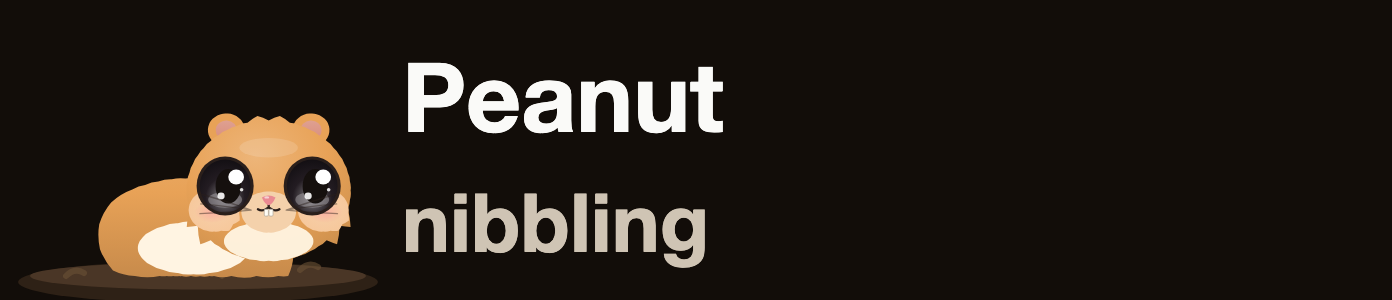
Six coats to choose from, and it starts out as Peanut: golden coat, black eyes. Its adoption code carries its name, looks and your time together, so a twin can live on another Mac. Public breed codes like HAMSTER-SYRIAN change its coat.




On the Stream Deck Neo
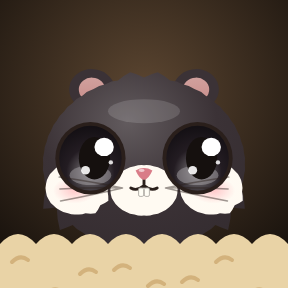
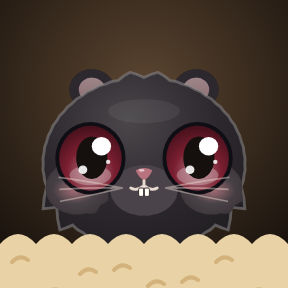
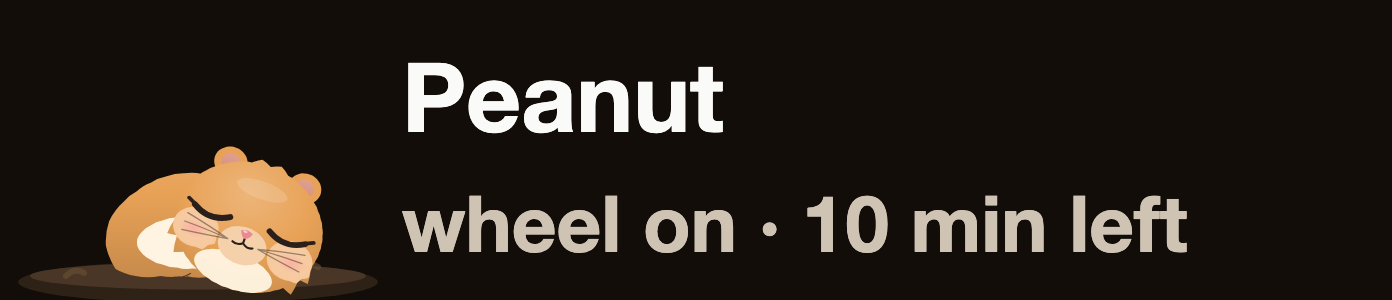
The Infobar is its burrow, and the action is called Burrow: its name and what it is up to, its face while it is out, or what it brings, in words.
Requirements
- Mac
- macOS 13 or newer.
- Stream Deck
- Any model with keys, with the Stream Deck app 7.6 or newer. The burrow needs a Stream Deck Neo.
- Permissions
- None to start. macOS asks for Downloads or Calendars only if you turn on those helpers.
What it cannot do
- It lives on your main display.
- It never comes out on its own: it waits for a tap.
Privacy
Smart Hamster notices how busy your Mac is, your Wi-Fi and your disk, and, if you turn them on, your Downloads folder and your calendar. All of it stays on your Mac: no account, no network, no analytics.
Version
v1.0.0
First release: a hamster in a key with moods and trust, out on your screen with a sunflower seed, a butterfly and its wheel, helpers you turn on, the wheel as a focus timer, six coats, adoption codes, and a burrow for the Stream Deck Neo.
Support
Something not working? Write to us and include:
- Your macOS and Stream Deck app versions
- Your Stream Deck model
- What the hamster was doing