Afterglow
Your cursor, leaving a mark.
Afterglow draws cursor trails and click effects across your whole Mac screen, turned on from a Stream Deck key. Eighteen looks and nineteen click effects, showy or subtle, for streaming, presenting, teaching and gaming, or just because a good pointer is a joy.
For macOS. No permissions, no account, no network, nothing to install.
The button turns into a link the moment Elgato publishes the listing.
Try it here
Four small examples, simplified for the browser. Move over the box and click. The plugin's looks are far richer, and they cover your whole screen.
Move here, and click
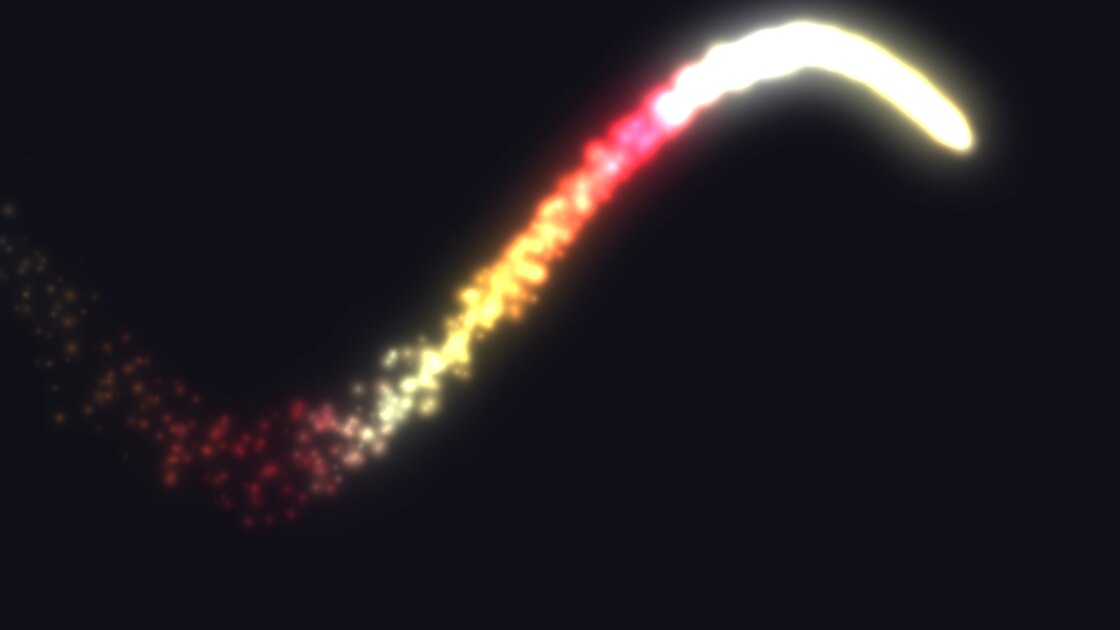
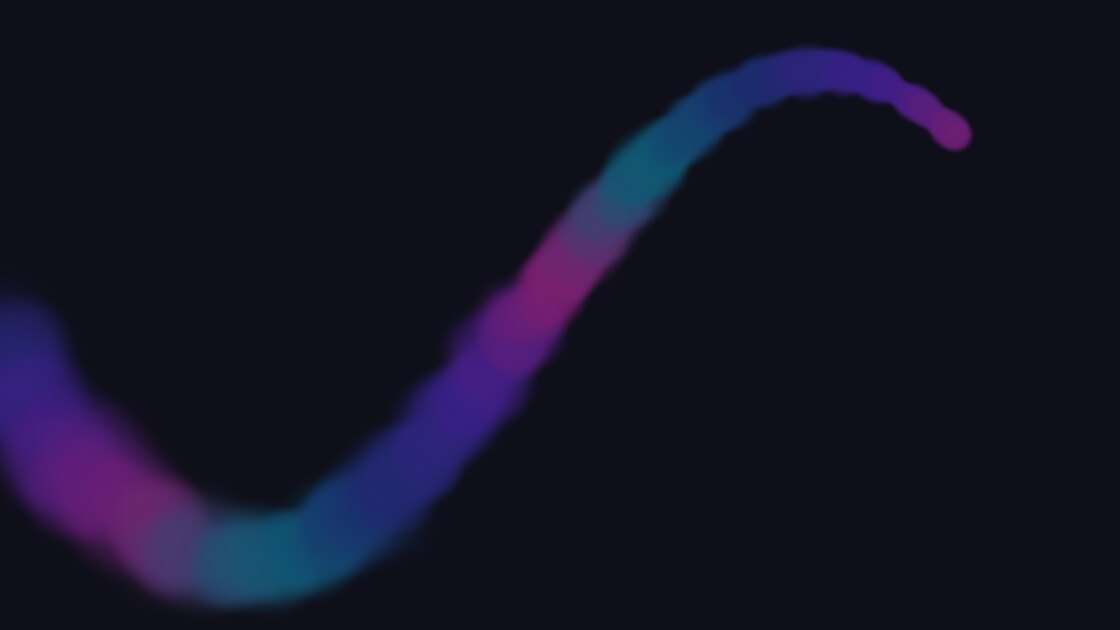
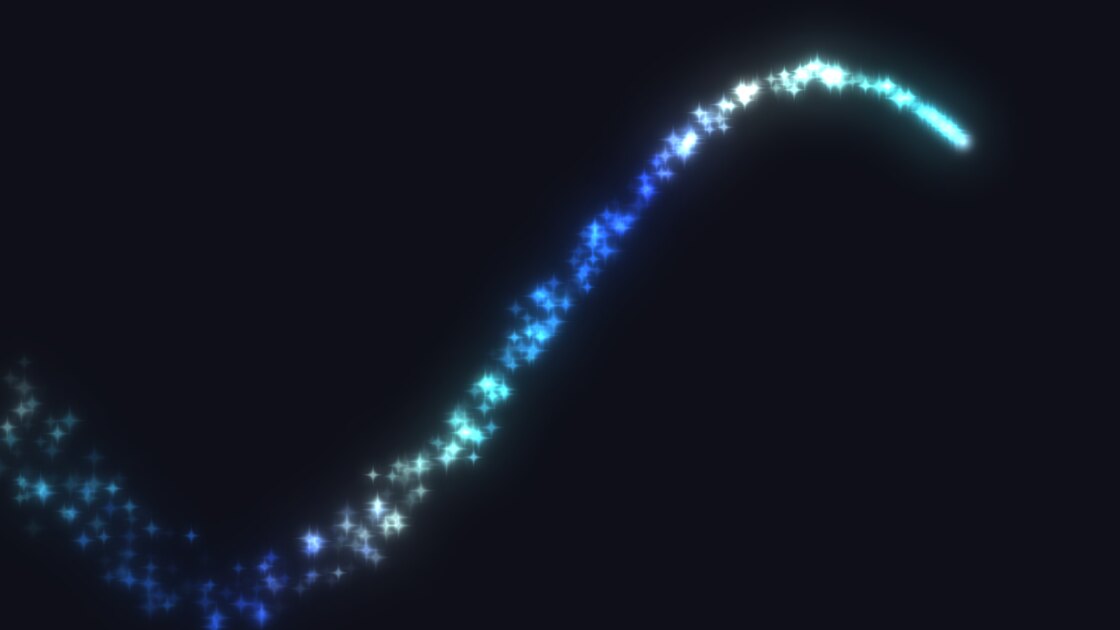
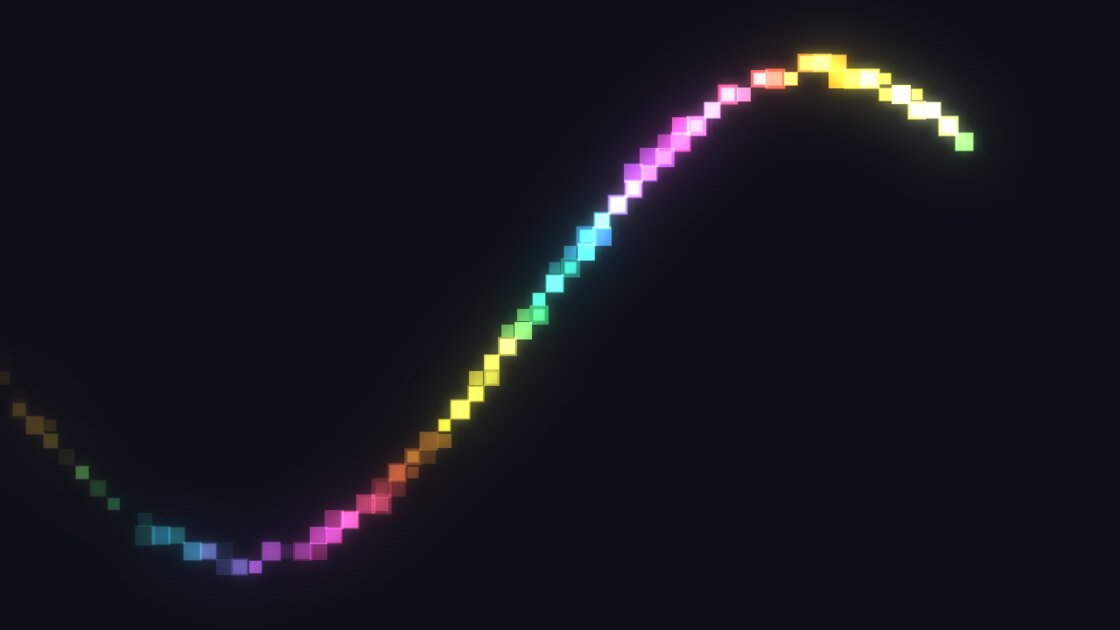
Eighteen looks in the plugin
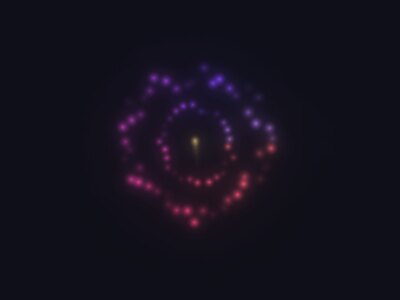
Real frames from the plugin. Snake, Fuse and the subtle looks have their own sections below.

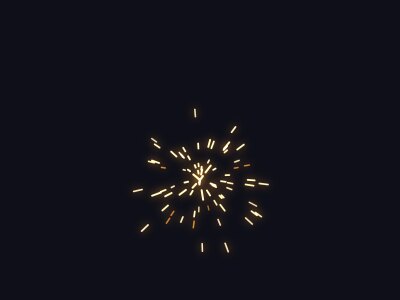
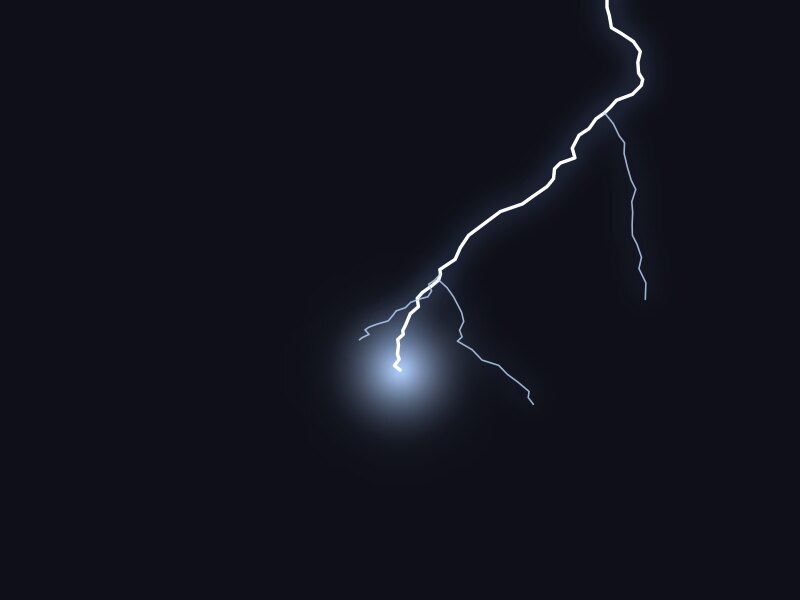
Every click can do something
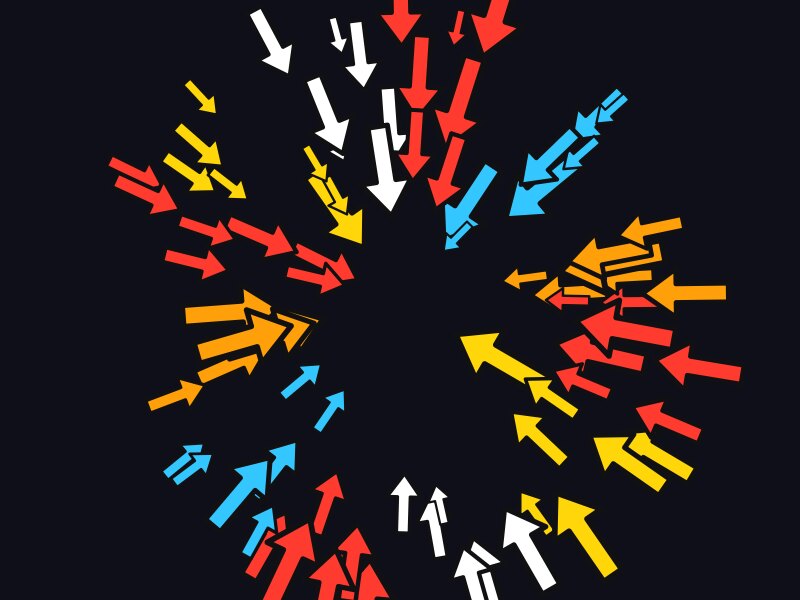
Nineteen effects, or Surprise me for a different one each time. Match the trail picks the click that fits each look, in its colours. Keep a trail with them, or turn the trail off and show only the clicks.
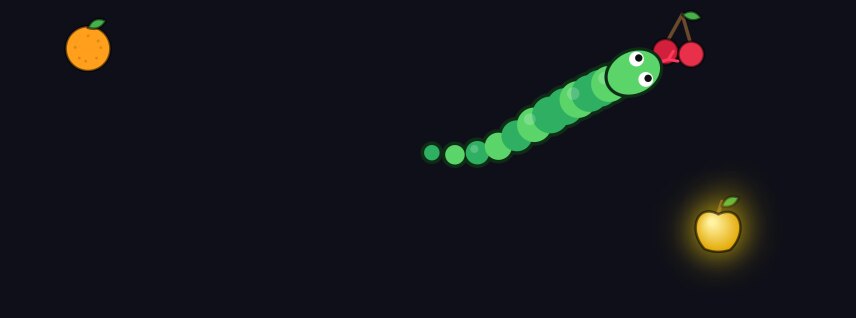
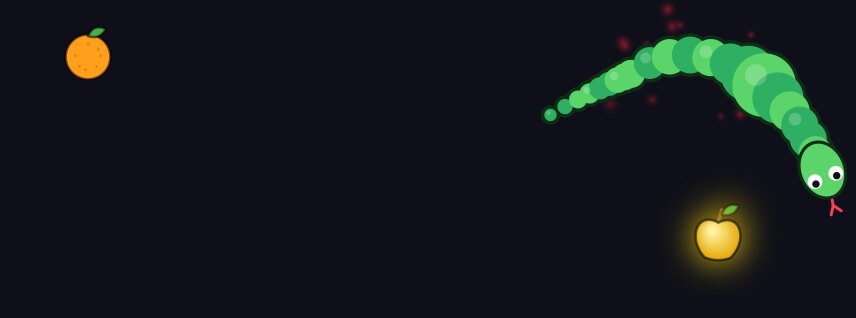
Click to feed the snake
A snake follows your pointer. Click and food falls in: apples, cherries, melon, a donut, and now and then a golden apple. It turns aside for anything it can smell, eats it, and you watch the bulge go down. Keep moving and it stays long. Stop, and it slowly shrinks back and nods off.


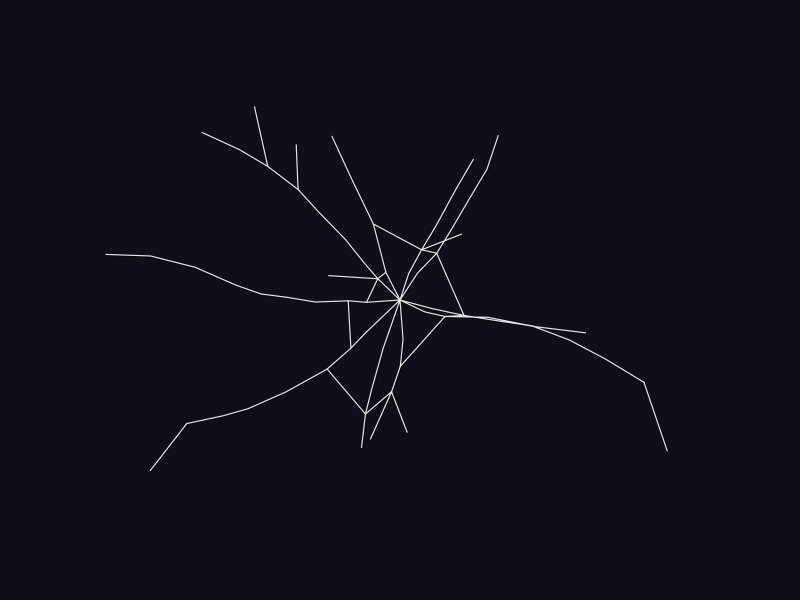
Draw a fuse. Click to light it.
The trail becomes a cord. A click lights it at the nearest point, and the flame runs both ways, jumps across every crossing and ends with a bang.

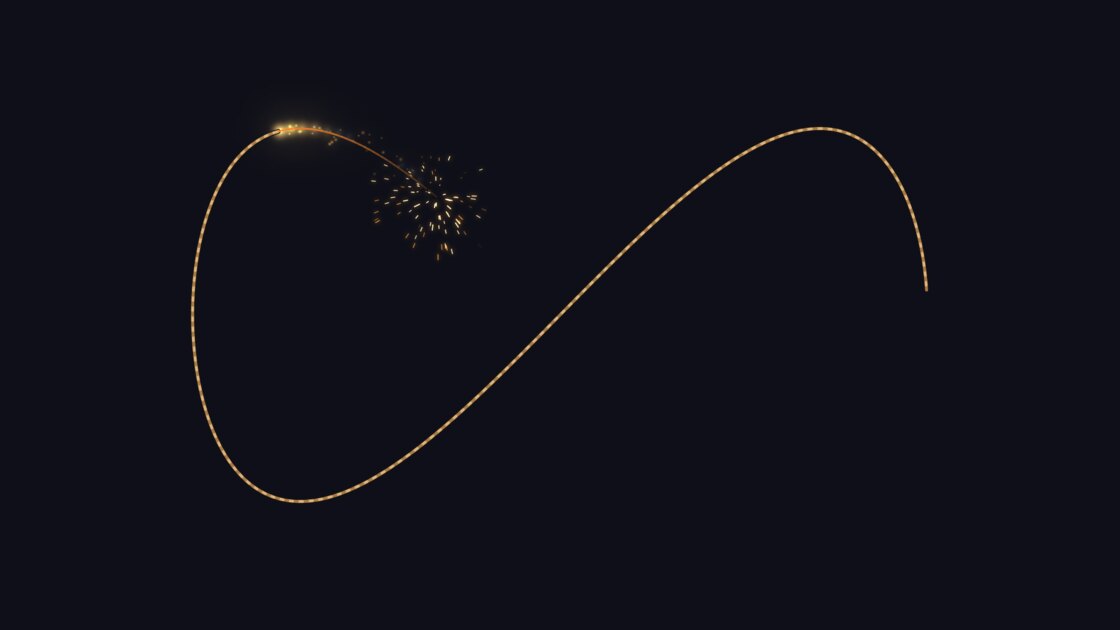
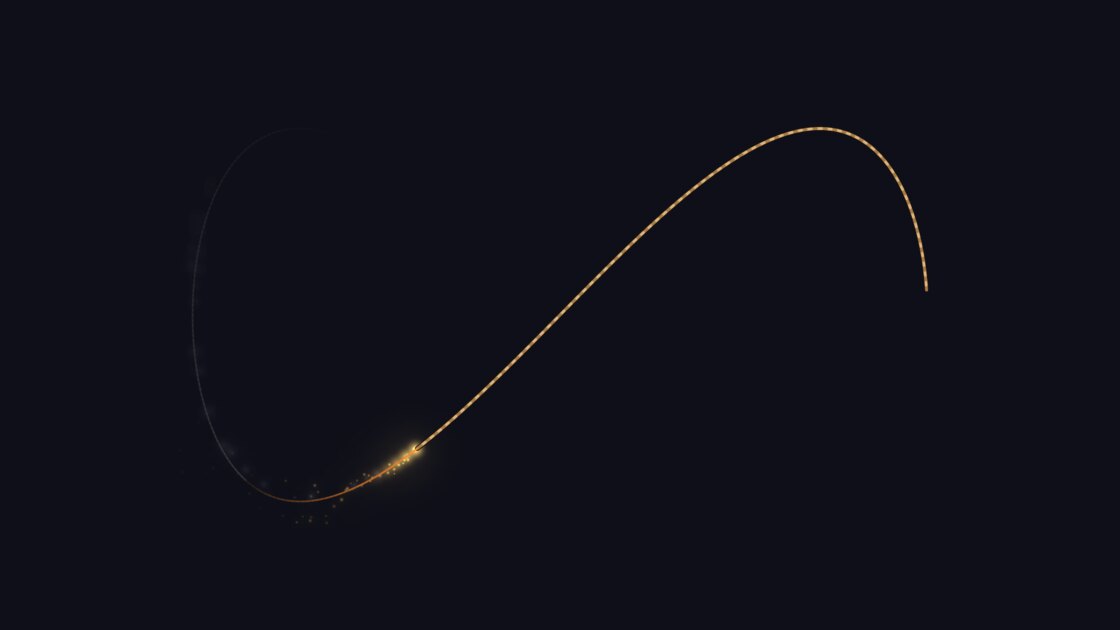
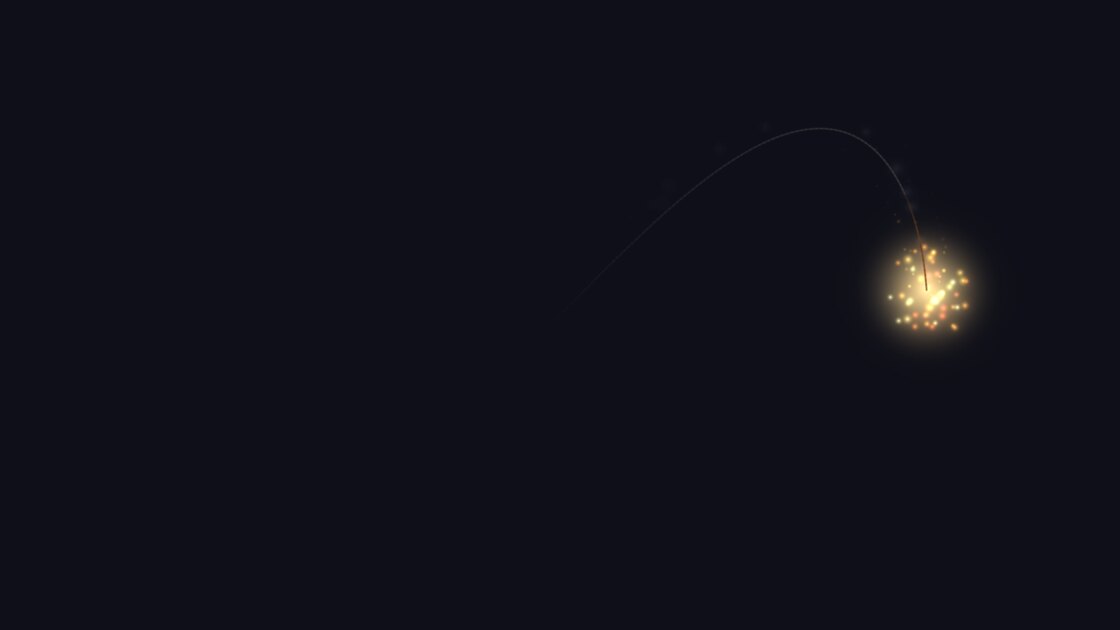
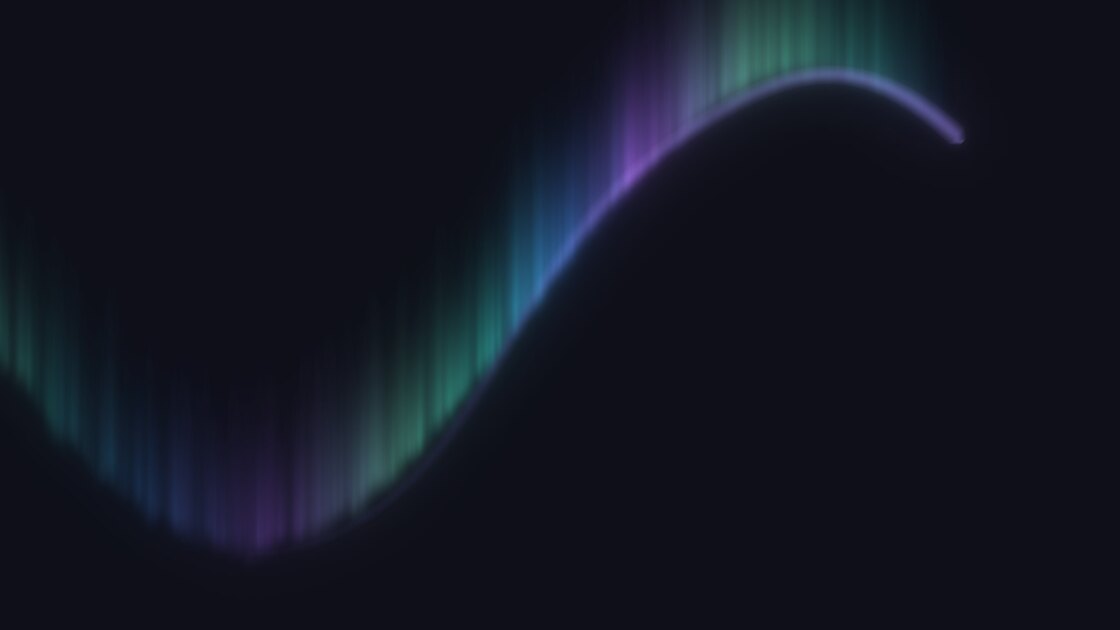
On a whole screen
Every frame of this film comes straight from the plugin's engine.
Or stay out of the way
Six looks are made for work: Laser pointer, Halo, Reticle, Glow, Whisper and Echo. Quick set picks a look and click for presenting, teaching, streaming or gaming with one choice.
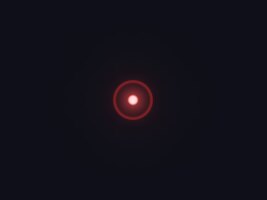

Dim everything but the pointer
Darken the screen around the pointer by 10 to 60%, so that everyone looks where you are looking. It works with any look or click.
It shows in your recordings
Afterglow is drawn on the screen itself, above everything, and clicks pass straight through it. It appears in full-screen recordings and in OBS Display Capture. It does not appear in a capture of a single window.
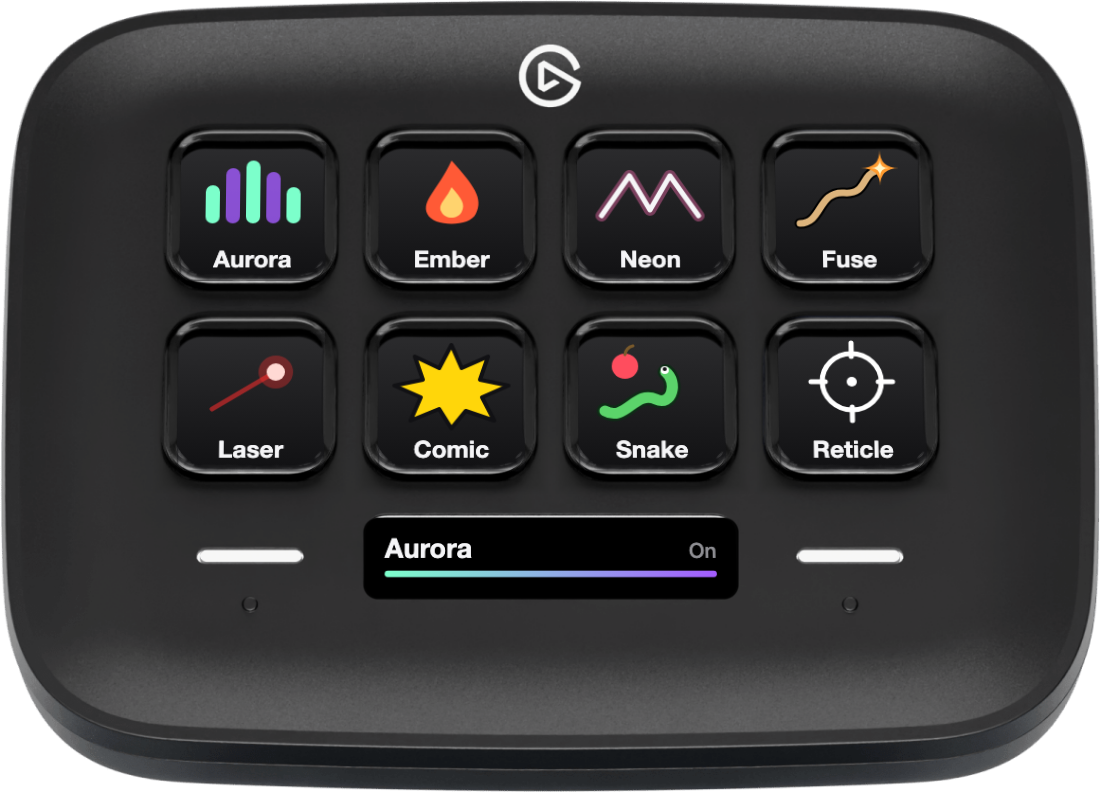
On the Stream Deck Neo
An Infobar shows which look is on.
Requirements
- Mac
- macOS 13 or newer.
- Stream Deck
- Any model with keys, with the Stream Deck app 7.6 or newer. The Infobar needs a Stream Deck Neo.
- Permissions
- None.
What it cannot do
- It does not appear in a capture of a single window.
- It draws over your screen, so it cannot magnify or distort what is underneath.
Privacy
Afterglow sees where your pointer is and when you click, and uses that only to draw. Nothing is stored and nothing leaves your Mac: no account, no network, no analytics.
Version
v1.0.0
First release: 18 looks, 19 click effects with Match the trail, Fuse, Snake, dim around the pointer, Quick set, and an Infobar for the Stream Deck Neo.
Support
Something not working? Write to us and include:
- Your macOS and Stream Deck app versions
- How many displays you use
- The look and click you chose