Rewindow
Your windows, back in one tap.
Save the window layout of your whole Mac to a Stream Deck key. Hold to save, tap to come back: every window on every display, at its size and in its place, and the apps you closed since. One key for coding, one for calls, one for writing.
For macOS. Runs on your Mac: no account, no companion app, no data collected.
The button turns into a link the moment Elgato publishes the listing.
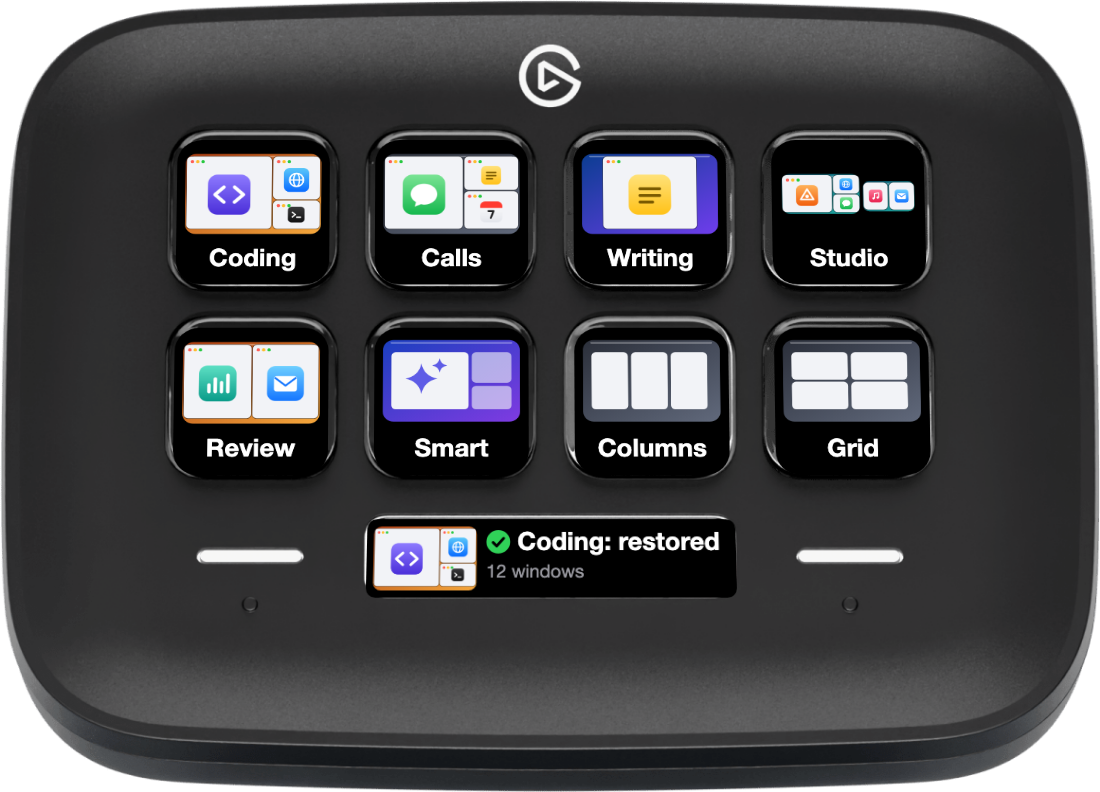
See it come back
The windows on the key move when the real windows have moved. What you watch is what happened.
Hold to save. Tap to put it back.
Set your desk up once, then hold a key. However far things have drifted, one tap puts every window where it was. Other windows are left alone, and an app that is already open is reused, never started twice.

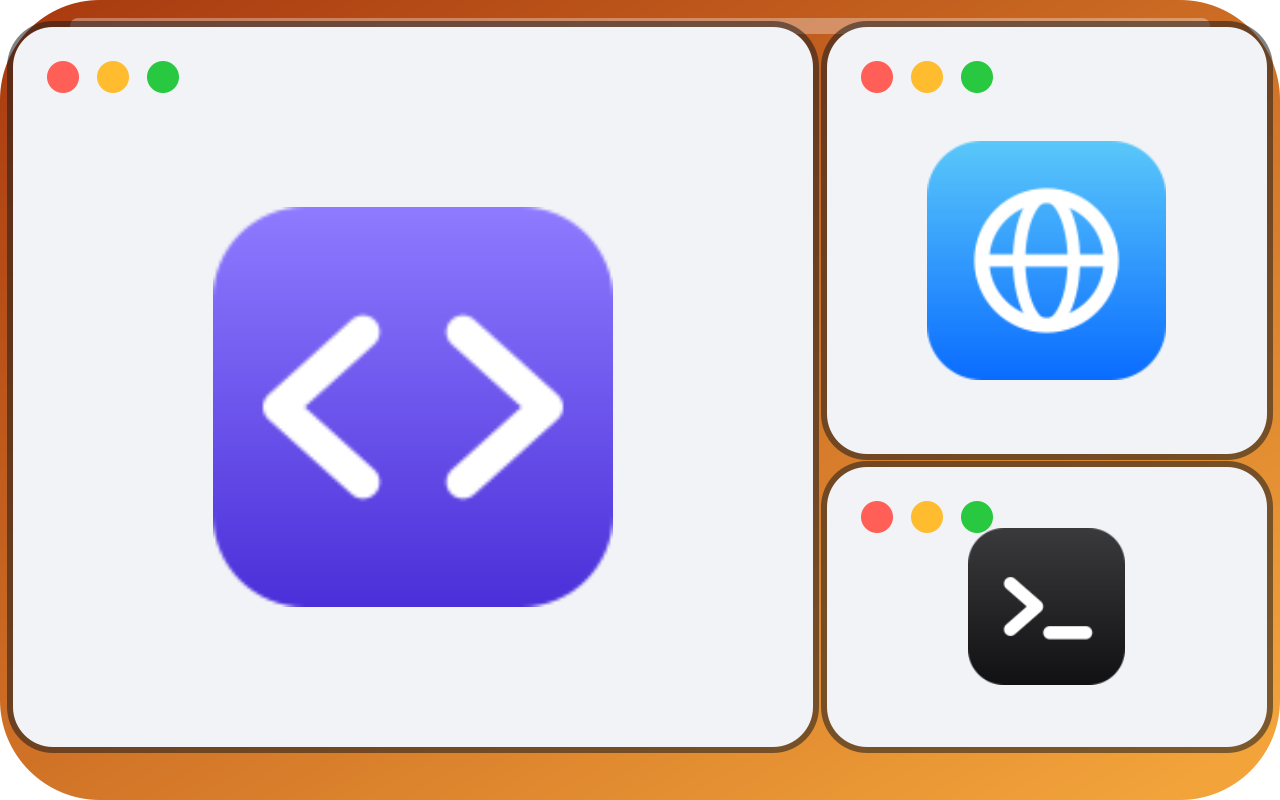
Every display, even when one is gone
Each key draws your own desk: its screens, their shapes and your windows with their app icons. Leave a monitor at home and nothing gets lost: its windows move to a display you still have, in proportion. When the monitor is back, they go back with one tap.
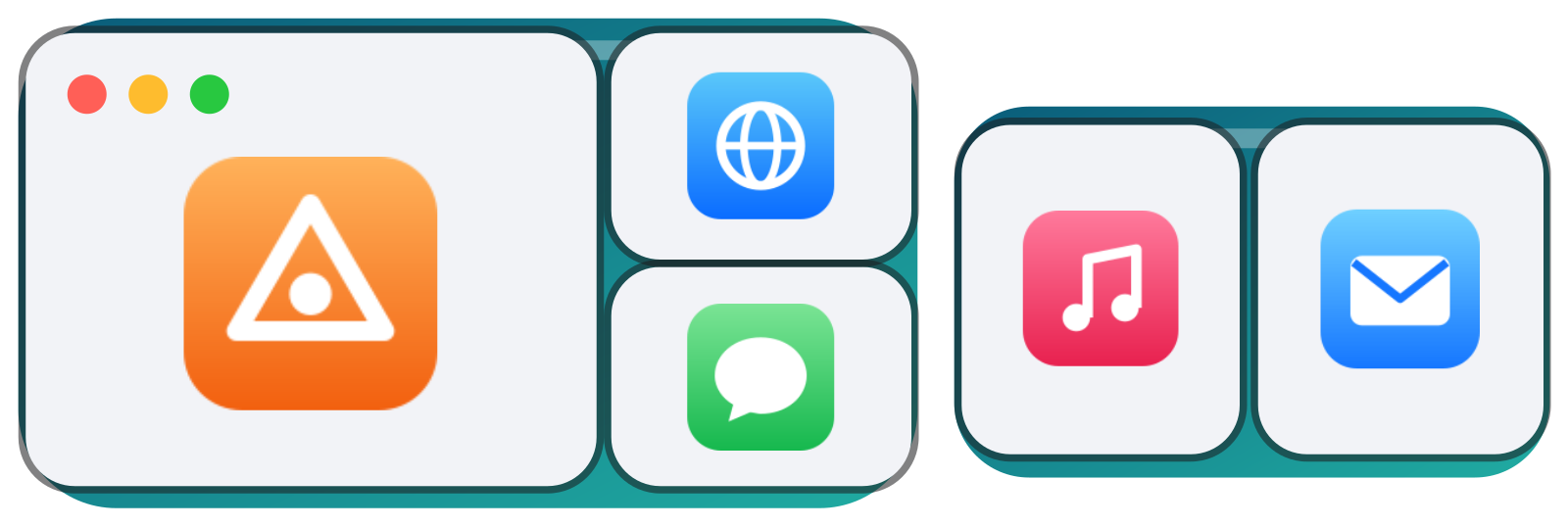
Closed an app? It comes back too
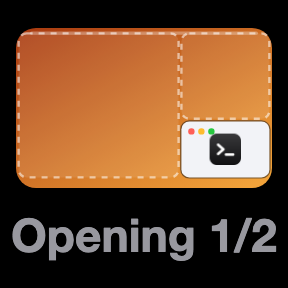
Rewindow opens only what is missing, waits for its window, and places it with the rest. If an app cannot come back, the other windows still do, and the key tells you how many are missing.
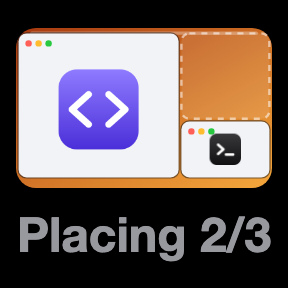
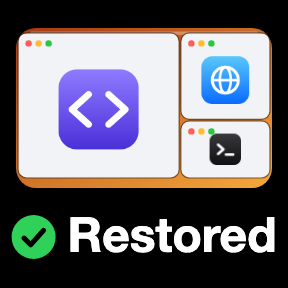
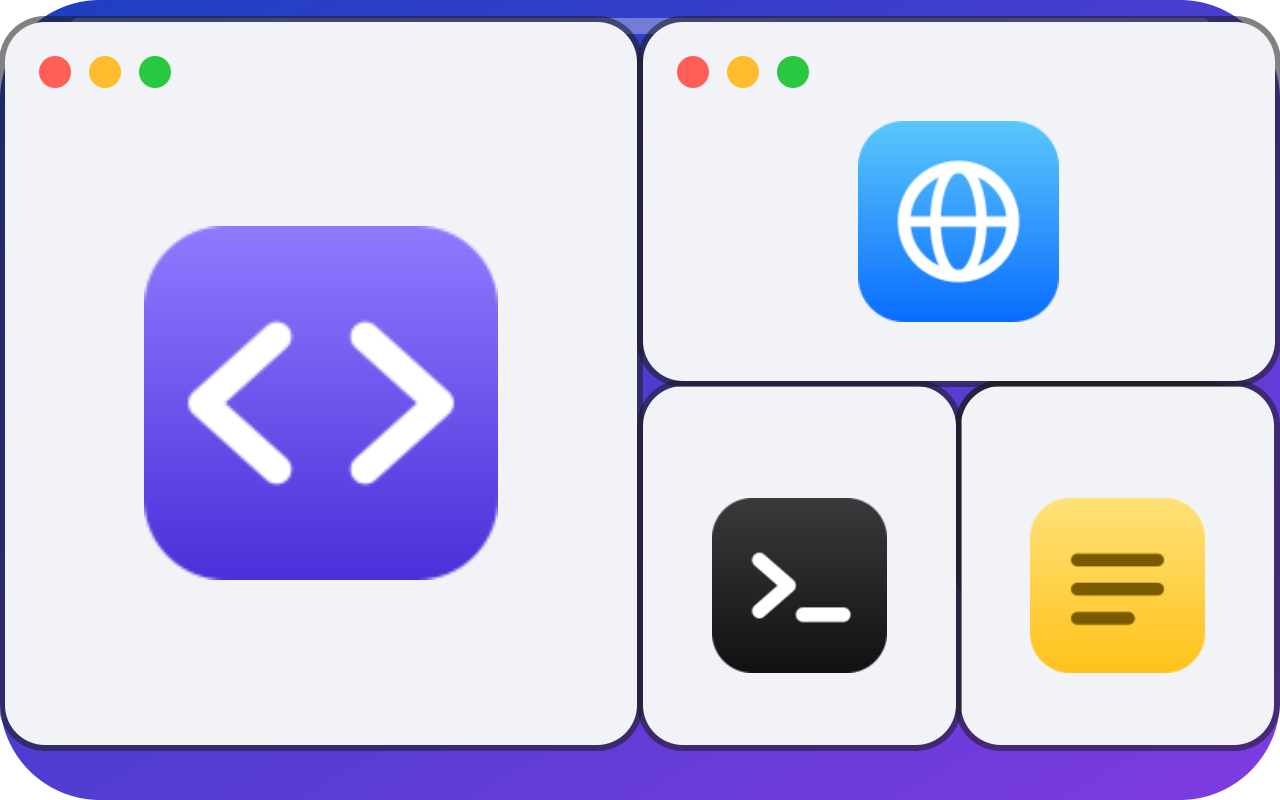
Smart keeps your biggest windows biggest
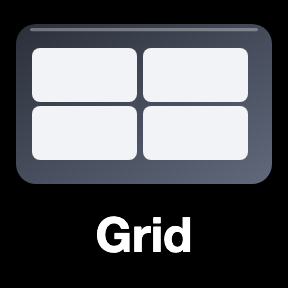
Arrange keys tidy the windows you can see, display by display. Smart reads what you made big, keeps it the biggest, on the side it is already on, and shares out the rest in clean proportions. On a tidy desk it changes nothing. Columns and Grid are there too, and a hold undoes it all.



On the Stream Deck Neo, the Infobar follows along



Requirements
- Mac
- macOS 12 or newer.
- Stream Deck
- Any model with keys, with the Stream Deck app 7.6 or newer. The Infobar needs a Stream Deck Neo.
- Permissions
- Accessibility for Stream Deck, to read and move windows, and permission to control System Events. macOS asks on your first save.
What it cannot do
- It sees the current Space on each display, so windows on other Spaces are not saved.
- Full-screen windows are left alone.
- Reopening an app does not bring back its documents, tabs or window count.
Privacy
Rewindow saves window titles, positions and app names in the key's own settings on your Mac. Nothing leaves it: no account, no network, no analytics.
Version
v1.0.0
First release: Saved Layout, Arrange with Smart, Columns and Grid, and an Infobar for the Stream Deck Neo.
Support
Something not working? Write to us and include:
- Your macOS and Stream Deck app versions
- How many displays you use
- What the key showed