Moon
A real Moon on one key.
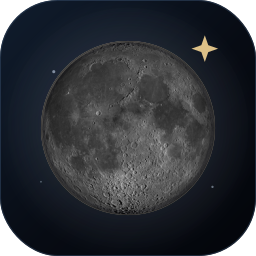
Not a moon icon. The actual phase, the correct terminator and NASA's near-side surface, drawn from accurate astronomy and updated quietly on one Stream Deck key. Use it with no text at all, or add exactly the lunar data you want. Offline by default; online is an optional Pro layer.
The listing is not reserved yet. Moon Lite is the free edition; the full Moon is the paid one.
The Moon is the interface
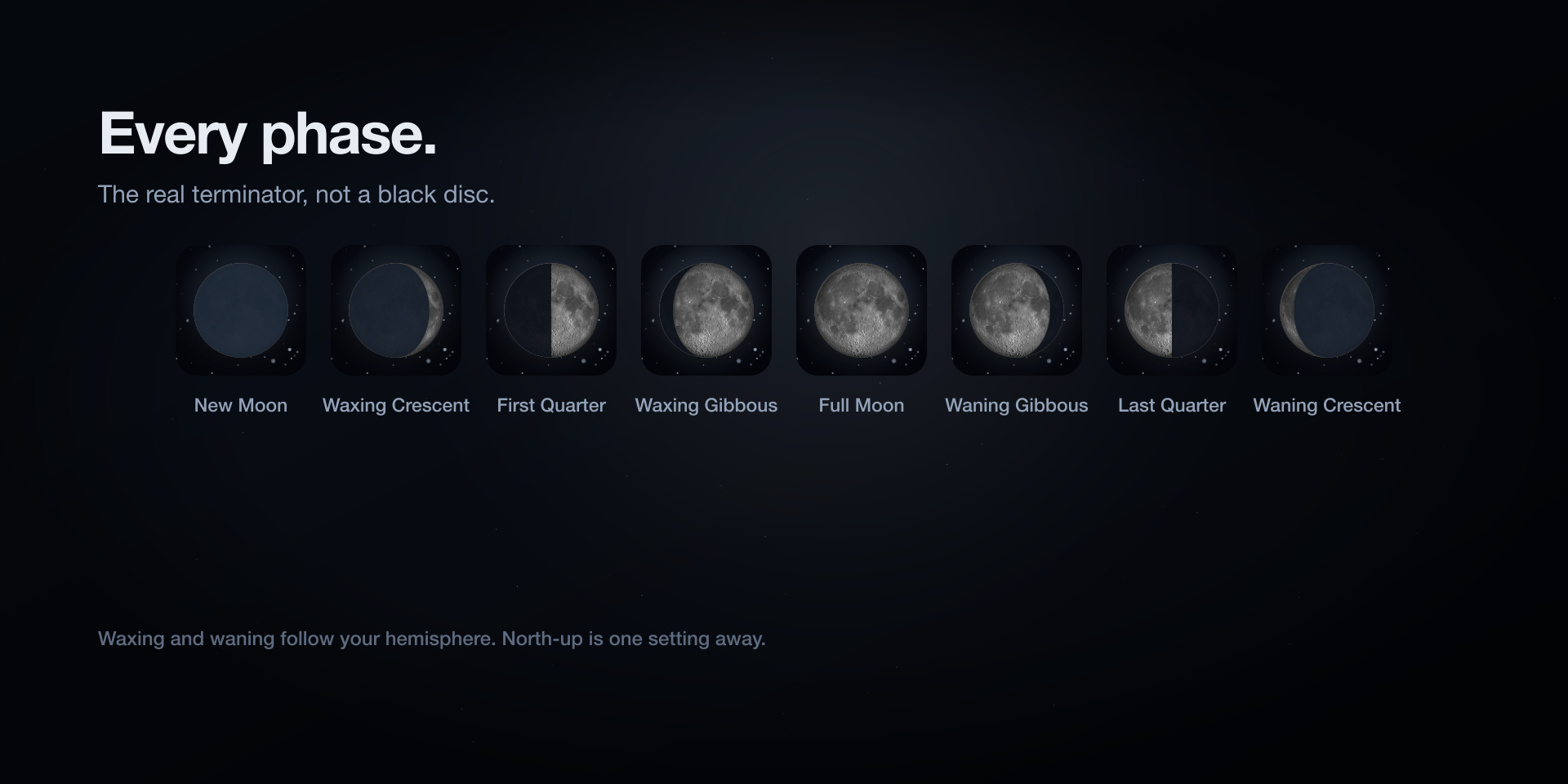
The disc is built from a lit sphere and a terminator ellipse whose width is the cosine of the phase angle. The surface is a public-domain NASA LRO mosaic, with earthshine on the unlit side, a restrained limb and a quiet glow. Nothing is a drawing of a crescent: waxing and waning follow your hemisphere, and north-up is one setting away.
- The real terminator, at new, crescent, quarter, gibbous and full.
- Earthshine on the dark side, never a black rectangle over a photograph.
- Waxing and waning mirrored for the observer, or north-up if you prefer.
One key. The data you choose.
Keep the Moon alone, or add one thing at a time. Every overlay is optional, and every mode is legible at 72 by 72.
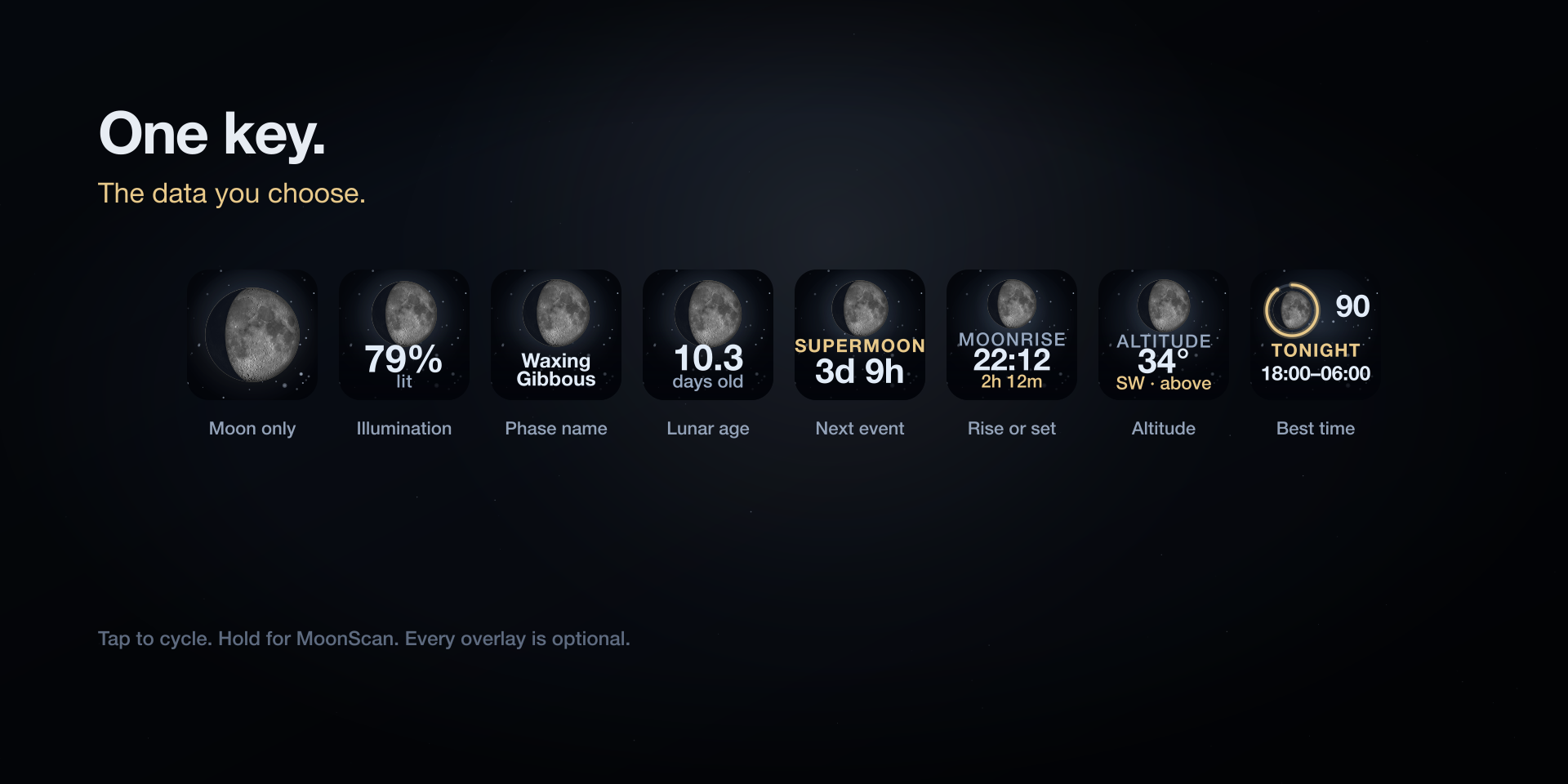
- Moon only
- The disc, and nothing else.
- Illumination
- The percentage of the visible face that is lit.
- Phase name
- New, waxing crescent, first quarter, and so on.
- Lunar age
- Days since the last new moon, not the illumination.
- Next event
- The next full, new or quarter moon, with a countdown.
- Rise or set
- The next moonrise or moonset in your local time.
- Altitude
- How high the Moon is, and which way to look.
- Best time
- MoonScan's viewing window, in the optional online mode.
The Neo Infobar, without the clutter
One horizontal surface, one headline and one secondary line. Choose an overview, the next full or new moon, the next rise or set, the best time to watch, or let it rotate quietly every 10 to 30 seconds.
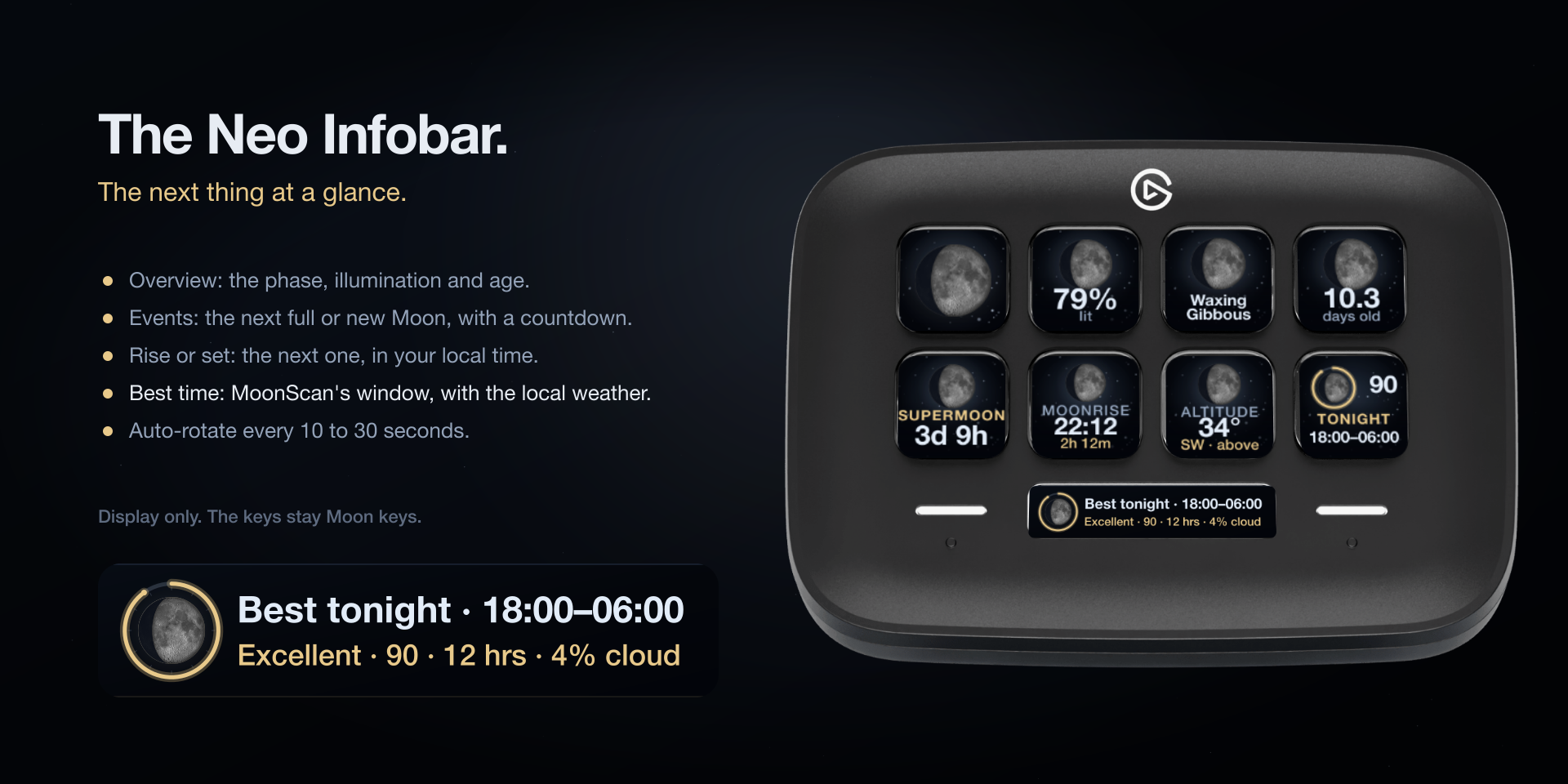
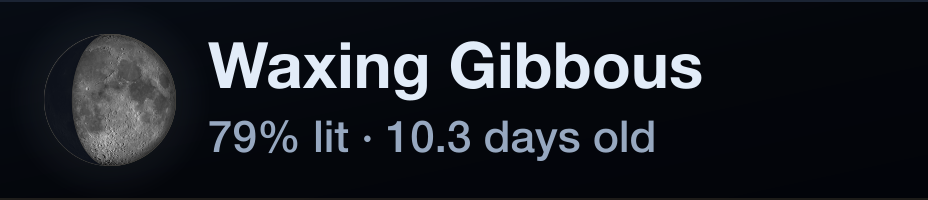
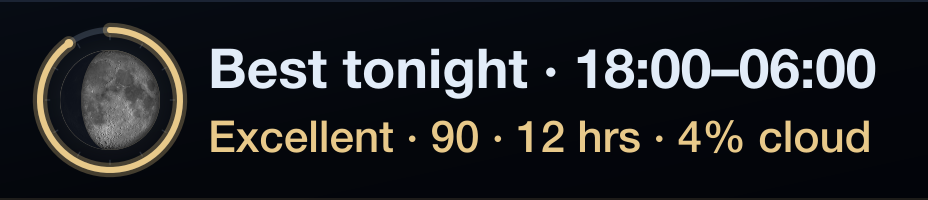
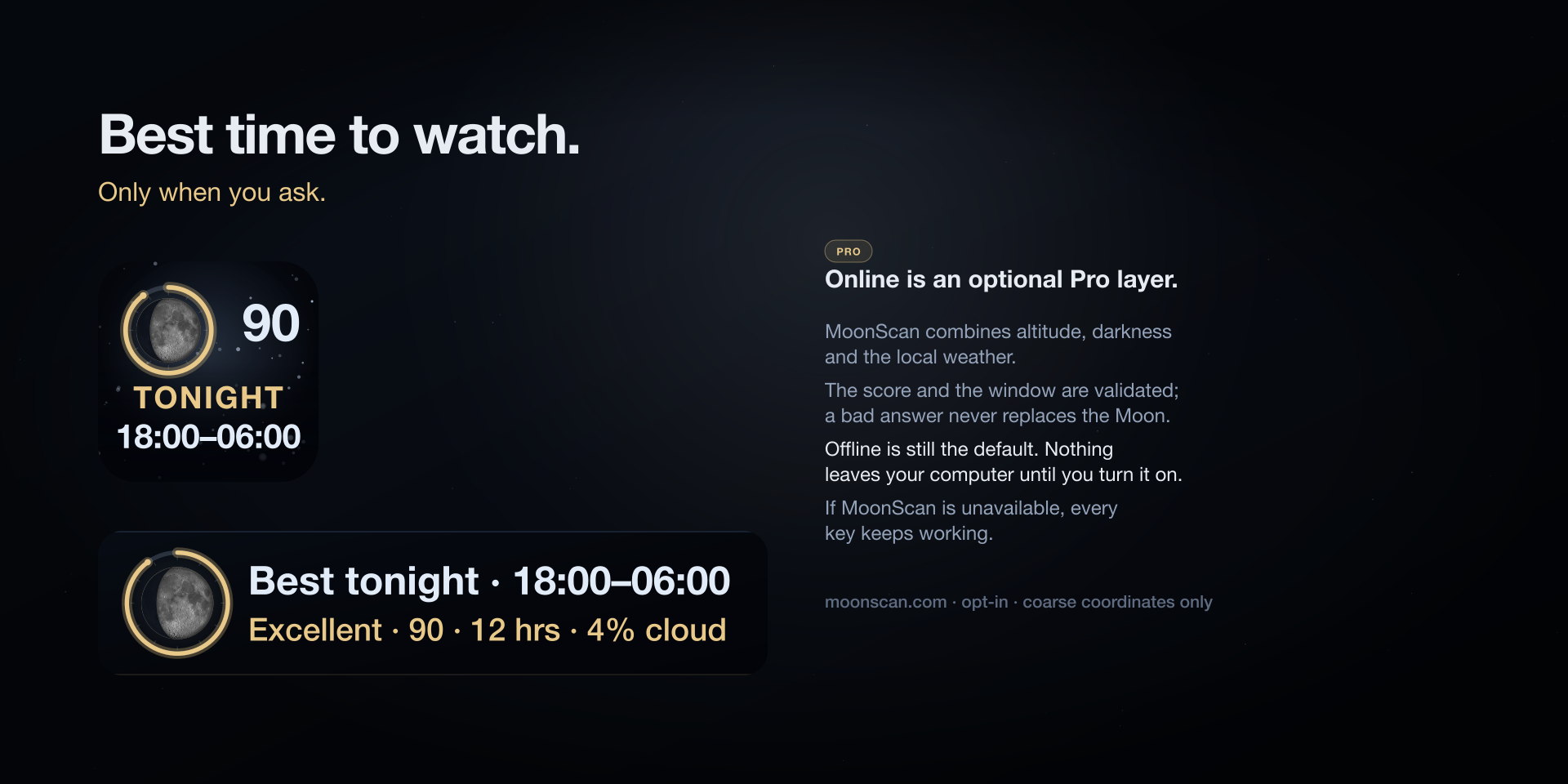
Best time to watch
Online is a Pro layer, and it is optional. Turn it on and MoonScan combines the Moon's altitude, the darkness and the local weather into one clear viewing window. Offline remains the default, and every key keeps working if MoonScan is unavailable.
- A score, a window and the local weather, not just another phase number.
- A sky-only fallback when the weather is missing, clearly labelled.
- Validated responses, a bounded retry and a last-known state.
- Offline makes no network request at all.
Online sends coarse coordinates, the time zone and an optional place name to moonscan.com. No account, key or identifier.
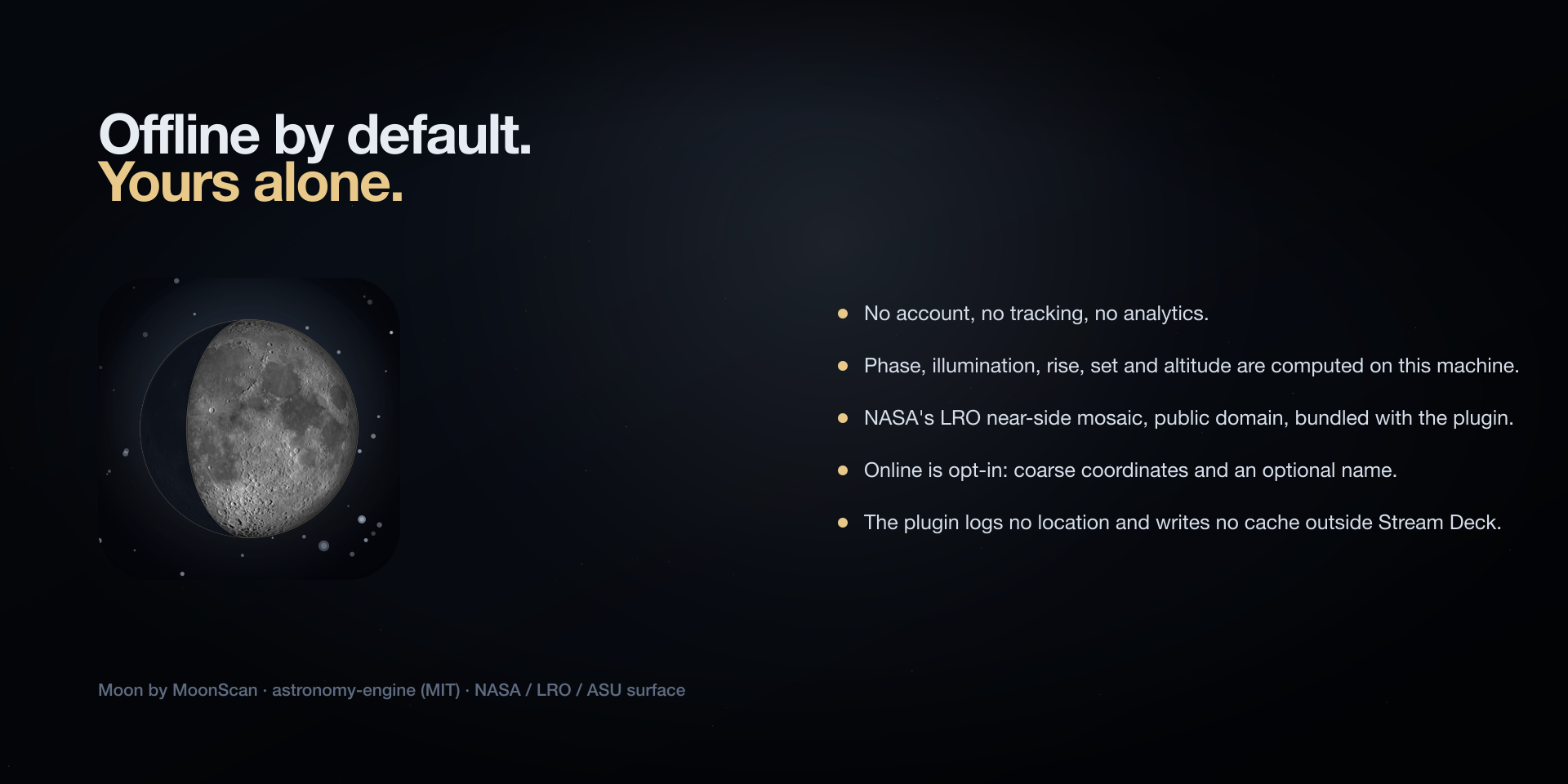
Offline by default. Yours alone.
Core astronomy never needs a cloud account. Phase, illumination, age, principal phases, altitude, azimuth and rise/set are computed on your machine. The lunar surface is bundled with the plugin.
- No account, no tracking, no analytics, no telemetry.
- NASA / LRO / ASU surface, public domain, attributed in the plugin.
- Coordinates stay in Stream Deck settings; online is opt-in.
- Moon Lite is entirely offline, forever.
Two editions
Moon Lite is the free discovery; the full Moon is the useful instrument.
Moon Lite
FreeOne key, the realistic Moon only, entirely offline. No account, no network, no permission prompt.
- Realistic phase and terminator
- Moon only
- Offline forever
- macOS and Windows
Moon
€2.99Every overlay, location, three themes, interactions, the Neo Infobar and optional MoonScan online data.
- All display modes
- Location-aware rise/set and altitude
- Themes and interactions
- Neo Infobar and online mode
Requirements
- Stream Deck app
- 7.6 or newer
- Platforms
- macOS 12+ and Windows 10+
- Devices
- Any Stream Deck with keys; the Infobar action needs a Stream Deck Neo
- Internet
- None in offline mode; optional for MoonScan online data
- Account
- None. Ever.
Privacy
Offline, Moon makes no network request. Online, only coarse coordinates (two decimals), the IANA time zone and an optional place name are sent to moonscan.com. No account, identifier or analytics. The plugin logs no location and writes no cache outside Stream Deck.
Version
v1.0.0
1.0.0: first release. Accurate phase, terminator and illumination drawn from astronomy; a bundled NASA LRO surface; illumination, phase name, age, next event, rise/set, altitude and best-time modes; three themes; observer or north-up orientation; configurable tap and hold; the Neo Infobar; and optional MoonScan online data. Moon Lite is the free, offline-only edition.
Support
Something wrong, or a mode you miss? Write to us and a human will answer.
- Your Stream Deck model, app version and operating system
- The mode and the place you configured
- What the key showed, and what you expected instead
- The plugin log from the de.7bp.moon.sdPlugin folder