CERT
Certificates, domains and DNS, never a surprise.
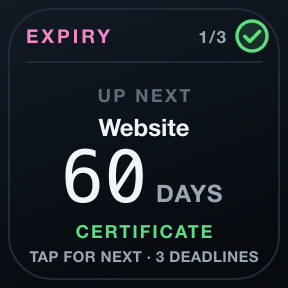
Every team has a story about the certificate nobody renewed. CERT keeps the dates in front of you, verifies every chain properly, and tells a registration it could not read from one that is fine.
The listing is on its way; this button becomes a link the moment Elgato publishes it.
Or all seven tools in the OPS Suite, €12.99 instead of €24.99. See the OPS Suite →
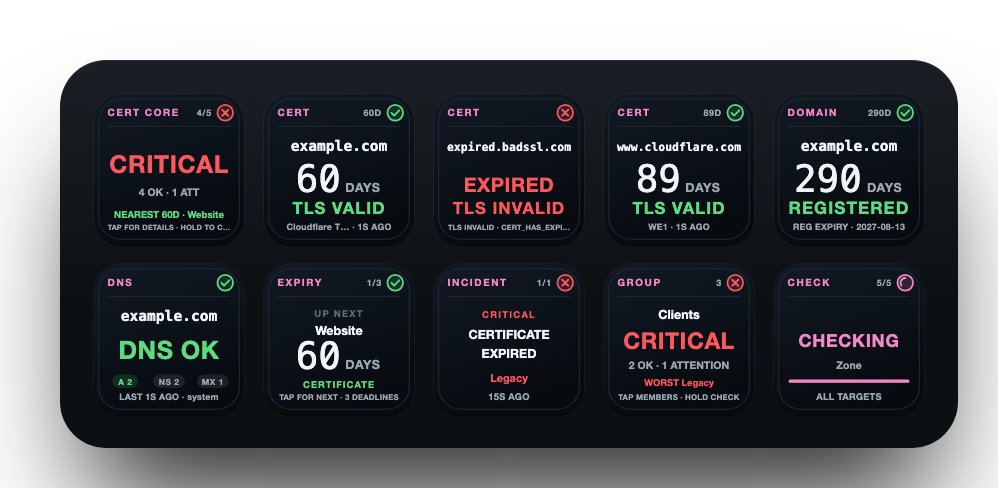
Every key has one job.
Put the ones you need where you need them. Each key draws what it knows, live, in the same language as every other OPS key.
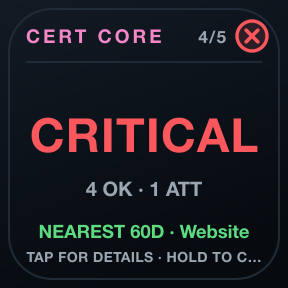
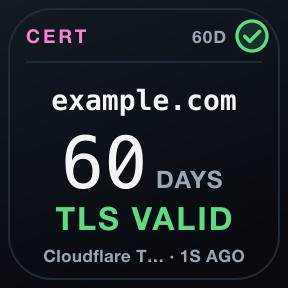
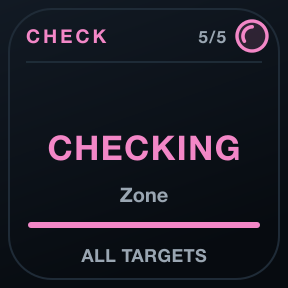
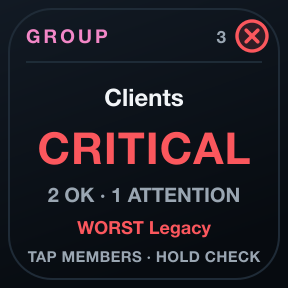
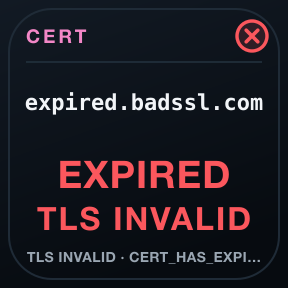
Verified, never relaxed
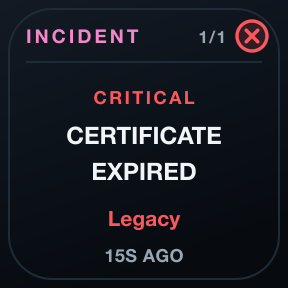
A normal TLS handshake with verification on. Expired, wrong-host and untrusted certificates are named by their error, and dates are never invented.
Registrations from the registry
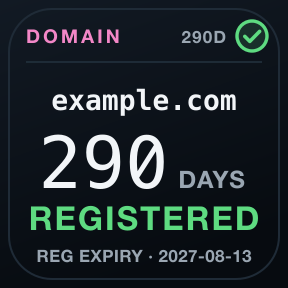
Domain expiry comes from RDAP, the registries' own data. Unknown stays unknown.
Changes noticed
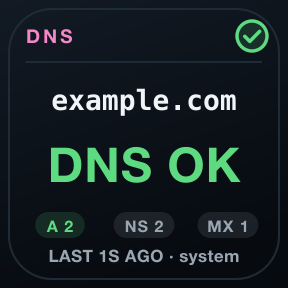
A new certificate fingerprint or a changed DNS record against its baseline is recorded and shown.
One family, one language, no cloud.
One language
Green healthy, amber attention, red critical, grey unknown: the same header, marks and colours on every key of all seven tools, always with a shape and a word.
Evidence, not optimism
Unknown is never painted green. A launch is not a session, a reachable disk is not a valid backup, an open port is not a working API.
Local and private
No account, no cloud service, no telemetry, no subscription. Checks run from your Mac, and history stays on it.


Requirements
- Stream Deck app
- 7.6 or newer
- macOS
- 12 or newer. OPS is not available for Windows.
- Stream Deck
- Any model with keys
- Permissions
- No permission needed. Reads public TLS, DNS and RDAP data; never changes your infrastructure.
Privacy
Everything runs on your Mac: checks, history and settings. There is no account, no analytics and no 7bp server in between; the only traffic is the checks you configure.
Version
v1.0.0
First release: CERT Core, Certificate, Domain, DNS, Expiry, Incident, Check Now and Group Watch, on the OPS design.
Support
Something not as it should be? Write to us and include:
- Your macOS and Stream Deck app versions
- Which key, and what it shows
- What you expected it to show