OPS Suite
The operations console for people who keep things running.
Network, services, certificates, sessions, APIs and backups: the things that page you at night, on the keys in front of you all day. Every tool speaks the same language, so green, amber and red mean the same on all of them, and every state can tell you why.
The listing is on its way; this button becomes a link the moment Elgato publishes it.
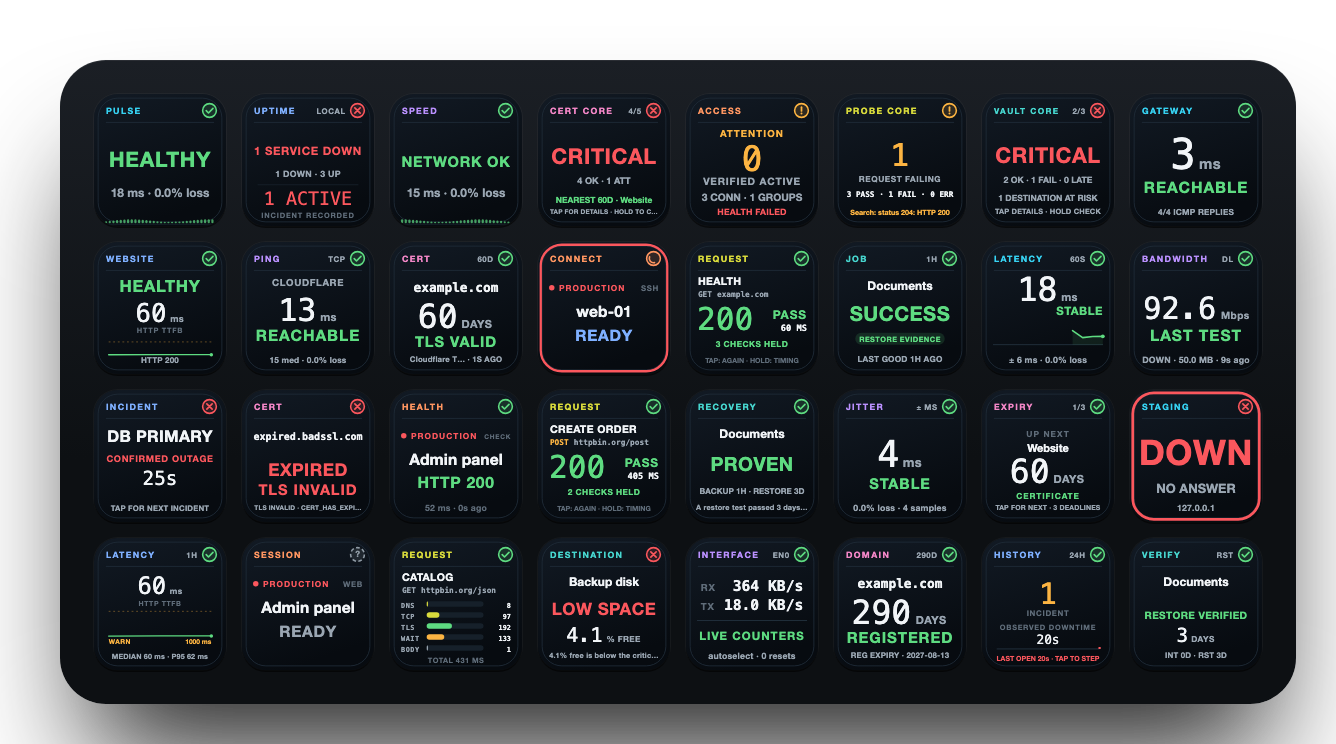
Seven consoles. One deck.
Every action of all seven tools, 56 keys, in one plugin. It runs beside any OPS tool you already bought on its own, with its own settings and data.
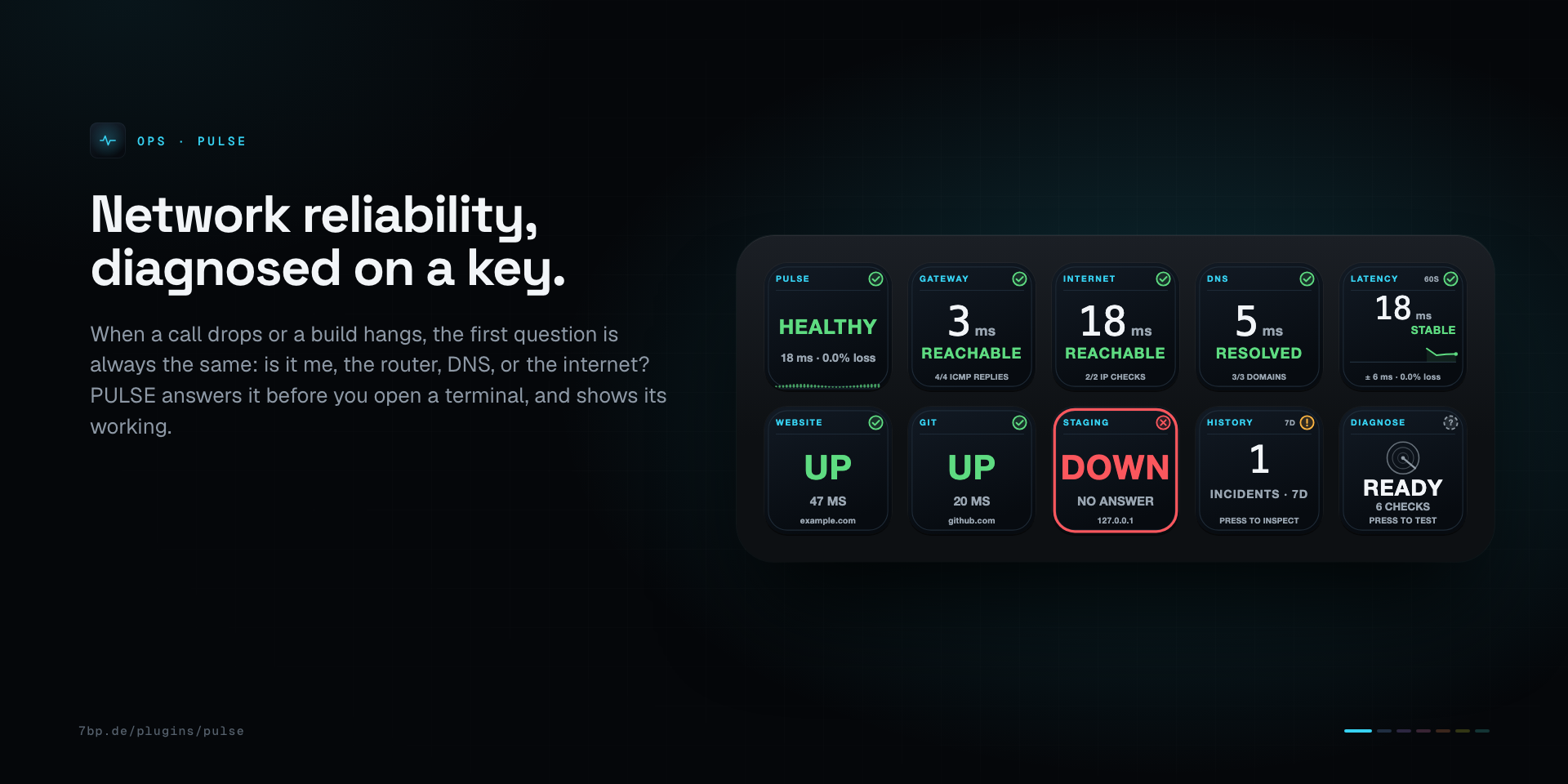
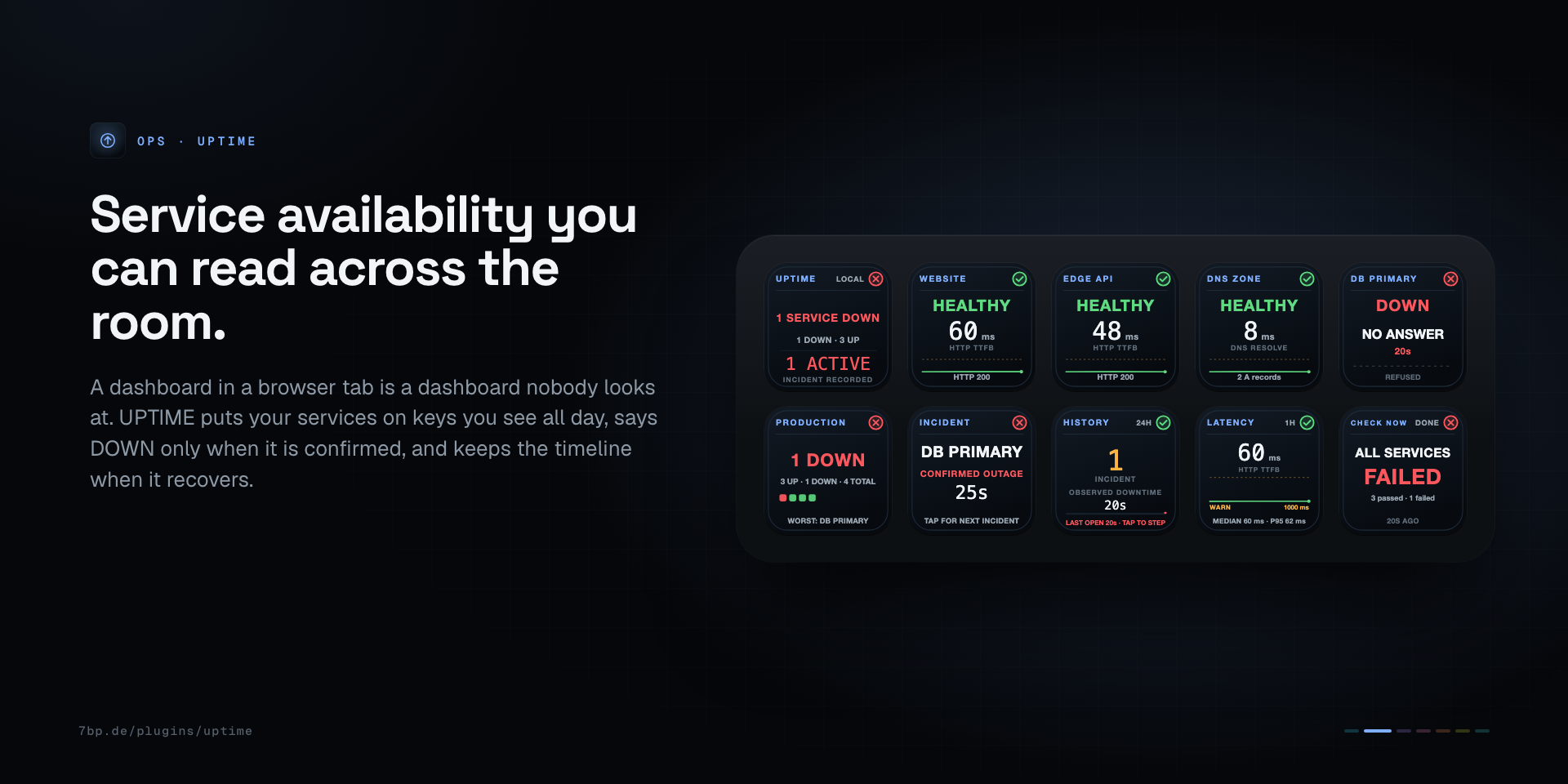
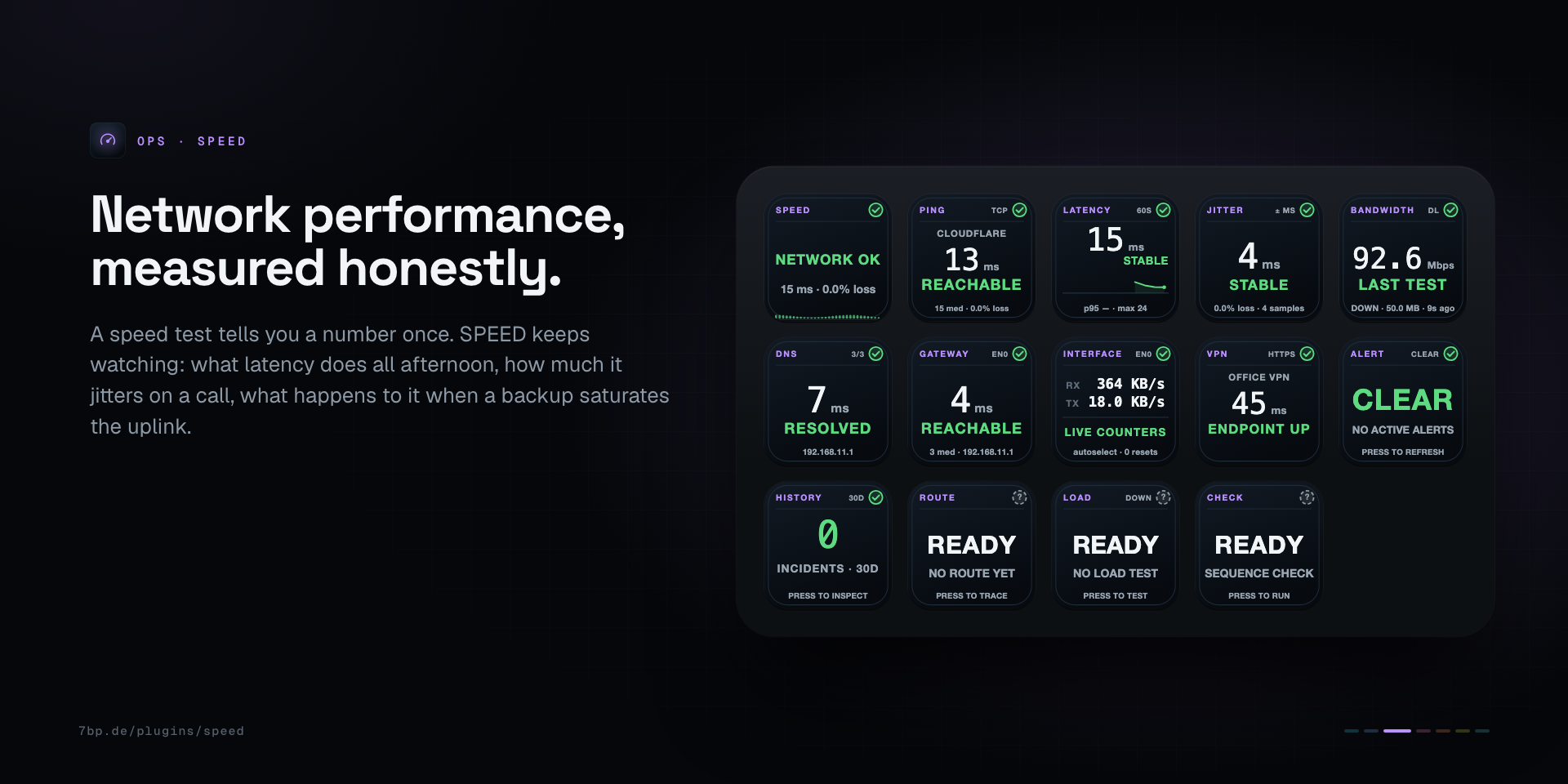
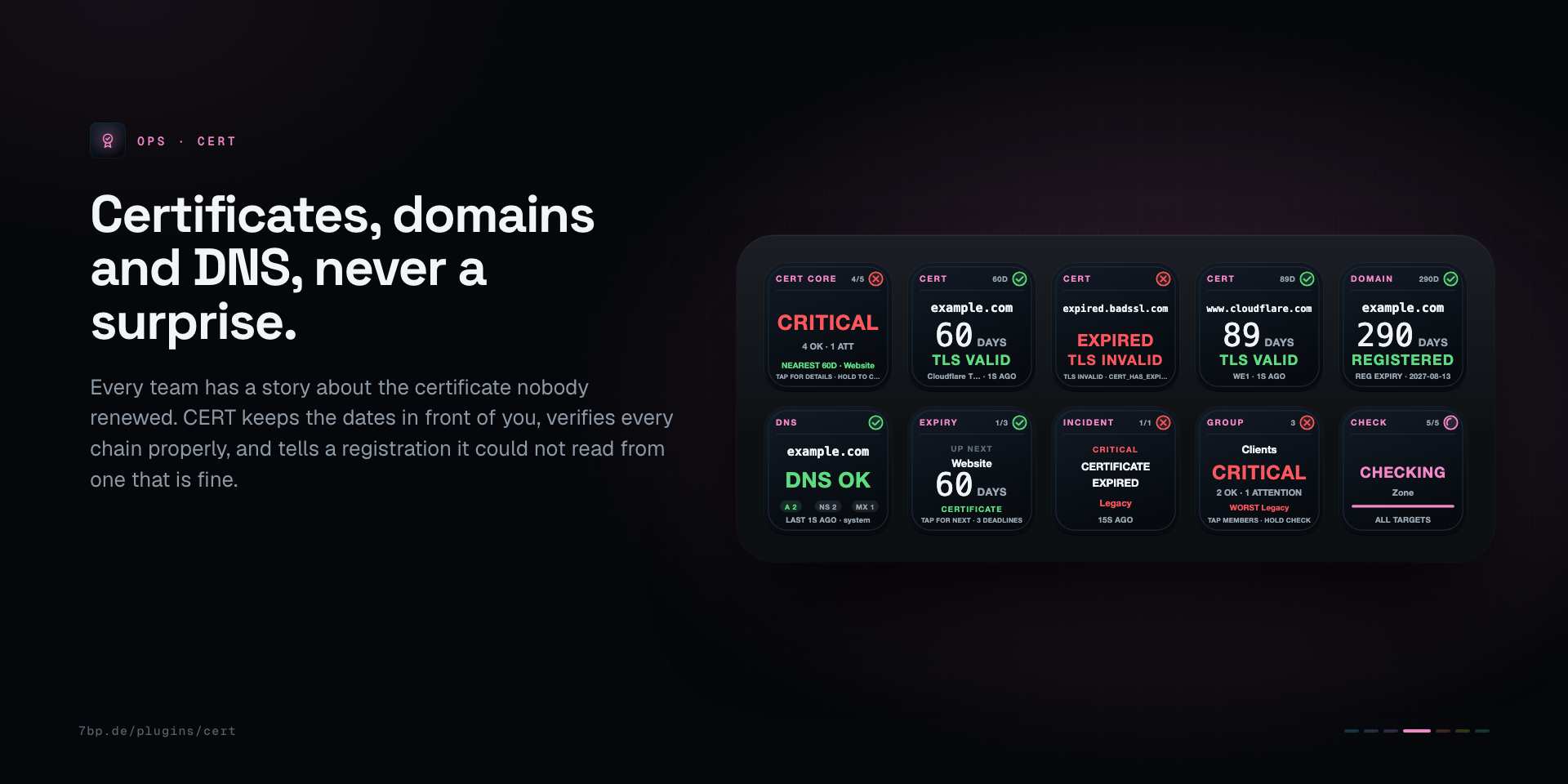
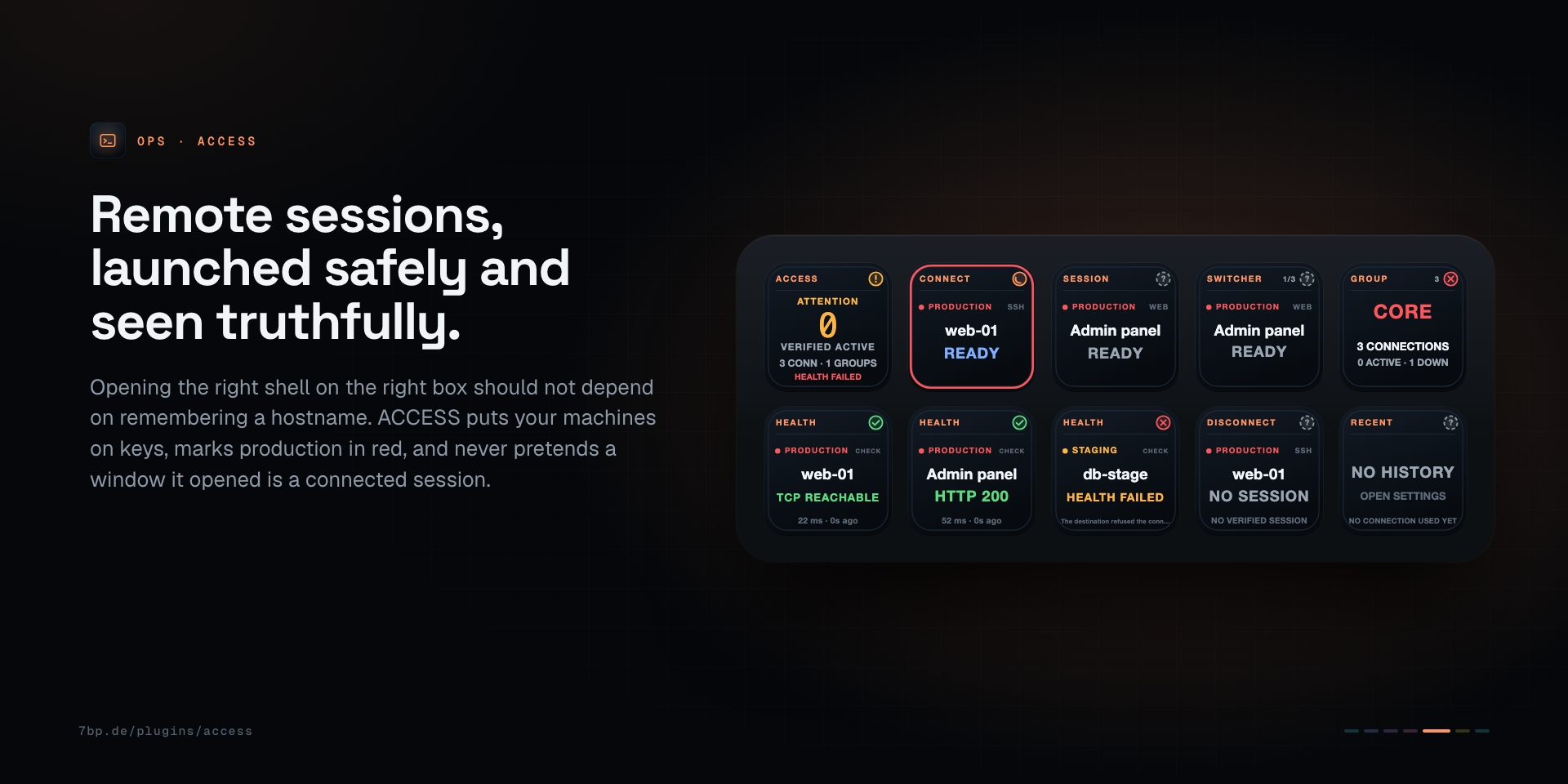
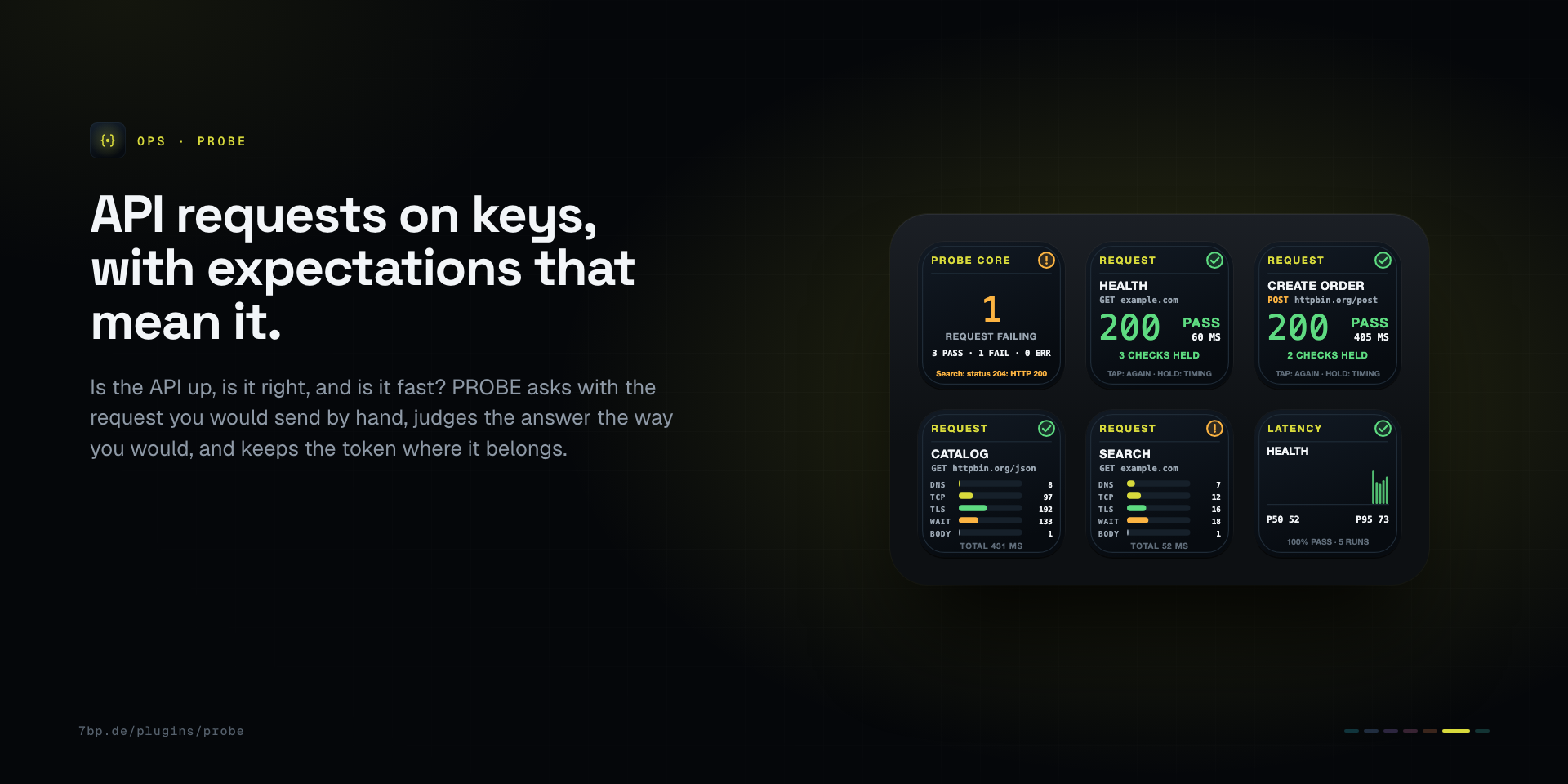
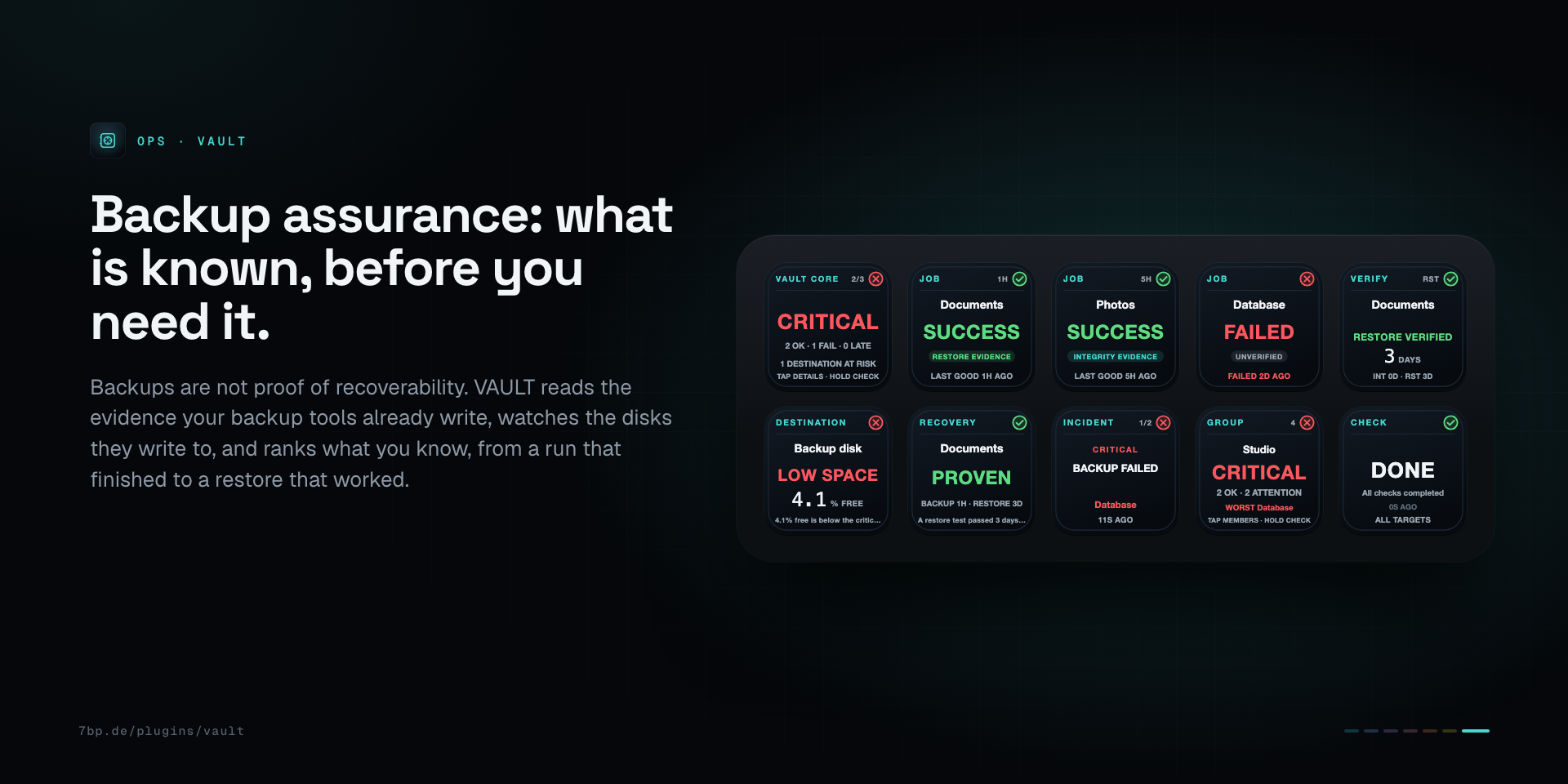
Green, amber and red mean the same on every key.
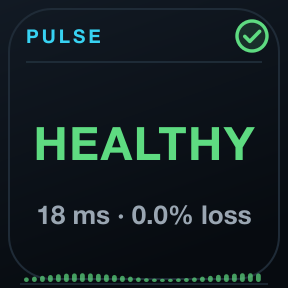
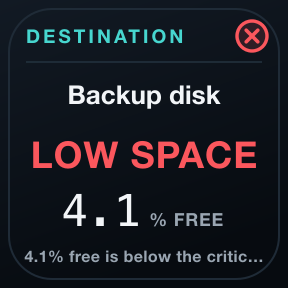
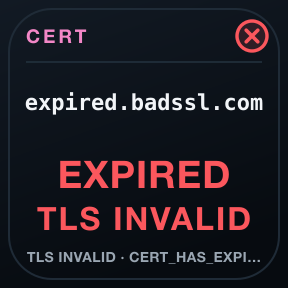
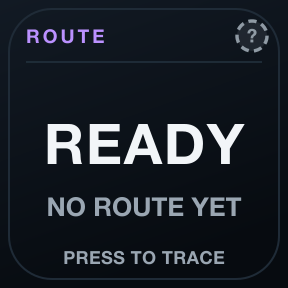
The whole family, at about half.
Launch prices. Each tool is also sold on its own; the suite and single tools can be used side by side.
One family, one language, no cloud.
One language
Green healthy, amber attention, red critical, grey unknown: the same header, marks and colours on every key of all seven tools, always with a shape and a word.
Evidence, not optimism
Unknown is never painted green. A launch is not a session, a reachable disk is not a valid backup, an open port is not a working API.
Local and private
No account, no cloud service, no telemetry, no subscription. Checks run from your Mac, and history stays on it.
Requirements
- Stream Deck app
- 7.6 or newer
- macOS
- 12 or newer. OPS is not available for Windows.
- Stream Deck
- Any model with keys
- Permissions
- macOS 12 or later, Stream Deck 7.6 or later. Runs side by side with any OPS plugin bought on its own.
Privacy
Everything runs on your Mac: checks, history and settings. There is no account, no analytics and no 7bp server in between; the only traffic is the checks you configure.
Version
v1.0.0
First release: PULSE, UPTIME, SPEED, CERT, ACCESS, PROBE and VAULT in one plugin, 56 actions on the OPS design.
Support
Something not as it should be? Write to us and include:
- Your macOS and Stream Deck app versions
- Which key, and what it shows
- What you expected it to show