Most timer plugins hand you a countdown and a stopwatch as two separate actions, and every key is an island. Tickwork gives you one Timer action that can be any kind of clock, sequences that run themselves, and group keys that drive a whole set at once.
Five kinds of clock, one action
Drop a Timer key and choose what it measures. You are not hunting through five different actions to find the one you want, and you can change your mind later without replacing the key.
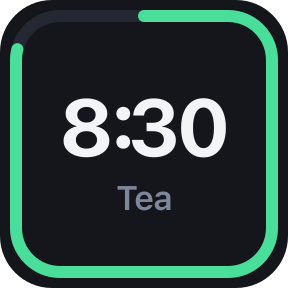
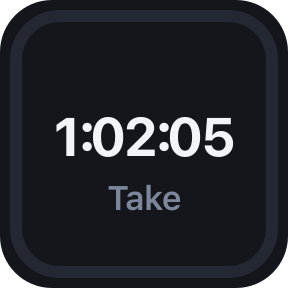
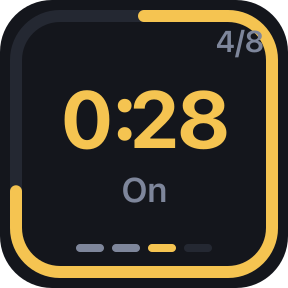
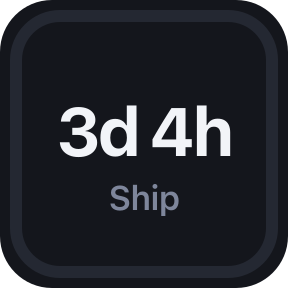
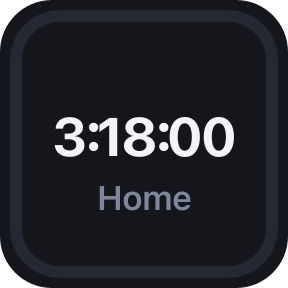
You can read it from across the desk
Every key reads the same way, whatever it is measuring. Time left is drawn as a ring around the edge, an hourglass draining the whole key, a bar along the foot or a clock face — pick one per key. The colour is how it is going. It stays silent unless you switch the alarm on, and even then nothing pops up and there is nothing to dismiss.
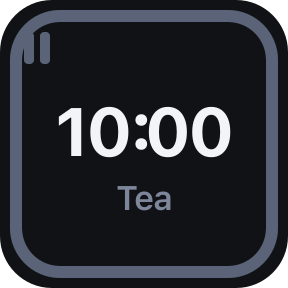
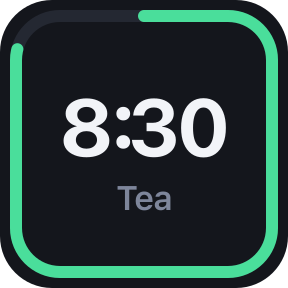
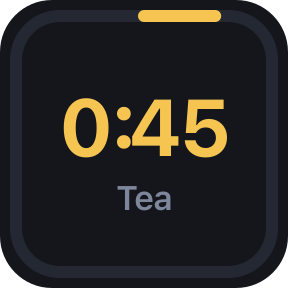
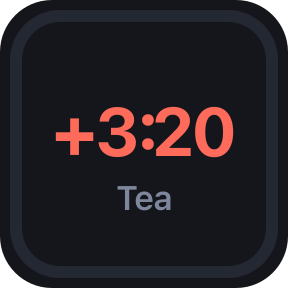
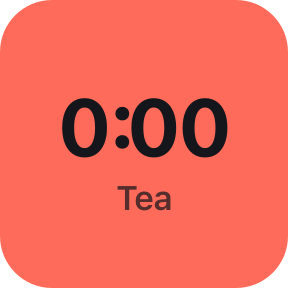
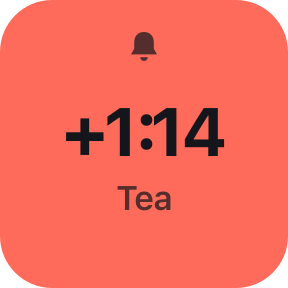
A countdown is allowed to run past zero and keep counting, so a timer you ignored tells you how late you are instead of quietly sitting at 0:00.
Or an alarm you have to answer
A single chime is fine when you are sitting in front of the deck, and useless when you are not — which is rather the point of setting a timer. Switch this on and the key rings every few seconds and keeps ringing until you press it. Tap to answer; hold, as ever, to reset.
It is the more useful half for a sequence. An interval set to hold stops at the end of every phase instead of starting the next one into an empty room. Come back to a ringing key and the break you did not take is still waiting, not four phases ago — and it gets its full length, timed from the press rather than from whenever it should have begun.
- Any Control key answers a waiting alarm first, whatever it is set to. A room with three going off is no time to be finding the right button.
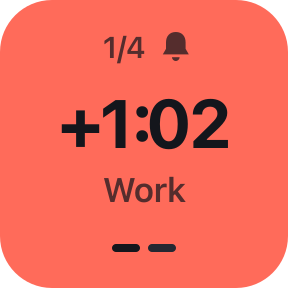
- A key that will wait for you wears a lit bell rather than a grey one, so you can see which of the two you set before the phase ends rather than after.
- A Silence control answers a whole group at once, and Pause stops the noise without letting the sequence on — so a phase you paused at is the phase you come back to.
- After five minutes it stops making a noise but keeps waiting, lit. A deck ringing into an empty office all afternoon is nobody's idea of a timer.
Four ways to show the time
The same ten minutes, drawn four ways — pick one per key. They show the same number and differ only in how loudly they say it, which matters more than it sounds when the thing is two centimetres across and you are looking at it sideways from the other end of a desk.
Sped up: each of these is ten minutes, played in six seconds.
Sequences that run themselves
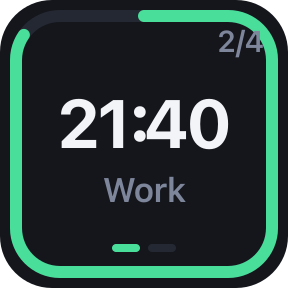
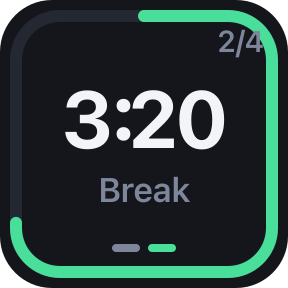
An interval is a list of named phases that hand over from one to the next on their own. Set how many times to run the list, or set it to zero and let it go forever. Press start once and the whole sequence looks after itself — the key shows the phase name, the round you are on, and a pip for each phase.
- •25 minutes of work then 5 off, four times through
- •40 seconds on and 20 off, eight rounds
- •Twenty seconds of looking out of the window, every twenty minutes, all day
Starting points for all of those are built in, and you can write your own phases in seconds or in mm:ss.
One key drives the whole set
This is the part a drawer full of separate timers cannot do. Give clocks a group name and one Group Control key will start, pause, reset, skip or lap every clock in that group with a single press. Toggle reads the group as a whole: if anything is running it stops everything, otherwise it starts everything.
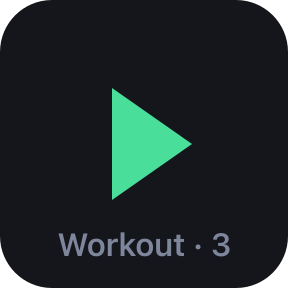
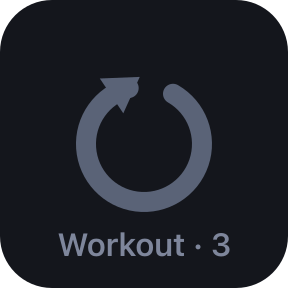
Leave the group blank and the key means every clock you have. It shows how many it is pointed at, so you can see the group matches before you press it.
Requirements
- Stream Deck app
- 7.1 or newer
- Devices
- Any Stream Deck with keys
- Platforms
- macOS 12+ and Windows 10+
- Keys needed
- One per clock, plus one per Group Control key
It does not drift
Every figure is worked out from the system clock rather than counted in ticks, so a busy machine, a sleeping laptop or a restart of the Stream Deck app cannot make a clock wander. A running timer keeps the time it should have kept while you were away.
What it doesn't do
No account, no sign-in, no network requests, no analytics. Your timers live in Stream Deck's own settings on your machine.
Support
Something wrong, or a kind of clock you wish it had? Write to us and a human will answer.
Email support- •Your Stream Deck app version and operating system
- •Which mode the key was in, and its settings
- •What the key showed and what you expected
- •The plugin log from the de.7bp.tickwork.sdPlugin folder
Version
Version 1.2 adds an alarm you have to answer: set it to keep ringing until the key is pressed, and an interval will wait at the end of every phase instead of starting the next one into an empty room. A key that will wait wears a lit bell, and the pass counter is hidden when there is nothing to count towards. Version 1.1 brought the alarm itself with three tones, a stop-after limit, and four ways to draw the time left — a ring, an hourglass, a bar or a clock face.
de.7bp.tickwork