Boss Key
One tap. You were working the whole time.
Boss Key fills your Mac's screen with something that looks like work and mutes the sound, in one tap on your Stream Deck. Tap again and everything is exactly as you left it. It is a joke plugin for anyone who has ever wanted to look busy.
For macOS. No permissions, no account, no network, nothing to install.
The button turns into a link the moment Elgato publishes the listing.
It starts believable. Then it slowly goes wrong.
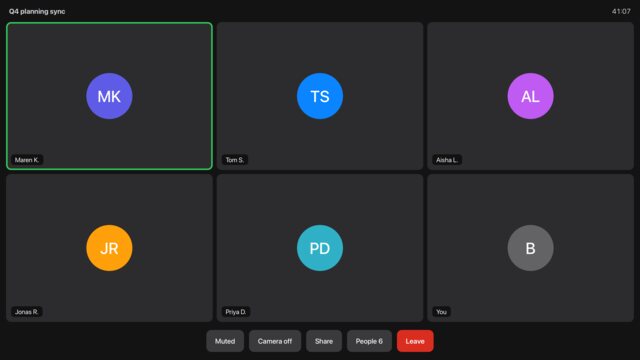
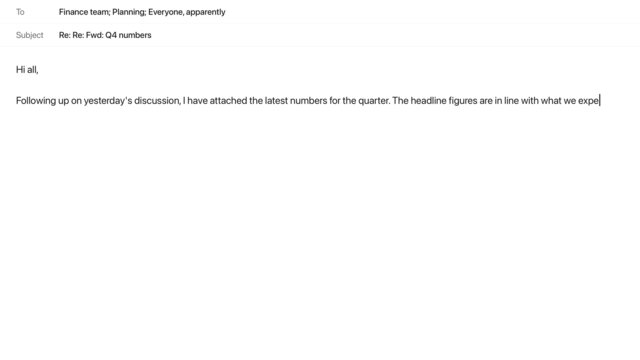
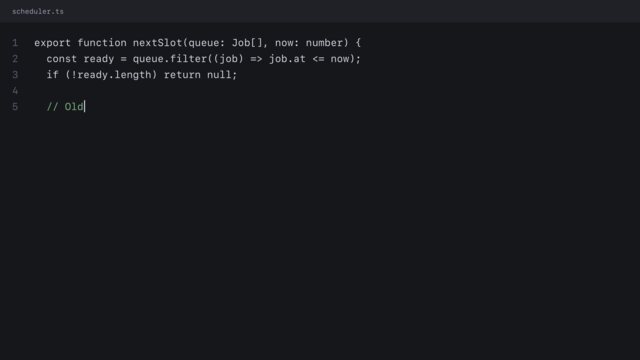
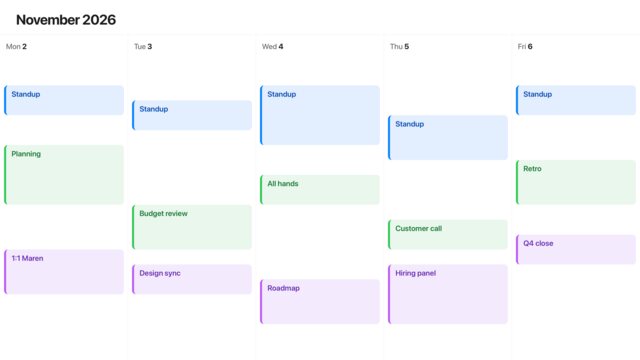
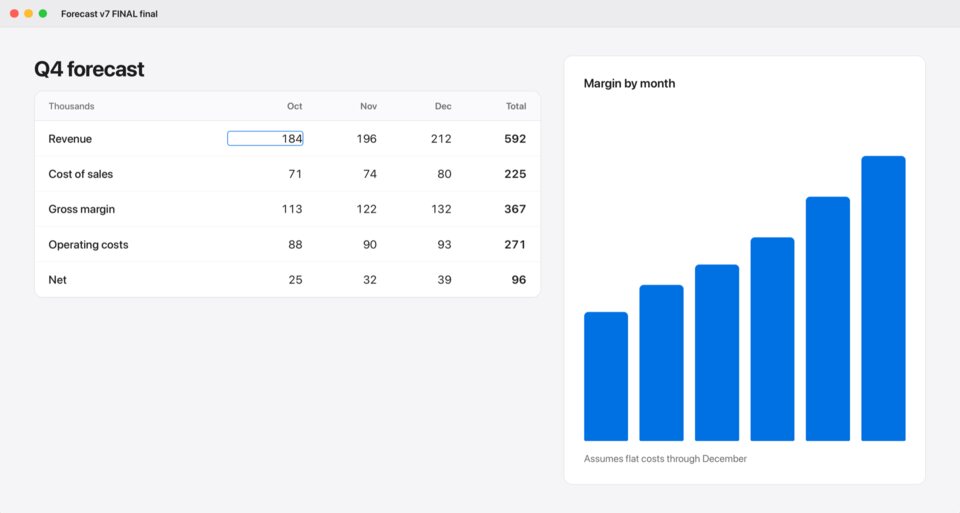
A quick glance finds real work. A long look finds the joke. This film is a sequence of stills from the real screens, sped up.
The slow reveal
Every screen changes as time passes. After a minute the spreadsheet has a row called Snacks. After three, the chart is smiling. Turn it off if you prefer.
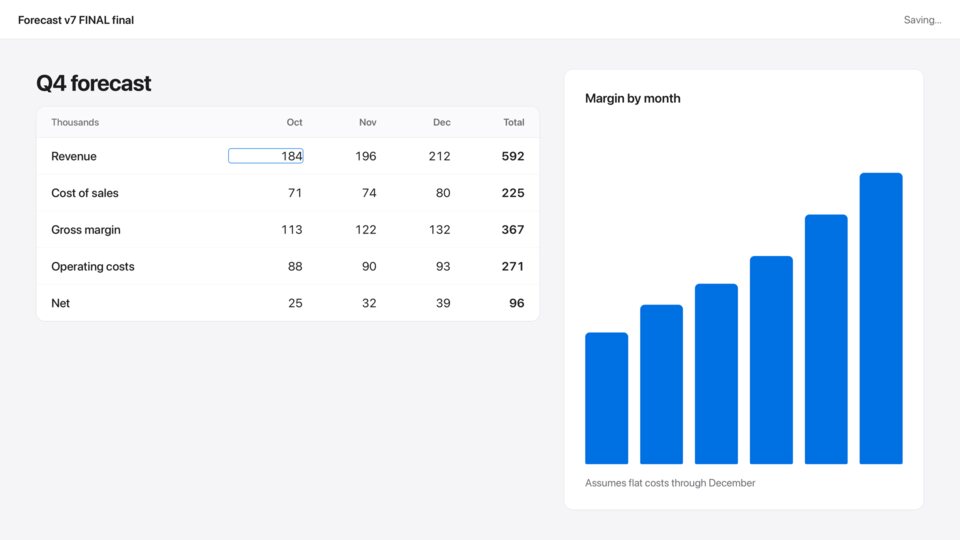
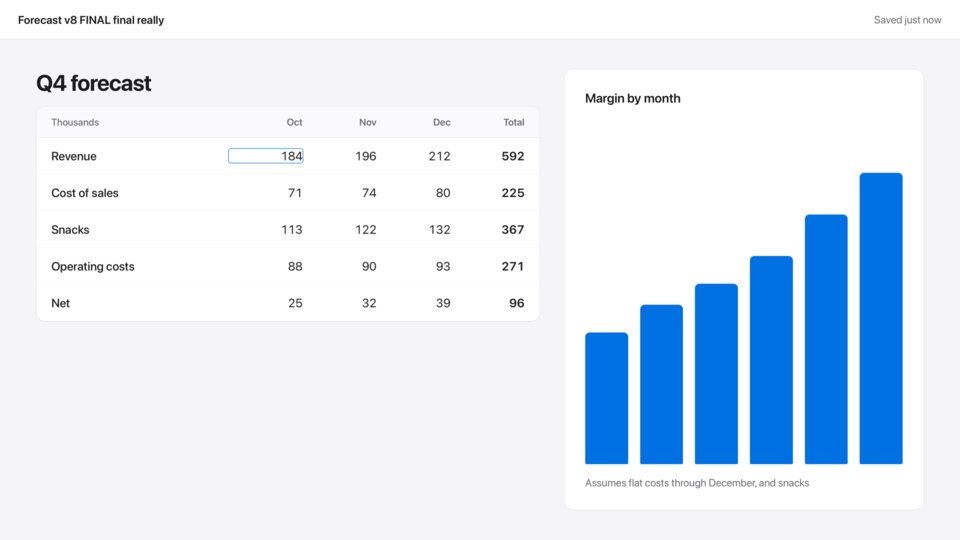
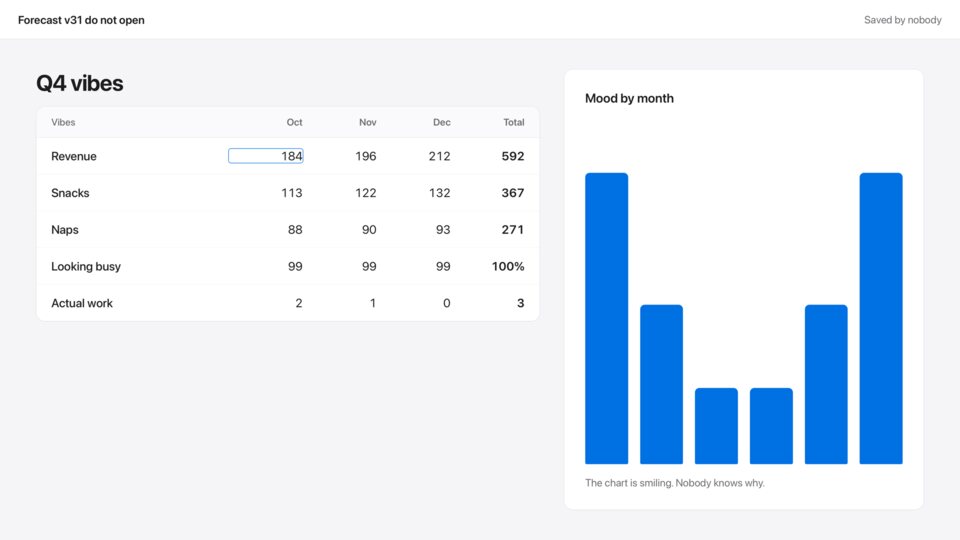
Fifteen ways to look busy
Email and Code type themselves. Pick one, or let Random choose. Hold the key for the next screen.
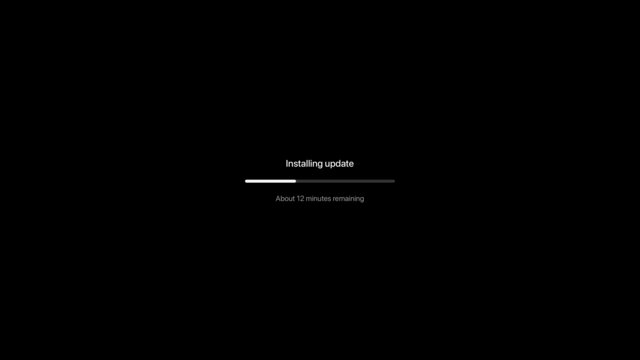
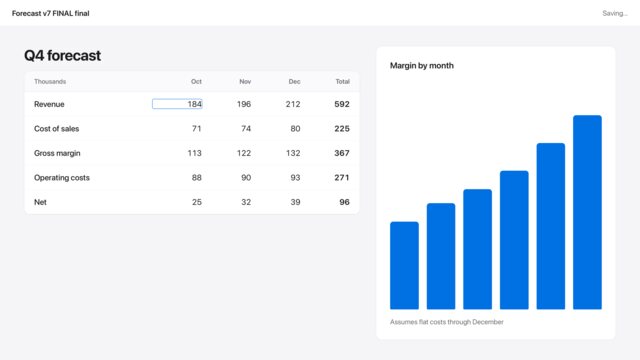
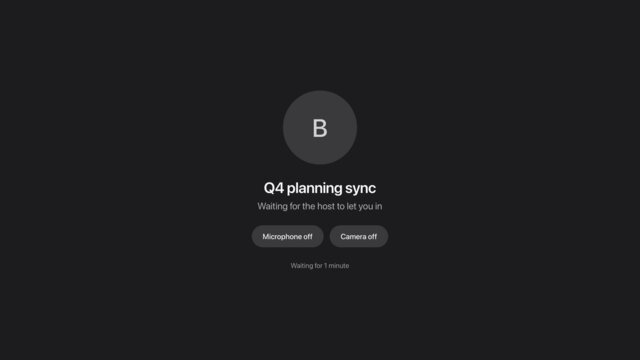
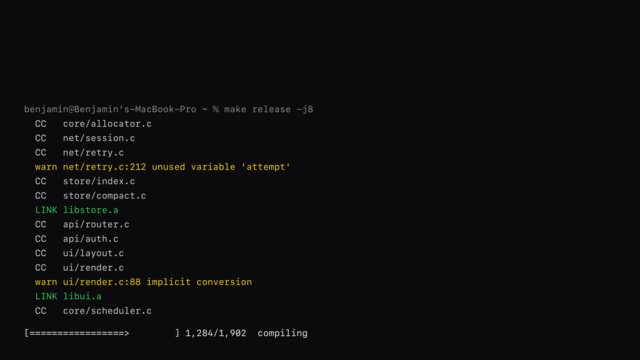

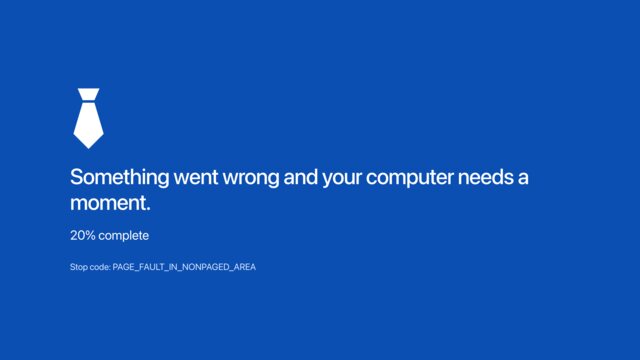

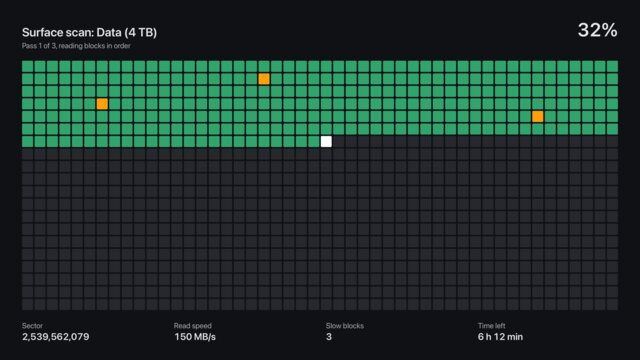
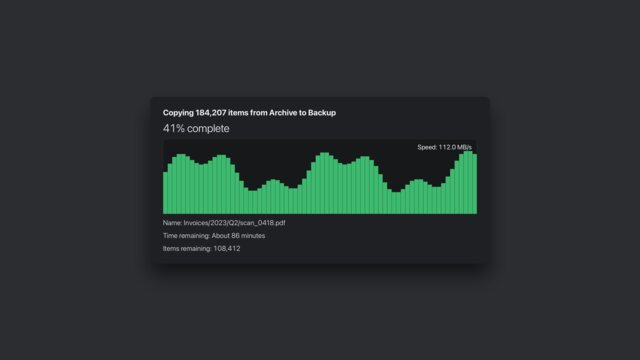
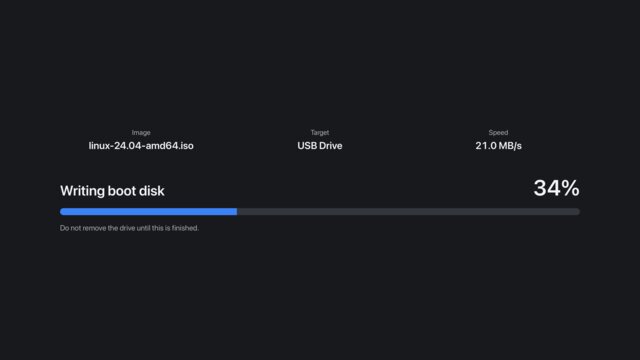
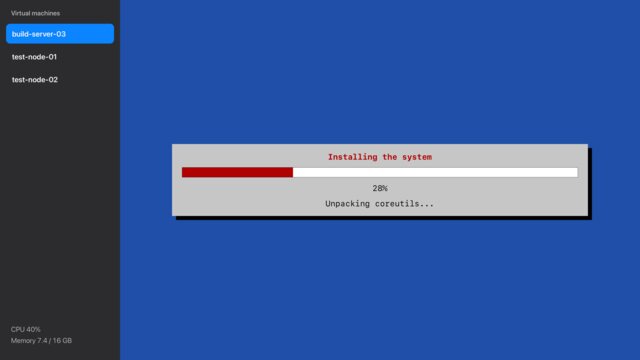
Or cover only the window in front
The menu bar, the Dock and everything behind stay real. It follows the window, and leaves when you switch apps.
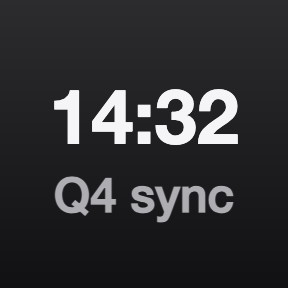
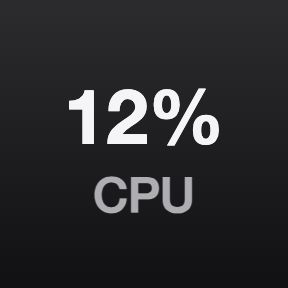
The key tells the same story
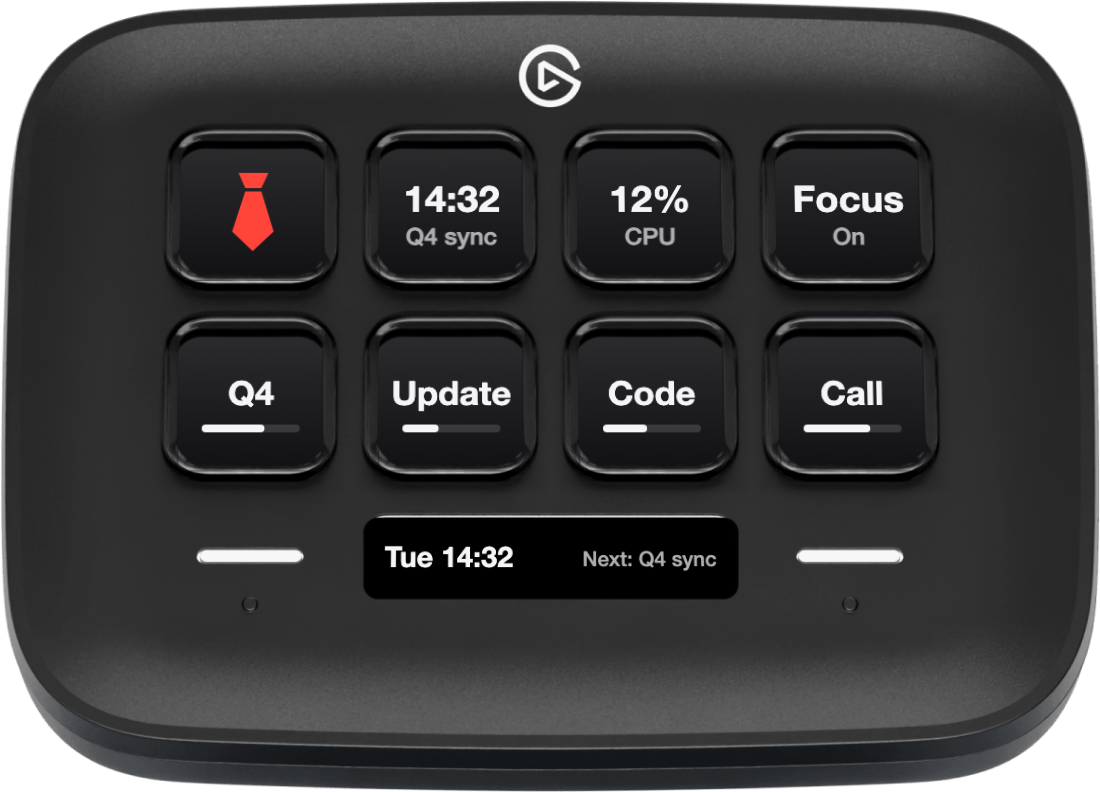
At rest it can pass for a calendar, a CPU meter or a focus status. While a screen is up, the key and the Neo Infobar match it.



Getting back is the easy part
Tap the key
Back at once, exactly as you left it.
Esc or a click
Always gets you out.
The sound
Muted, and put back the way it was.
On its own
It can also return by itself.
The screens are parody. They are not real system messages, and no screen asks for input.
Requirements
- Mac
- macOS 13 or newer.
- Stream Deck
- Any model with keys, with the Stream Deck app 7.6 or newer. The Infobar needs a Stream Deck Neo.
- Permissions
- None.
What it cannot do
- It covers the screen. It does not stop anything running behind it, and a notification can still appear.
- It will not fool anyone who reads closely for long. That is the idea.
Privacy
Boss Key reads nothing from your screen, and everything on it is made up. Nothing leaves your Mac: no account, no network, no analytics.
Version
v1.0.0
First release: 15 screens, the slow reveal, Cover Window, disguised keys, an Infobar for the Stream Deck Neo, and Try it in the settings.
Support
Something not working? Write to us and include:
- Your macOS and Stream Deck app versions
- How many displays you use
- The screen you had up