A bug report in Slack
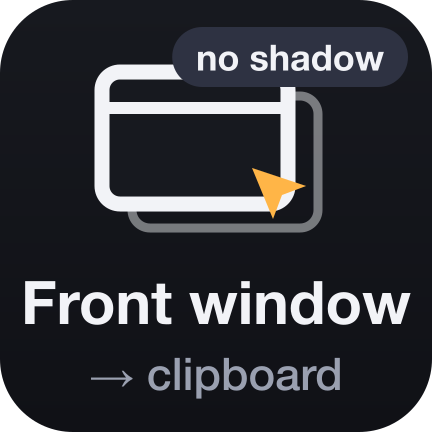
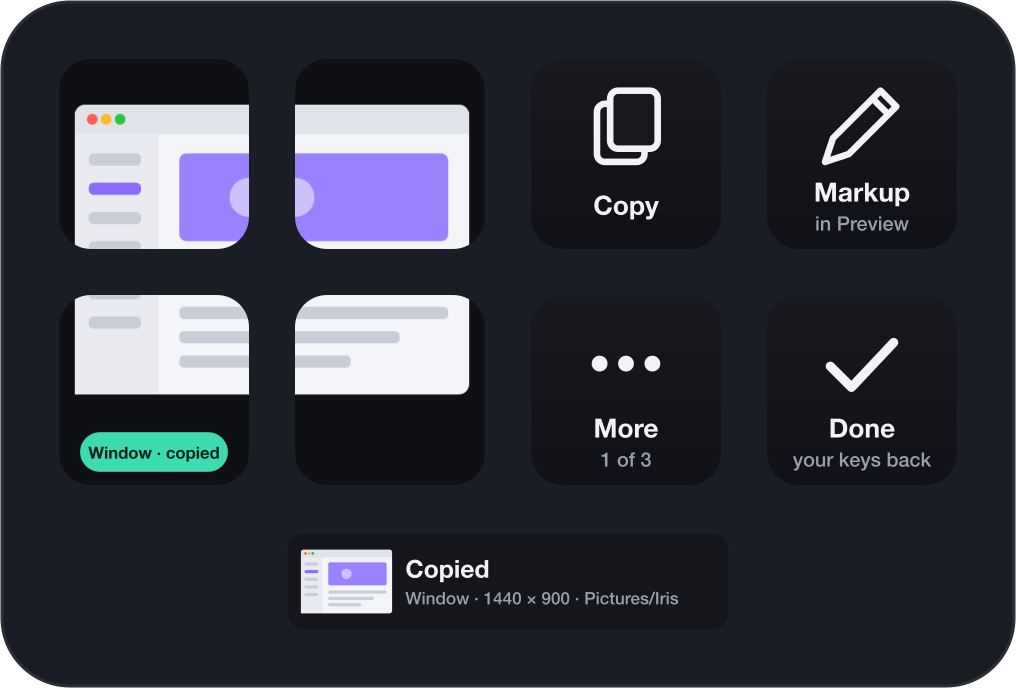
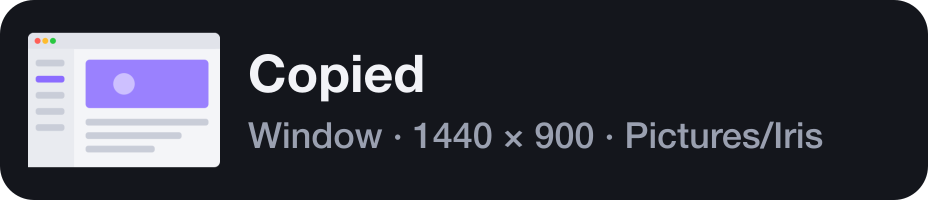
Capture key, preset Bug report: the window in front, no shadow, to the clipboard.
- 1Tap the key. No clicking, no shortcut.
- 2The key shows a picture of what it copied.
- 3Paste into Slack.
Every capture on a key.
Iris puts your screenshots and screen recordings on your Stream Deck. Every capture you make has a key that says what it does, and one key turns the whole deck into a capture studio.
For macOS. Uses macOS's own screen capture: nothing else to install, no account, no network.
The button turns into a link the moment Elgato publishes the listing.
Or try Iris Lite, free ↓What people actually capture, and what it takes with Iris. Each is a single key set up once, or two taps in the Studio.
Capture key, preset Bug report: the window in front, no shadow, to the clipboard.
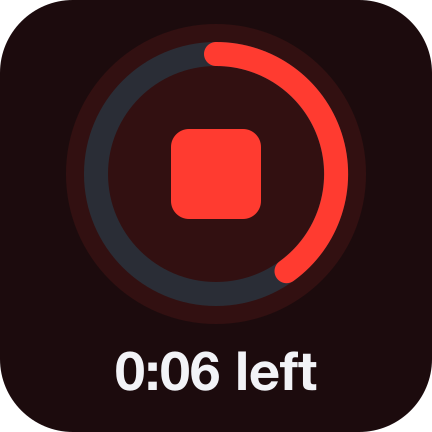
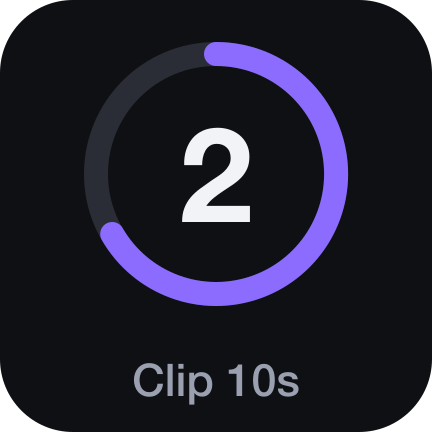
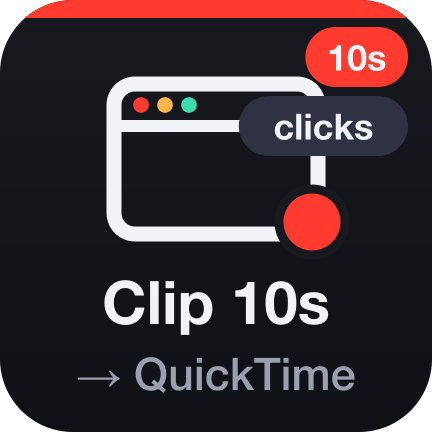
Capture key, preset Demo clip: 10 seconds of a window you click, clicks shown, then QuickTime.

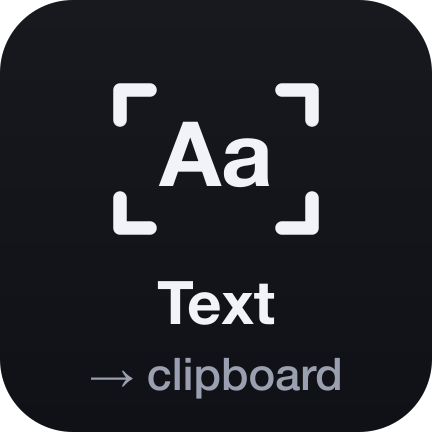
Capture key, preset Copy text: the words in an area, to the clipboard.
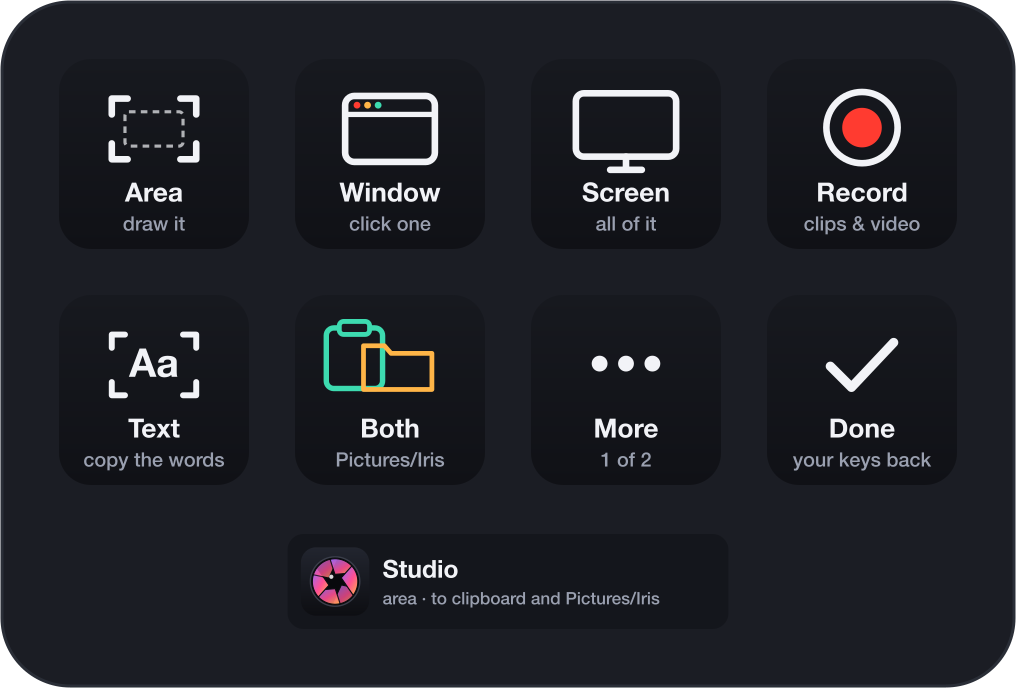
Nothing to set up: the Iris key and its Studio.
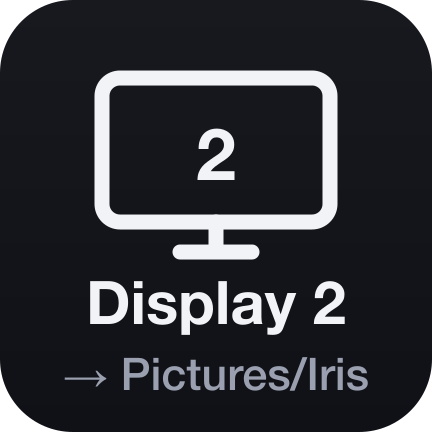
Capture key, preset Second screen, folder Reports, named "Report {date}".
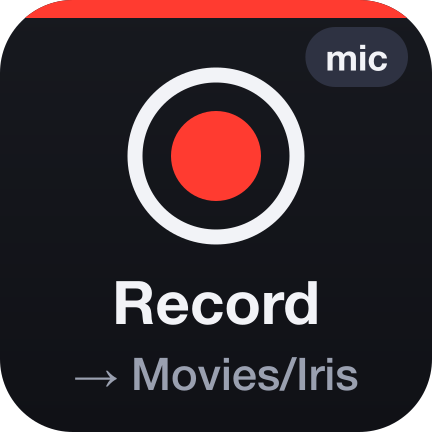
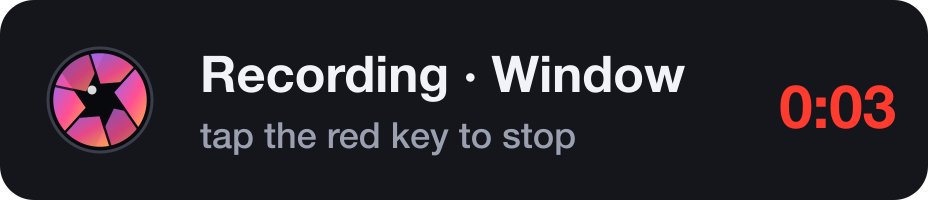
Capture key, preset Tutorial: the screen with the microphone, until you tap again.
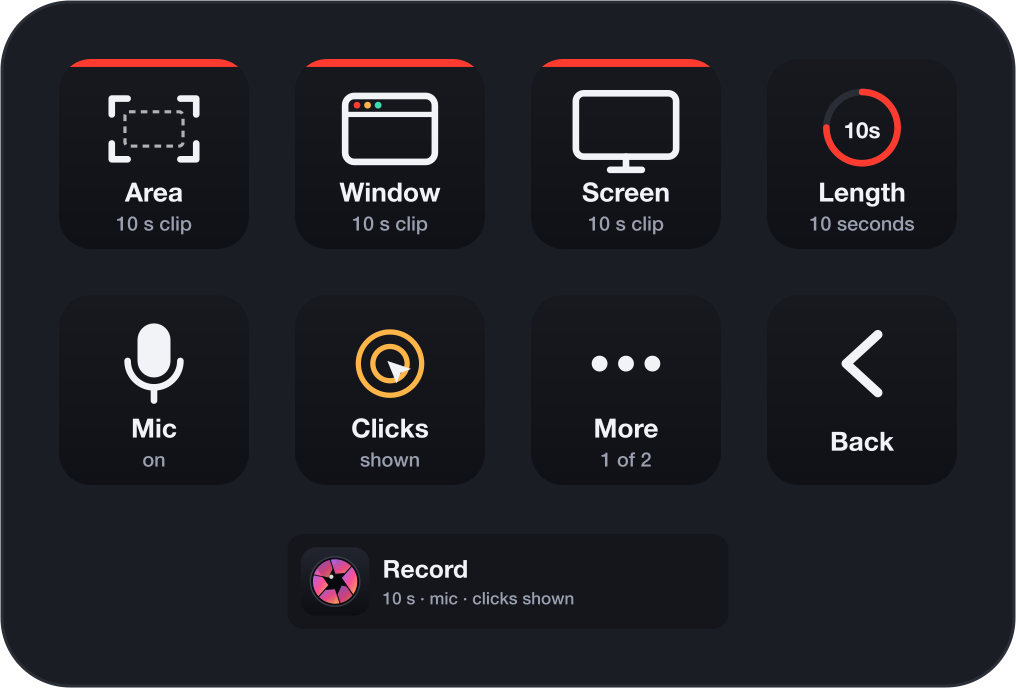
Put the Iris action on one key. A tap turns the whole deck into a capture desk, with what matters while capturing on the keys. Done gives you your page back. Iris takes one key of your layout and borrows the rest only while you need them. The Studio comes as a profile for every Stream Deck model.
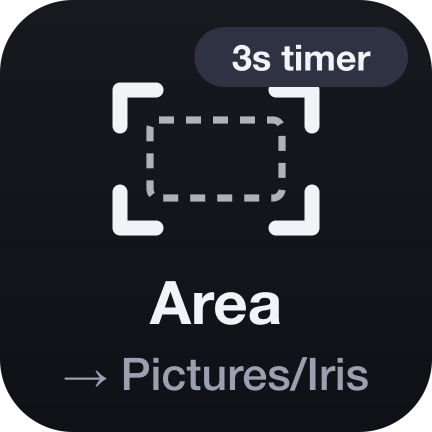
Add the Capture action as often as you like and give each key one job, from a preset or set up yourself. Each key draws what it captures, where it goes and what is special about it.

Iris Lite is free and stays free. The two install side by side.
| Iris Lite | Iris | |
|---|---|---|
| Capture keys for pictures, as many as you like | Yes | Yes |
| Area, window, front window, screen, display, region; timer, shadow, format, folder | Yes | Yes |
| Last capture key | Yes | Yes |
| Copy text: the words out of anything | No | Yes |
| Screen recordings: clips, tutorials, microphone, clicks | No | Yes |
| The Studio: the whole deck as a capture desk | No | Yes |
| The Stream Deck Neo's Infobar | No | Yes |

Captures go where you tell them: the clipboard or your folder, and nowhere else. Text is recognised on your Mac by Apple's Vision framework. Iris has no account, keeps no history beyond the last capture's file path, and makes no network connection.
v1.0.0
First release: the Studio, Capture keys with seven presets, text recognition, the Last capture key and the Infobar.
Something not capturing? Write to us and include: