ACCESS
Remote sessions, launched safely and seen truthfully.
Opening the right shell on the right box should not depend on remembering a hostname. ACCESS puts your machines on keys, marks production in red, and never pretends a window it opened is a connected session.
The listing is on its way; this button becomes a link the moment Elgato publishes it.
Or all seven tools in the OPS Suite, €12.99 instead of €24.99. See the OPS Suite →
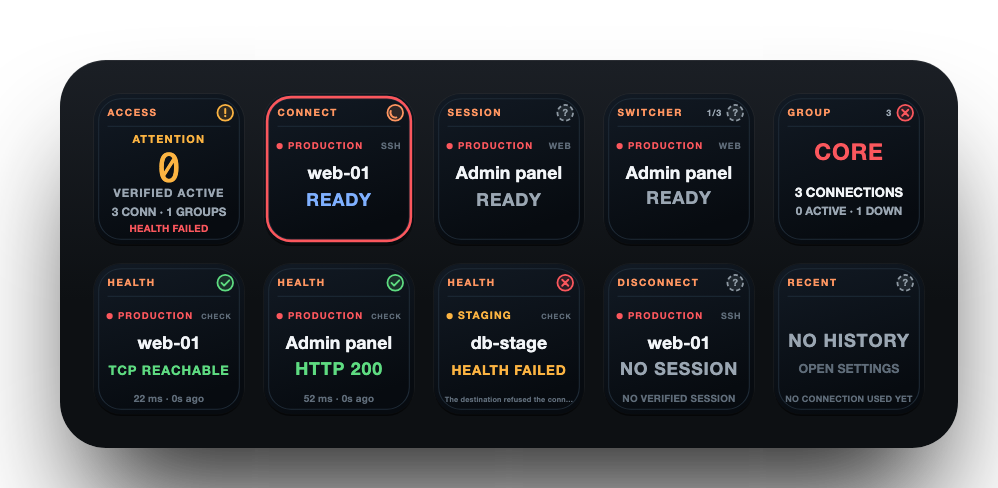
Every key has one job.
Put the ones you need where you need them. Each key draws what it knows, live, in the same language as every other OPS key.
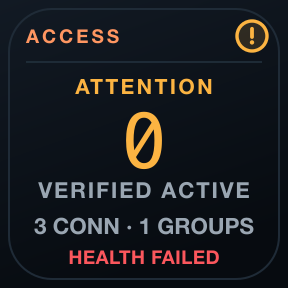
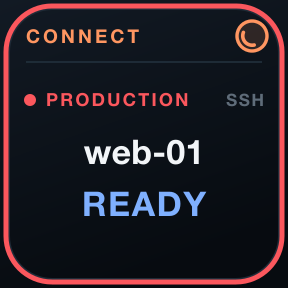
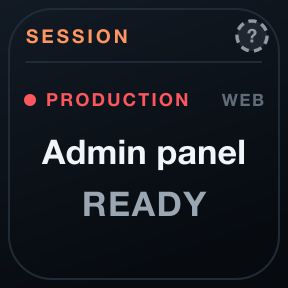
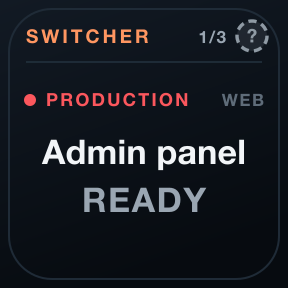
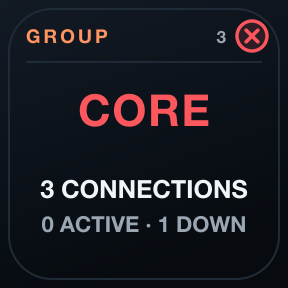
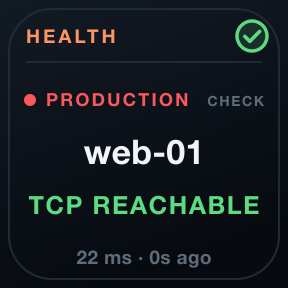
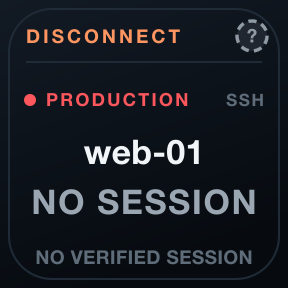
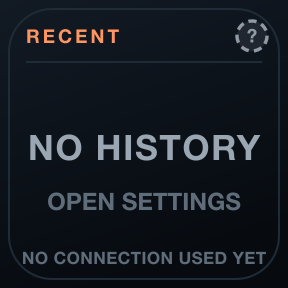
Verified, or not claimed
With OpenSSH's control socket a session is verified, with its duration; without it, ACCESS shows a launch, not a connection.
Production with care
Environments carry their names and colours; production can require a deliberate hold to open or disconnect.
Health on its own
TCP or HTTPS reachability per machine, kept apart from session state: an open port is not a login.
One family, one language, no cloud.
One language
Green healthy, amber attention, red critical, grey unknown: the same header, marks and colours on every key of all seven tools, always with a shape and a word.
Evidence, not optimism
Unknown is never painted green. A launch is not a session, a reachable disk is not a valid backup, an open port is not a working API.
Local and private
No account, no cloud service, no telemetry, no subscription. Checks run from your Mac, and history stays on it.
Requirements
- Stream Deck app
- 7.6 or newer
- macOS
- 12 or newer. OPS is not available for Windows.
- Stream Deck
- Any model with keys
- Permissions
- Uses the clients you have: Terminal or iTerm with OpenSSH, an RDP app, your browser. No credentials are stored; keys and passwords stay with SSH and your apps.
Privacy
Everything runs on your Mac: checks, history and settings. There is no account, no analytics and no 7bp server in between; the only traffic is the checks you configure.
Version
v1.0.0
First release: ACCESS Core, Connect, Session Watch, Session Switcher, Group Watch, Remote Health, Disconnect and Recent Connections, on the OPS design.
Support
Something not as it should be? Write to us and include:
- Your macOS and Stream Deck app versions
- Which key, and what it shows
- What you expected it to show