Focus!
A rest for your eyes, one key away.
Focus! gives your eyes a short rest from your Stream Deck. Tap the key, look away, and come back with fresher eyes: six rests drawn from eye research, each with an honest label, a voice that guides you with your eyes closed, and, if you stream, nothing on your stream.
For macOS and Windows. No account, no network, no camera, no permissions.
The button turns into a link the moment Elgato publishes the listing.
Made to be looked away from.
The rest screens are dark, slow and almost empty, with one sentence set large. Nothing flashes. These are the real screens, as the plugin draws them.
An eye that gets tired with you.
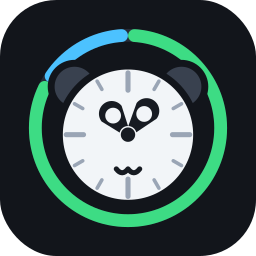
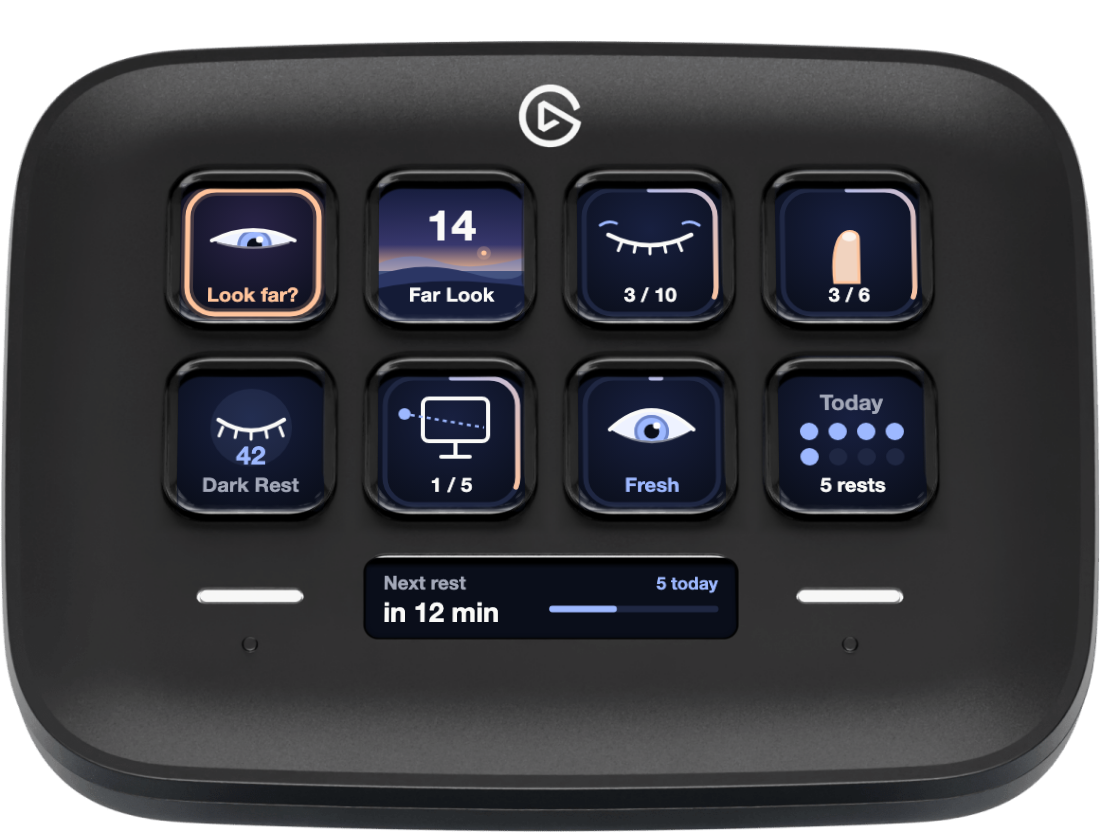
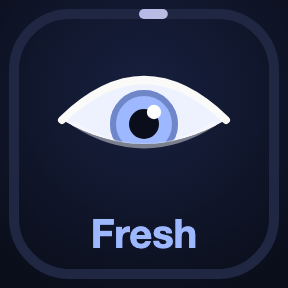
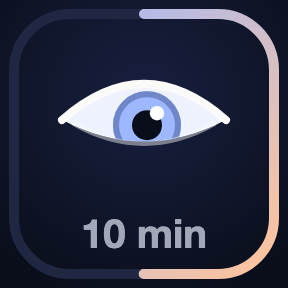
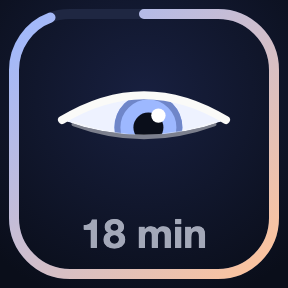
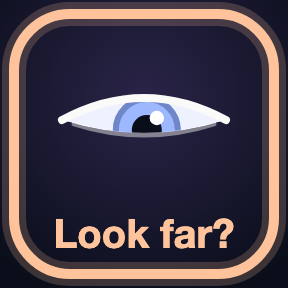
Screen time fills a ring along the key's edge, and the lid gets a little heavy. Tap any time. While a rest runs, the key leads it too.
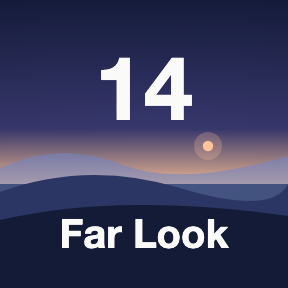
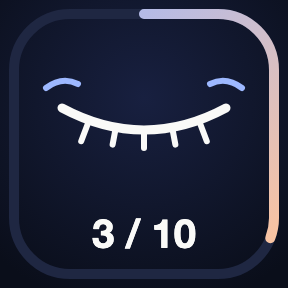
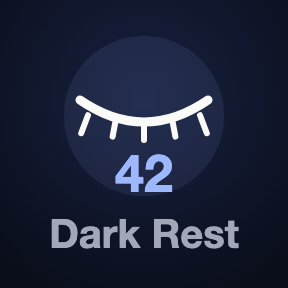
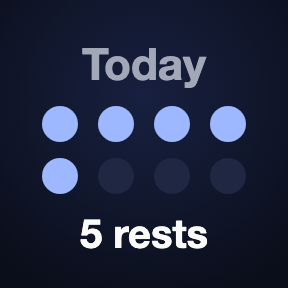
Six rests. Honest labels.
Each rest says what the research supports. Focus! never promises better eyesight, and it leaves blue-light claims out: a Cochrane review found blue-light lenses probably make no difference to eye strain.
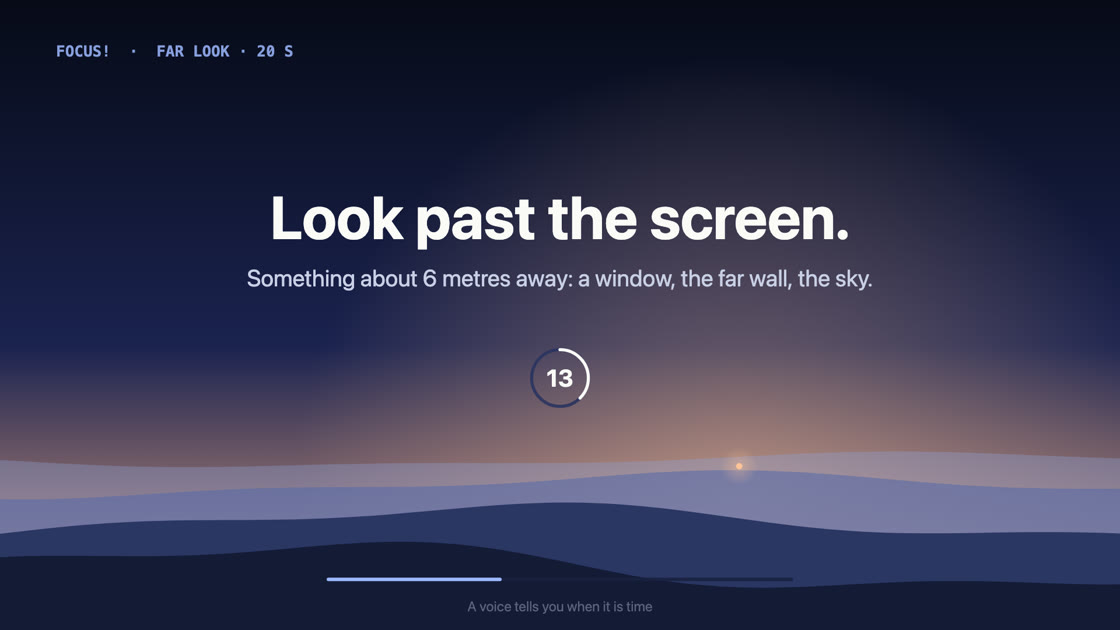
20 seconds, something about 6 metres away: the 20-20-20 rule. Reminders to follow it eased eye strain in a small study, while they ran.
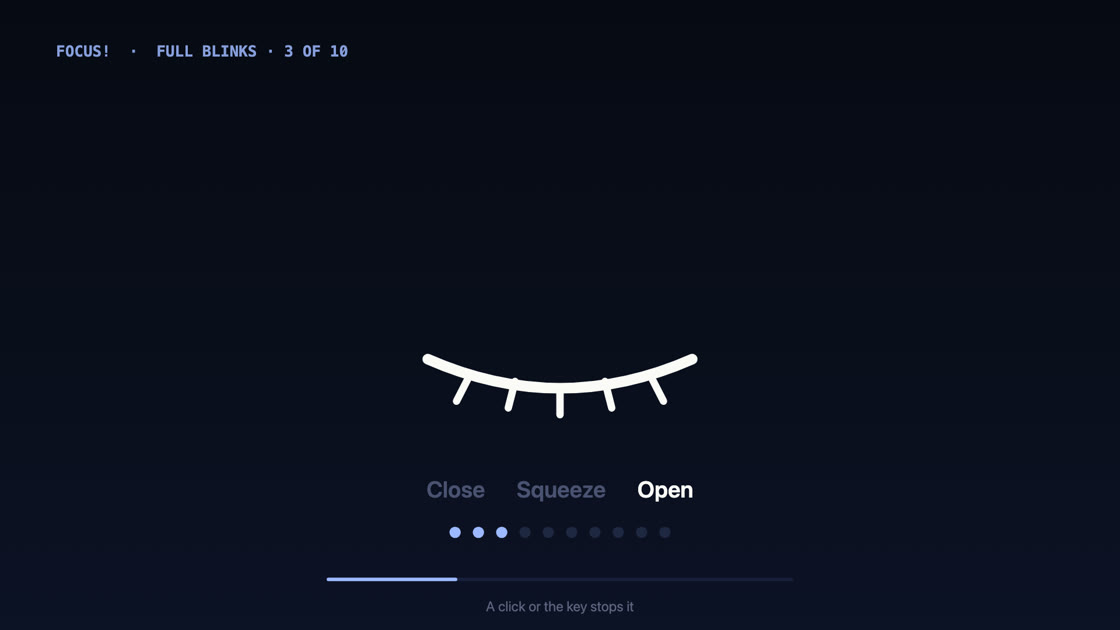
Close gently, squeeze, open, ten times. Screens make blinks less complete; blink training cut incomplete blinks and discomfort in recent trials.
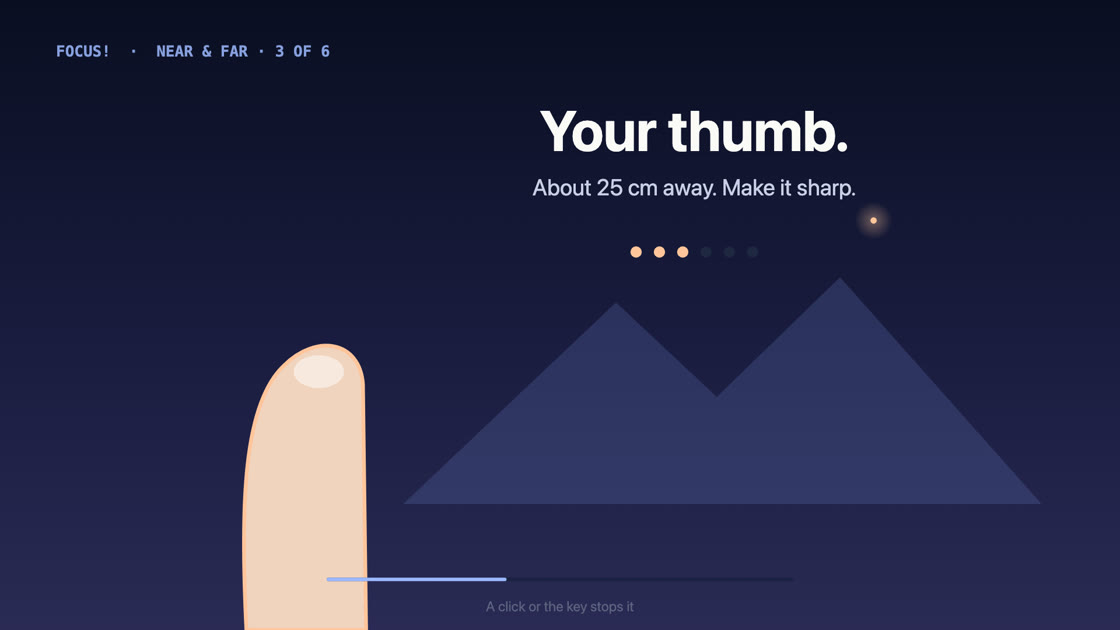
Your thumb at 25 cm, sharp; then the far wall. Six times. Focus switching got quicker in the 20-20-20 study.
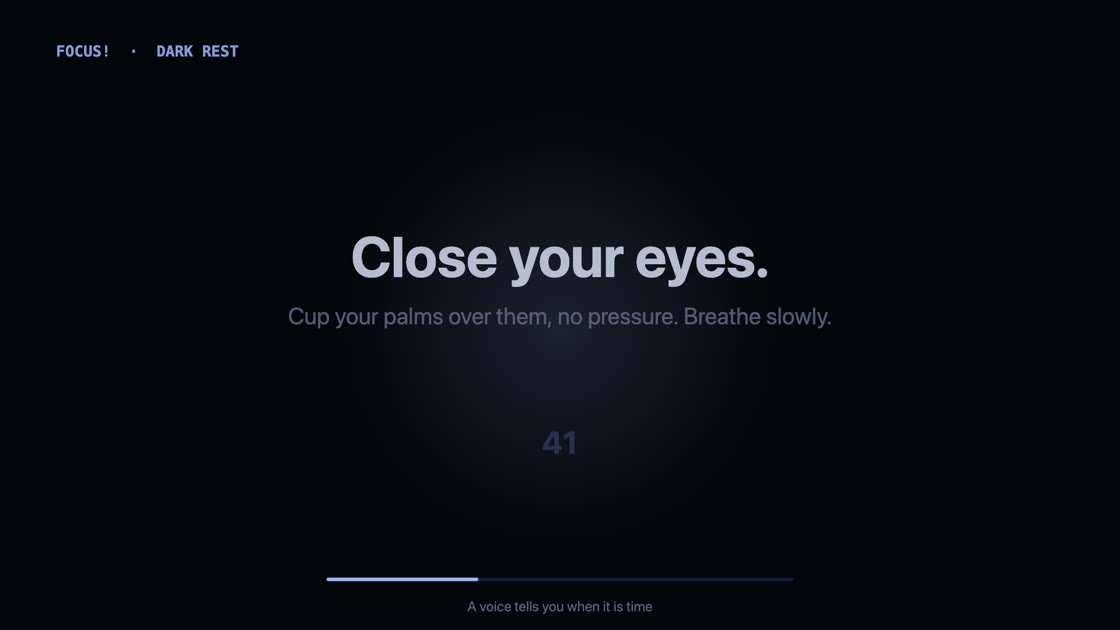
A minute with your palms over closed eyes, breathing slowly. For comfort; it does not change eyesight.
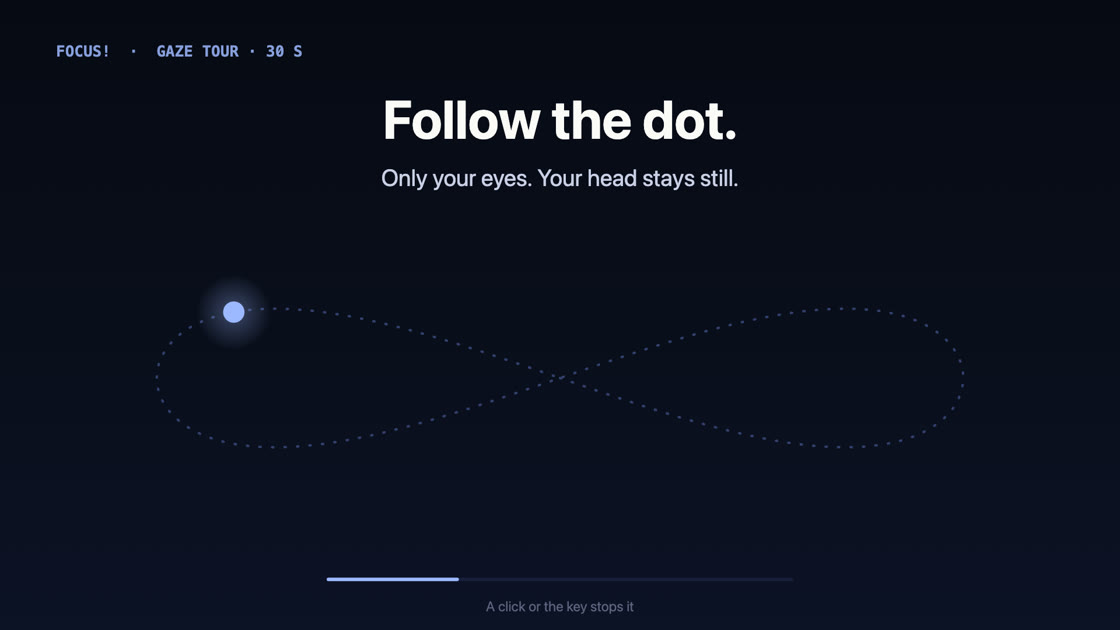
Follow a slow dot across the screen with your eyes only. For comfort.
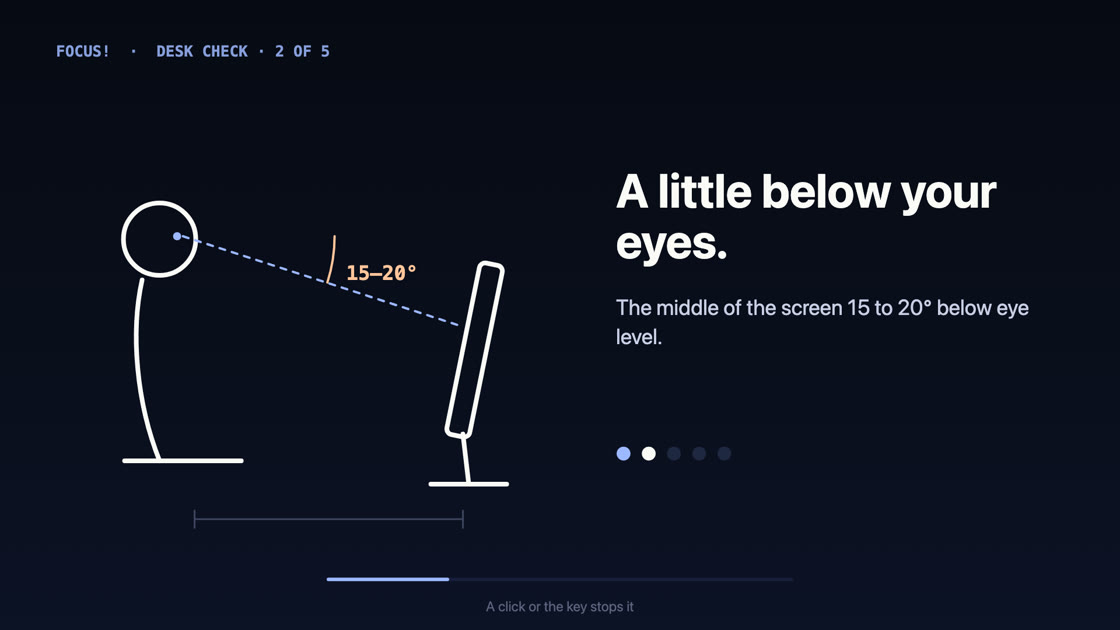
An arm's length away, the middle of the screen 15–20° below your eyes, as bright as the room, the window beside you, a sip of water.
Or Mix: four of them in about two minutes. Or Next up: a different one each time.
Eyes closed? A voice leads.
Each step is said out loud by a calm, natural voice, in English or German, recorded into the plugin, so it sounds the same on every computer and needs no network: close, squeeze, open; thumb, far; and, after a Dark Rest, “You can open your eyes now.” An optional soft chime marks the end. Both can be turned off.
Twenty minutes of screen time. Not of clock.
Nudges are off until you turn them on, and the plugin recommends it. Then, after 15 to 60 minutes at the screen: the key breathes “Look far?”, a small card appears, or a Far Look simply starts. Away for five minutes counts as a rest; a film, a game or a presentation in full screen goes first; quiet hours are yours. Hold the key: not now, for ten minutes.
Your viewers see your screen. You see the rest.
The rest is kept out of screen capture, so a stream or a recording shows your desktop while you rest your eyes. Or choose deck only: the key and the Infobar lead the rest, and the screen never changes, for games.
On the Stream Deck Neo
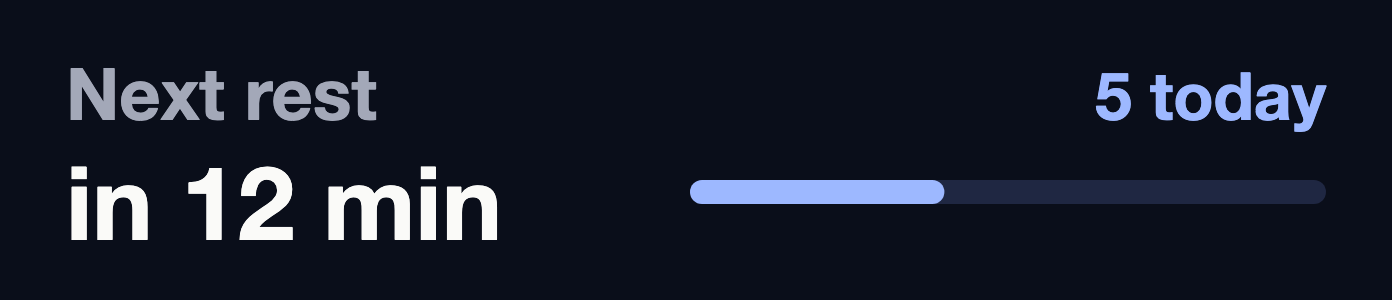
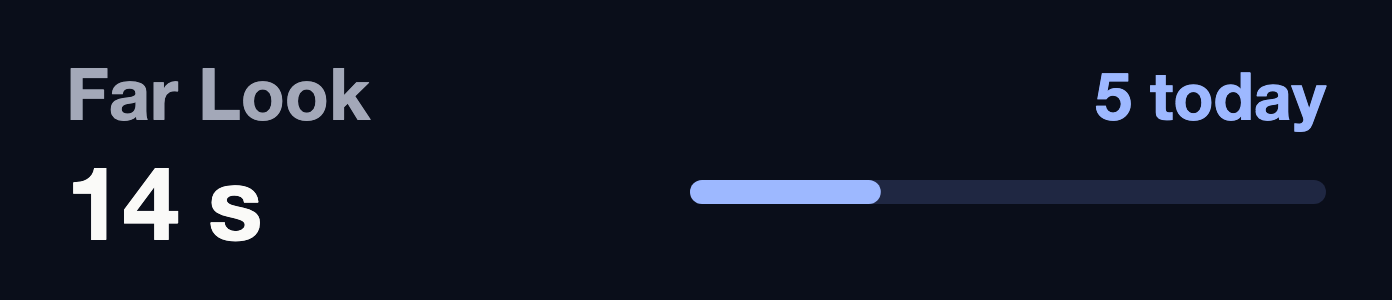
The Infobar shows how far off the next rest is and how many you took today, and during a rest, which one and how long is left.
Requirements
- Mac
- macOS 13 or newer.
- Windows
- Windows 10 or 11, 64-bit. It draws with Microsoft Edge, which Windows already has.
- Stream Deck
- Any model with keys, with the Stream Deck app 7.6 or newer. The Infobar needs a Stream Deck Neo.
- Permissions
- None.
What it cannot do
- It is not medical advice. If your eyes hurt, your vision blurs or headaches keep coming, see an optometrist.
- The rest shows on your main display.
- It does not watch you: no camera, so it cannot count your blinks.
Privacy
Focus! notices how long since you last typed or moved the mouse (never what), and whether something is in full screen. It keeps only today's and the last week's count of rests, on this computer. No camera, no account, no network, no analytics.
Version
v1.0.0
First release: six rests with honest labels, spoken guidance in English and German, an optional chime, the eye in the key, a Today key and an Infobar, optional nudges, kept out of screen capture or deck only, on macOS and Windows.
Support
Something not working? Write to us and include:
- Your macOS or Windows version and Stream Deck app version
- Your Stream Deck model
- Which rest, and what you saw