
Stash
Your clipboard, on a key.
Your clipboard is invisible. You copy something, and from then on you are trusting your memory about what is in there — was it the staging URL or the live one, the old figure or the corrected one? Stash puts it on a key, so you can simply look.
Submitted and waiting on Elgato's review. Write to us if you want a note when it lands.
One key that always shows the clipboard
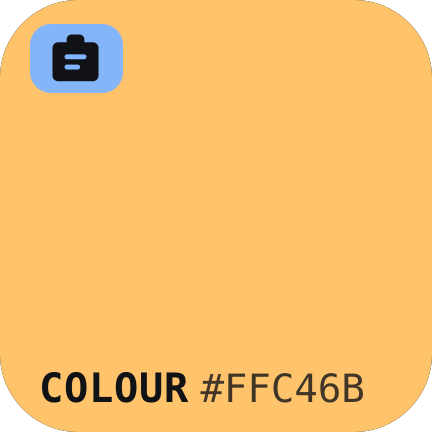
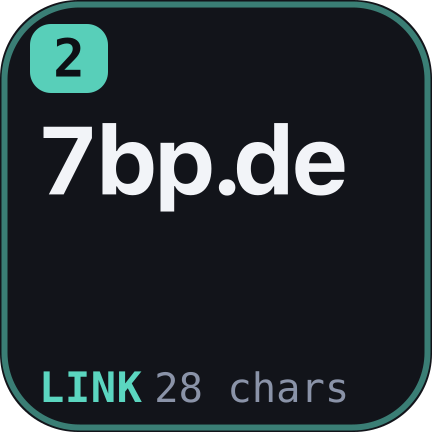
Not an icon standing in for your clipboard — the thing itself. Text appears as text, set as large as it will go. A copied image shows a real preview. A link shows its host in big letters, because “is that staging or live” is the actual question. A colour becomes the colour: copy #4ADE9B and the key turns that green.
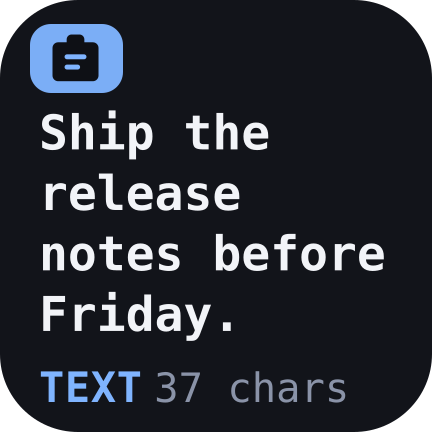

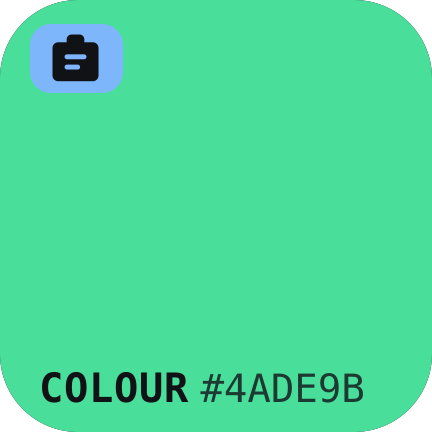

Tap it to paste what is on the clipboard. Hold it to clear the clipboard out.
It knows what it is looking at
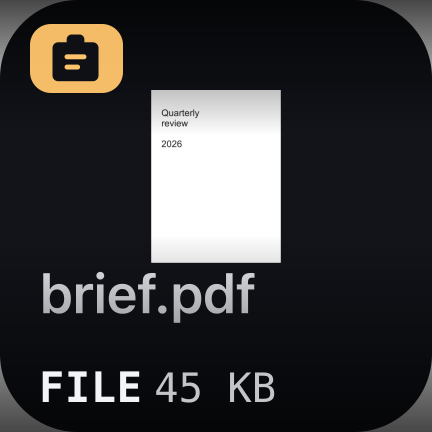
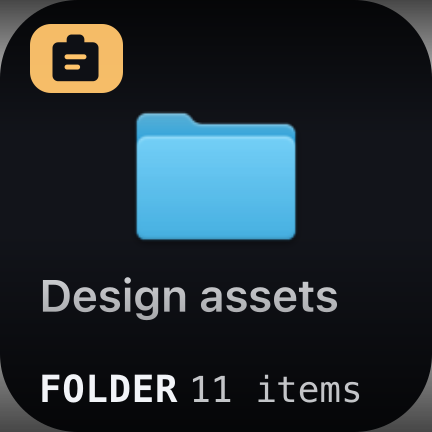
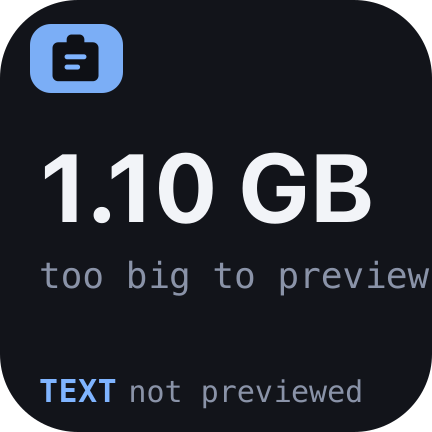
Text, links, code, JSON, email addresses, file paths, colours, images, PDFs, video, audio, folders. Each gets its own label and its own colour, so a row of Stash keys is read at a glance rather than deciphered. Documents show their first page, video shows a frame and how long it runs, and a folder says how many things are inside it.
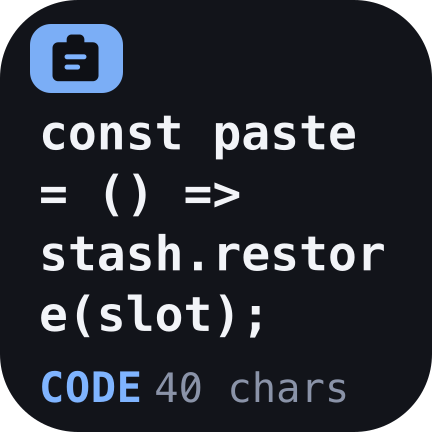
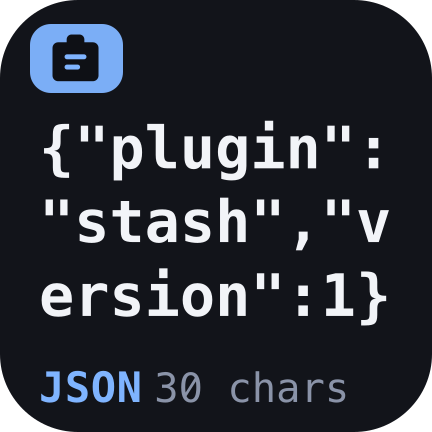
Keep the ones you reach for
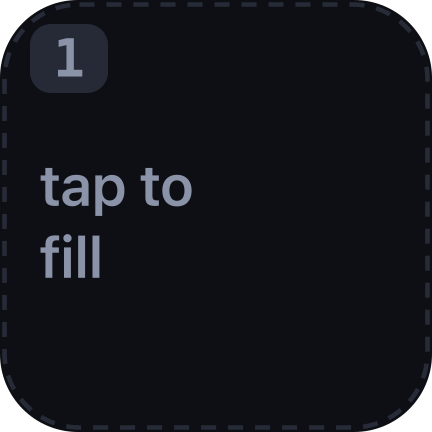
Add Stash keys and each becomes a numbered slot with an address you learn: the snippet is on 2, the logo is on 3. Tap an empty one and it takes whatever is on the clipboard. Tap it again and that clip is pasted where your cursor is. Hold it and it empties.
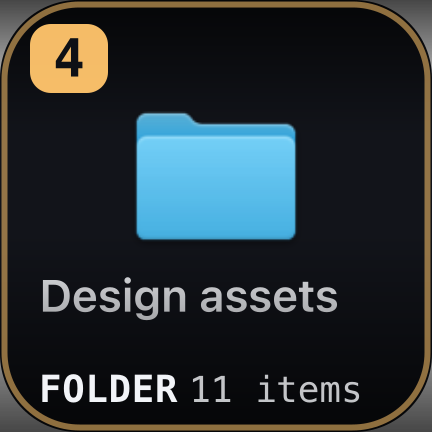
They survive quitting the app, restarting the Mac, and going away for the weekend. Images and files are copied into the plugin's own folder rather than pointed at, so tidying up your Downloads later does not quietly empty a slot.
It does not spend your clipboard
Pasting from a stash borrows the clipboard for a single keystroke and hands it straight back, so whatever you had copied is still there afterwards. A stash sits beside your clipboard rather than taking it over — which is the difference between a shelf and a queue.
- 1You copy a link
- 2Tap the stash
- 3You copy a colour
- 4Tap it — it pastes
CLIPBOARD — what you last copied
STASH 2 — what you put away
The stash is still the link. The clipboard is still the colour.
A gigabyte will not make it stop
This is the part that took the work. macOS will happily let a plugin ask a question that costs four seconds and several hundred megabytes, and the obvious way to write this plugin asks that question every time you copy anything. Stash asks the cheap ones instead.
- 0.0006ms
- to notice the clipboard changed — one integer, read four times a second
- 4ms
- to learn what is on it, whatever its size, without decoding a single byte
- 50ms
- to summarise 200MB, in a process that exits and gives the memory straight back
- 1000×
- cheaper to read a screenshot as PNG than as TIFF — so it reads the PNG
Something too large to preview politely is described rather than opened, which is why a gigabyte on the clipboard costs you a key that says so and nothing else.
Nothing leaves your machine
No account, no sign-in, no network requests, no analytics, no cloud. Your clipboard is read by a small helper that ships inside the plugin and talks to nothing at all. Stashed clips live in the plugin's own folder on your disk, and you can delete that folder to delete them.
One permission
Pasting into the app in front of you means pressing Command-V on your behalf, and macOS requires Accessibility permission for that — granted once, to the Stream Deck app. Without it everything still works: the clip lands on your clipboard and you press Command-V yourself.
Why macOS only
Because the whole plugin is a set of answers to how one operating system stores a clipboard: which representation is cheapest to read, how to ask what is on the pasteboard without materialising it, how to get a document preview without opening the document. None of that ports; it would have to be written again for Windows rather than compiled again. If you want that, say so — it is a question of demand, not of principle.
Requirements
- Stream Deck app
- 7.1 or newer
- Devices
- Any Stream Deck with keys
- Platform
- macOS 12+ — macOS only, by design
- Keys needed
- One for the clipboard; as many stashes as you want
- Internet
- Never — it does not have a network
Version
v1.0.0
First release. A live clipboard key with real previews for text, links, code, JSON, addresses, paths, colours, images, documents, video, audio and folders; numbered stash slots that keep their clip across a restart; pasting that leaves your clipboard as it was; and a reader built so that a very large clipboard costs a moment rather than memory you never get back.
Support
Something wrong, or an idea for it? Write to us and a human will answer.
- Your macOS version and Stream Deck app version
- What was on the clipboard, and what the key showed instead
- Whether Accessibility permission is granted to Stream Deck
- The plugin log from the de.7bp.stash.sdPlugin folder